

Baldur’s Gate 3 uses the latest set of Dungeons & Dragons rules, making it one of the more complicated RPGs on the PC — even in its early-access form. You might only be able to play the first section of the game, but there’s a lot of gameplay to explore before the game releases for real later in 2021. And a lot of buttons you might not even realize you can use.
Fans of the original game will already know about some of these incredibly useful keystrokes, while others are totally new to the Larian developed game. This game gives you a lot of control — like, an absurd amount, and the more buttons you learn, the faster you’ll be able to get through the open-ended combat encounters, and the more loot you’ll be able to uncover.
8 Keys & Features You Need To Know | Important Buttons
There are more important buttons and commands in Baldur’s Gate 3, but these are the buttons you might not realize exist. They’re incredibly useful, and if you want to get more utility, you can easily remap them.
- Hold tilde [~] — the key in the top-left of your keyboard — to highlight enemies and allies. Enemies are red, potential enemies you can talk to are yellow, and friendly NPCs are green.
- Hold [Shift] to show enemy cones of vision. Perfect for sneaking!
- Hold [Alt] to highlight objects you can interact with in the environment.
- There are now two rest buttons — Long Rest and Short Rest. Find the Short Rest button near the minimap. Short Rest restores a random amount of HP, and will renew many of your powers.
- To lockpick or interact with items fully, press [Right-Click] to inspect. This brings up an additional menu of interactions.
- You can force-attack by holding [Ctrl]+[Left-Click] to select your target. You can destroy barred doors or locked chest, though this can destroy the contents inside.
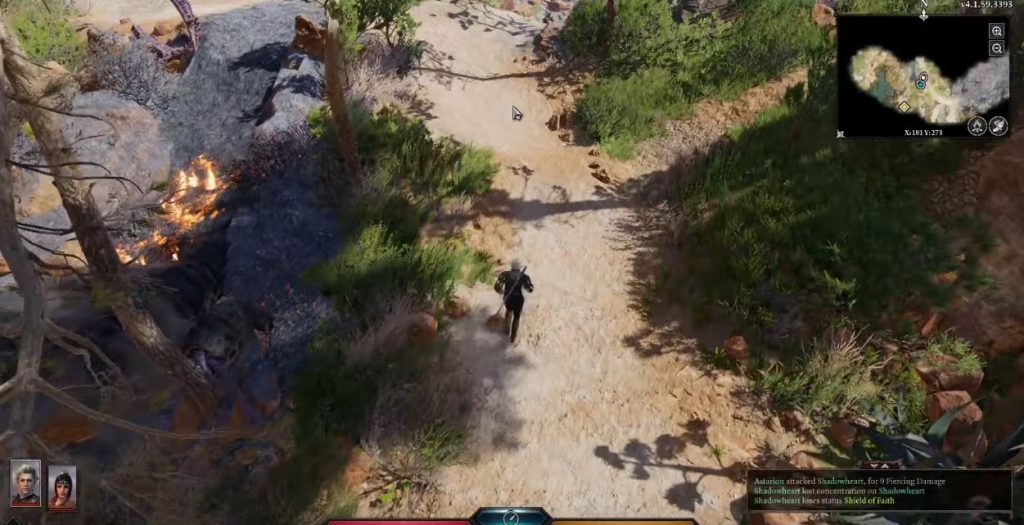
- There are two ways to move character independently of the party.
- Put a character in stealth mode, and they’ll move individually.
- Or drag the character portrait out of the party to separate them. Now the rest of the party won’t follow.
- The camera can be rotated by holding [Middle Mouse Button] and moving the mouse. I recommend changing this to [Q]+[E] to rotate the camera left / right.
- Press [F1] / [F2] / [F3] / [F4] to quick-select the members in your party.
- Don’t forget you can separate the party.
- You can also quick-select while in dialogue or other situations to prepare for combat.
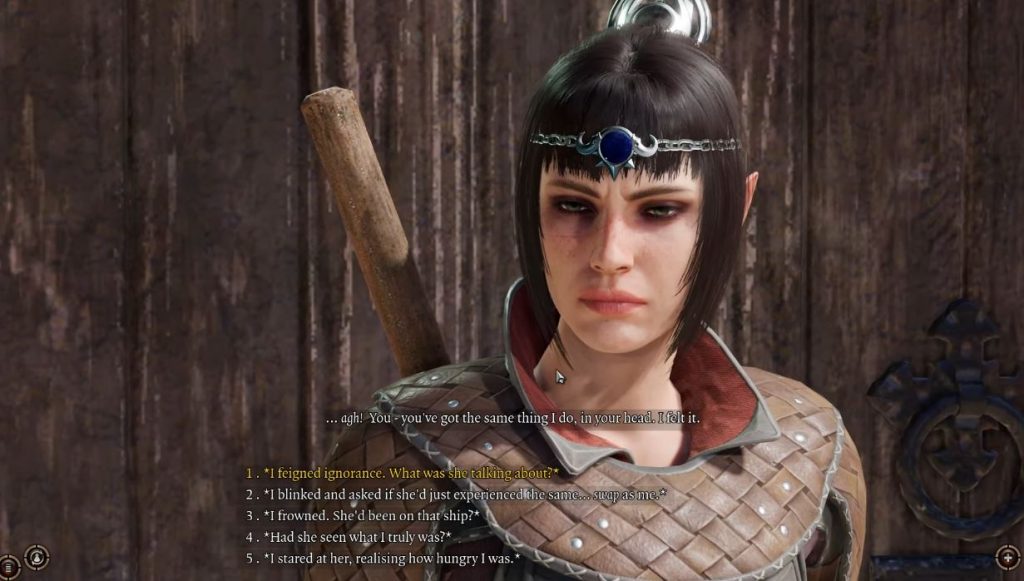
- Want to swap out party members? Talk to them, and you’ll get an option to send the party member back to camp. This isn’t a button, but there is no button for this tip.
- Make selling easier. Mark items in your inventory with the [Add To Wares] button. Anything marked as wares can be quickly sold for a profit when you return to civilization.
There’s a lot more you need to know, but we’re covering a few basics that many new players are missing. If there are more indispensable buttons, we’ll add them to the full list above.







