• Skip to main content
  • Skip to header right navigation
  • Skip to site footer
Gameranx

Gameranx

Video Game News, Lists & Guides

  • News
  • Features
  • Platforms
    • Xbox Series X
    • PS5
    • Nintendo
  • Videos
  • Upcoming Games
  • Guides

Minecraft Earth: How To Start Playing Right Now | Compatible iOS & Android List

November 13, 2019 by Kevin Thielenhaus

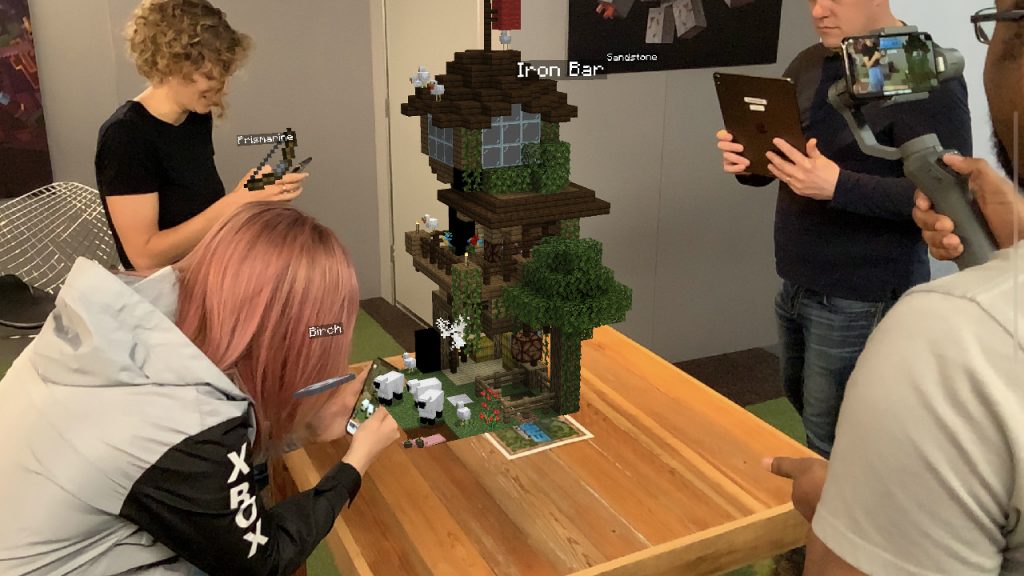
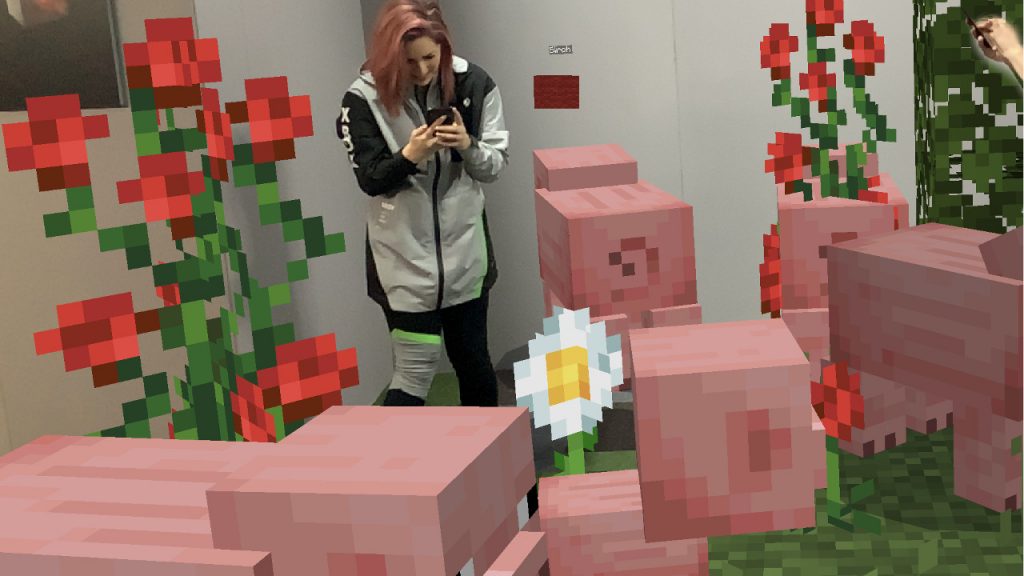
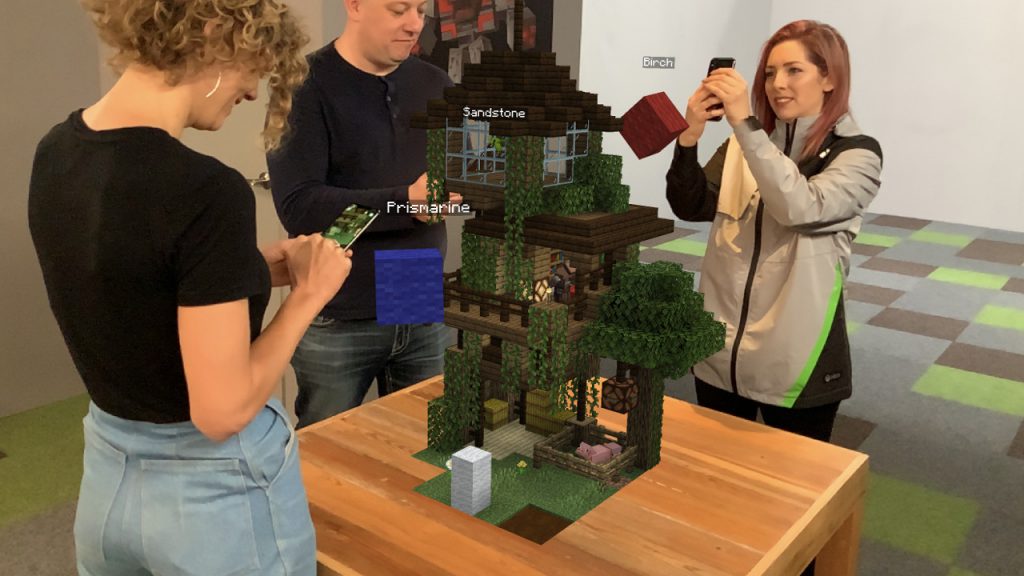
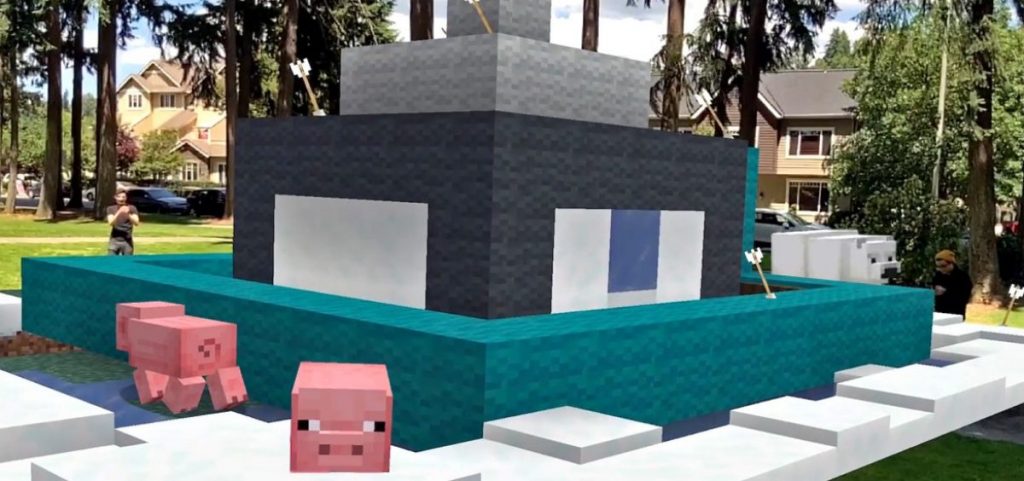
Grab a pickaxe and prepare to adventure in life-size. Minecraft Earth is out for Early-Access, and here’s how download for free.

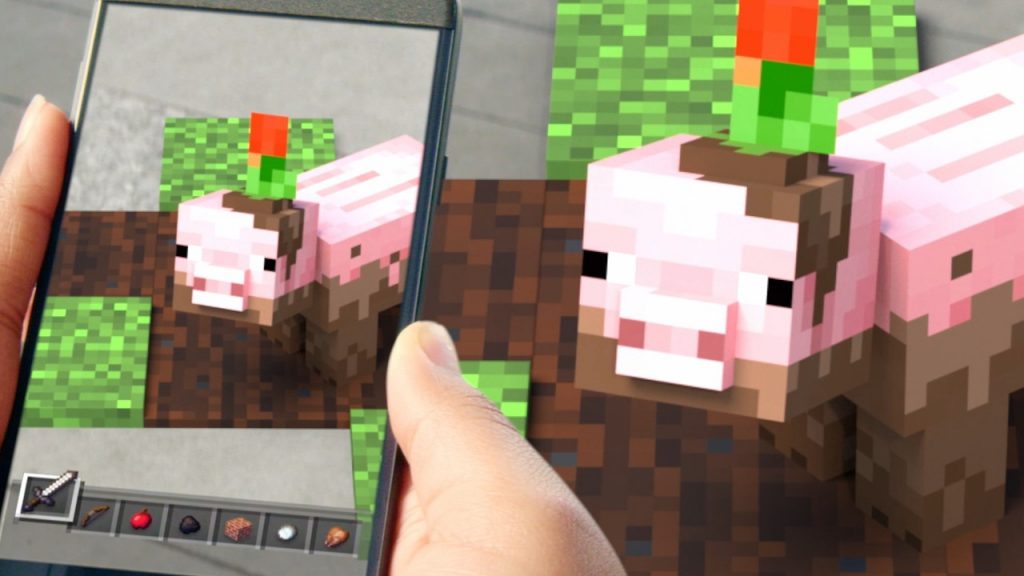
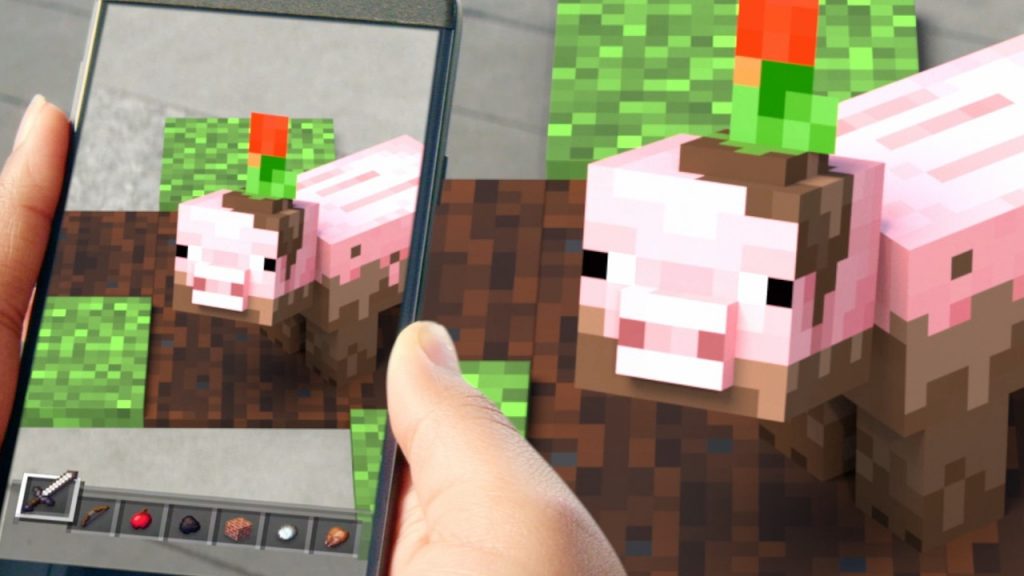
Minecraft Earth is finally available in Early-Access around the globe. No need to join a Closed Beta — the game might not be 100% complete, but that just means you can get in early and starting searching for tappables in your hometown earlier. Minecraft Earth can be played on iOS and Android devices, and we’ll also explain what phones are compatible with this augmented reality game.

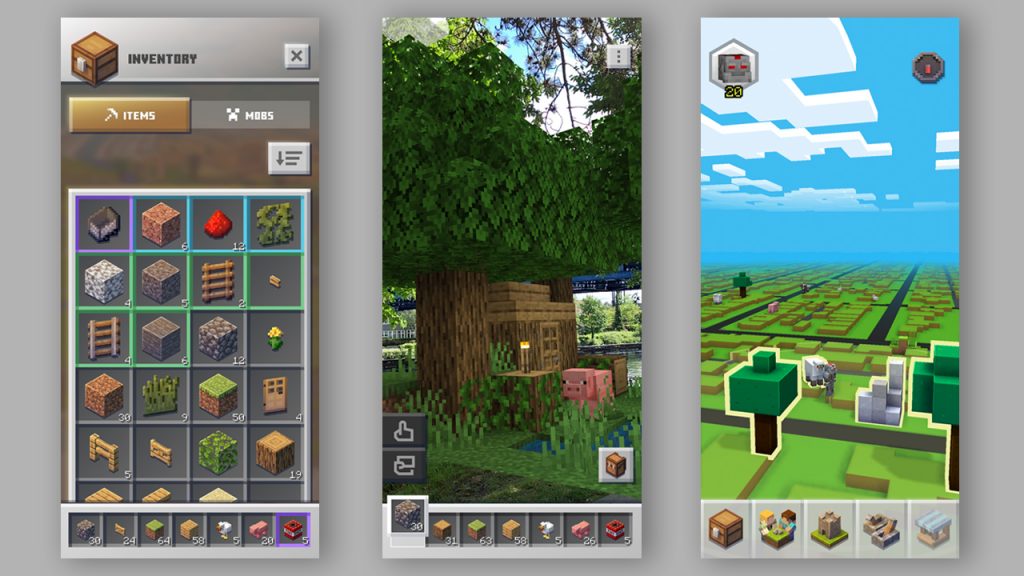
Even better, Minecraft Earth is F2P — you don’t need to spend any cash to jump right in and start your first adventure. Like Pokémon GO, you’ll explore a map of your town, search for objects to tap and collect, and go on adventures. This is just the start of Minecraft Earth, and there will be lots of new features coming in the future. Here’s how you can get started right now.


How To Play | Where To Download Minecraft Earth

Minecraft Earth is available on iOS and Android devices. Before you can start playing, you’ll need to setup a Microsoft / Xbox Live account. If you don’t have an account yet, you can use the link below to set up.

  • Setup a Microsoft / Xbox Live account for free here.

A paid Xbox Live subscription is not required to play Minecraft Earth online.

Download Minecraft Earth HERE:

  • iOS: Download free on App Store here.
  • Android: Download free on Google Play here.

iOS & Android | Compatibility

To play Minecraft Earth, you’ll need a smart device that can run iOS 10+ or Android 8+. Android devices must also support AR Core technology.

  • iOS Compatible Devices List:
    • iPhone 5+ Or Newer
    • iPad Air, iPad Pro & iPad (4rth Gen) Or Newer
  • Android Compatible Devices List:
    • Check this link for a list of Android devices that support AR Core technology.

Compatible on Android is a little complex, so stick with the primary sources to check and see if your phone is going to work. iOS is much simpler, as any devices that support iOS 10 or higher are reported to work.

Grab your pickaxe and prepare to adventure in life-size in Minecraft Earth. There’s a lot more to learn, so check out even more guides on Gameranx coming soon.

Share this post:

FacebookTwitterLinkedInPinterest

Recent Videos

007 First Light - 10 Things You NEED TO KNOW

007 First Light - 10 Things You NEED TO KNOW

20 Longest Single Player Games of The LAST 5 YRS.

20 Longest Single Player Games of The LAST 5 YRS.

10 Brand NEW RPGs That EXCITE US

10 Brand NEW RPGs That EXCITE US

20 Game Franchises RUINED By Publishers

20 Game Franchises RUINED By Publishers

10 WEIRD Gaming Stories of April 2026

10 WEIRD Gaming Stories of April 2026

ROCKSTAR RESPONDS TO GTA 6 PRICE & MORE

ROCKSTAR RESPONDS TO GTA 6 PRICE & MORE

Invincible VS - Before You Buy

Invincible VS - Before You Buy

What The HELL Is Going On With PlayStation DRM?

What The HELL Is Going On With PlayStation DRM?

10 BIGGEST Lies Ever Told by Developers

10 BIGGEST Lies Ever Told by Developers

Category: FeaturesTag: Android, Guides, iOS, Minecraft Earth

Sidebar

Recent Posts

  • Take-Two CEO Strauss Zelnick Says Crunch Is Not Part Of How The GTA 6 Publisher Operates Today
  • Sega’s Stranger Than Heaven Retells The Tojo Clan’s History – But It’s More Than Another Yakuza Story
  • Nintendo Switch 2 Gets A Star Fox 64 Remake With Expanded Multiplayer, Releasing June 25
  • Forza Horizon 6 Has Gone Gold And Is Now Up For Pre-Order
  • Assassin’s Creed Black Flag Resynced Carries Over Gameplay From Assassin’s Creed Shadows

Copyright © 2026 · Gameranx · All Rights Reserved · Powered by Mai Theme