
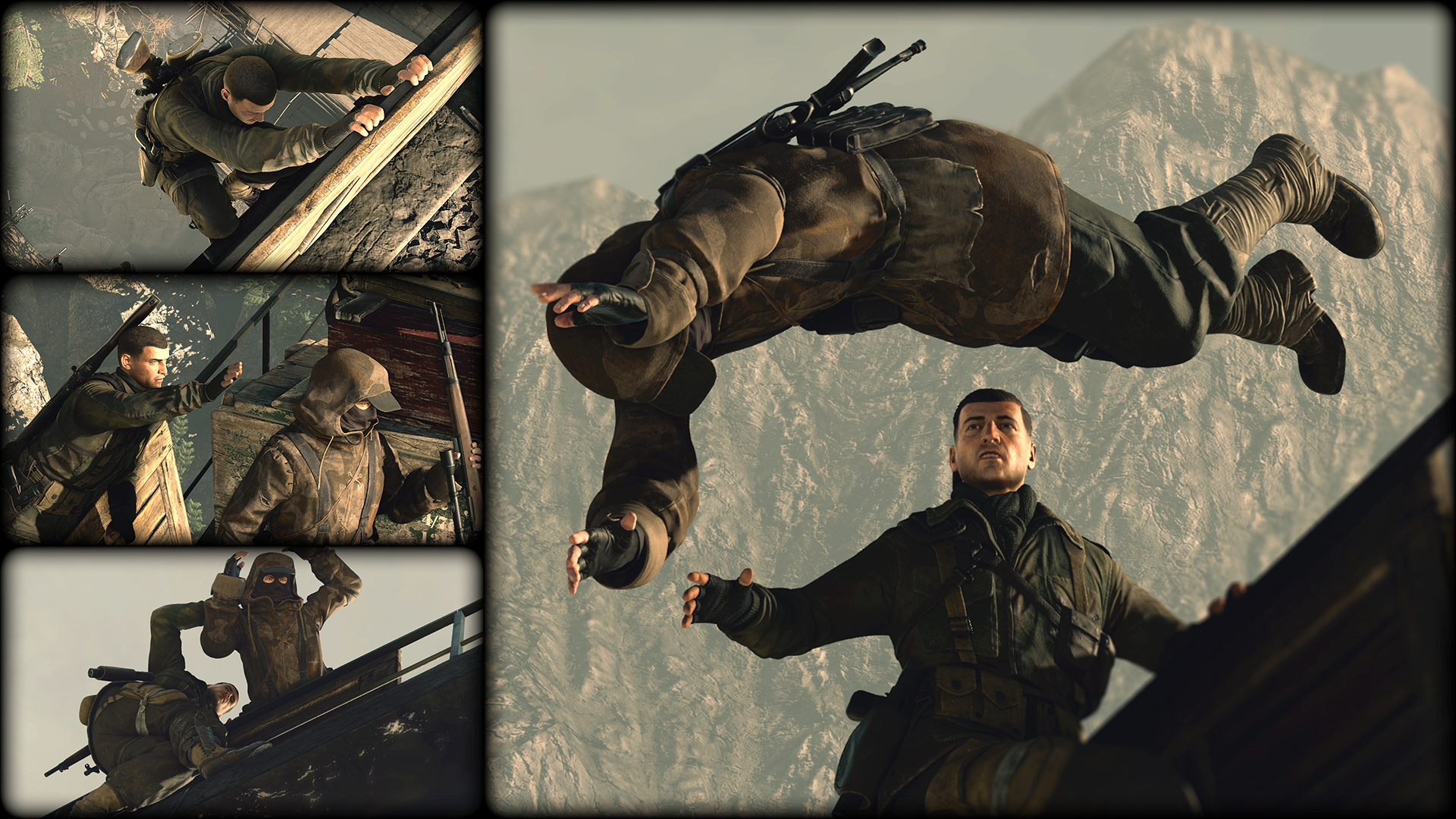
Sniper Elite 4 is already hitting those high-marks for its engaging WW2 sandbox action, but some early adopters are experiencing problems on the PC. Errors range from poor performance to crashes on startup, or strange DX11 errors. There’s nothing worse than downloading a game that simply doesn’t work — that’s why we’re here to help solve all those problems, and maybe a few more.
Before getting started, make sure your PC meets the minimum requirements. As long as you exceed these requirements, you shouldn’t experience serious issues with your copy of Sniper Elite 4. Remember, if you purchase on Steam, you have a 2-Hour return window for a full refund.
More Sniper Elite 4 guides on Gameranx:
- Sniper Elite 4: Mission 1 – San Celini Island | All Collectibles Guide
- Sniper Elite 4: How to Unlock All The Achievements / Trophies | 100% Guide
Minimum System Requirements:
- OS:64-bit Windows 7, 64-bit Windows 8.1 or 64-bit Windows 1
- Processor:Intel CPU Core i3-2100 or AMD equivalent
- Memory:4 GB RAM
- Graphics:AMD Radeon HD 7870 (2GB) or NVIDIA GeForce GTX 660 (2GB)










Game Won’t Launch
- Close Steam. Press CTRL+ALT+DEL and close Steam.exe in the Task Manager.
- Open Steam and attempt to run the game.
- If it still doesn’t work, right-click Sniper Elite 4 in your Library.
- Go to Properties -> Local Files -> Verify Integrity of Game Files
SniperElite4_DX11.exe Has Stopped Working
- The latest Game Ready Drivers from Nvidia are causing problems for some users.
- If you downloaded this driver (Link) you may need to roll back to a previous Nvidia Driver.
- To Rollback Drivers for Nvidia:
- Go to the Device Manager (In Control Panel / System)
- Expand Display Adapters -> Open NVIDIA GPU
- Open DRIVER Tab -> Click “Roll Back Driver”
Low FPS / Screen Flickering
- In Settings, lower DX12 to DX11
- Some games (currently) run much, much slower in DX12.
- Disable SLI
- Download the latest Nvidia / AMD Drivers.
If the problem continues on an Nvidia Card…
- Open the Nvidia Control Panel on your desktop.
- Set Vsync to Adaptive
- Set Triple Buffering to On
- Set Maximum Prerendered Frames To: 1
- Set Threaded Optimization to On
Found success with your own PC fixes for Sniper Elite 4? Let us know!





