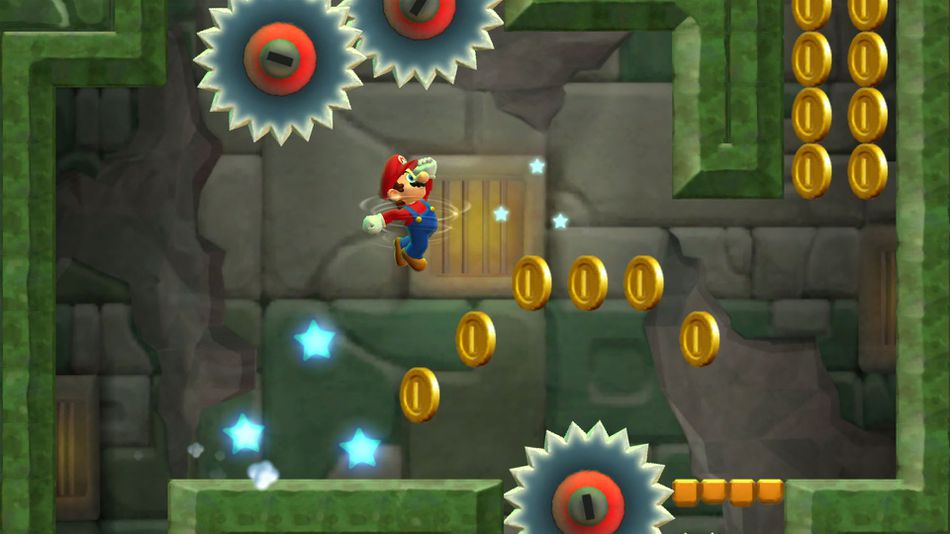
In Super Mario Run, that plucky plumber Mario is stuck on an automatic trajectory, sprinting right so hard he’ll bound over opponents instead of dashing directly into them. Nothing stops Mario’s mad pace — well, almost nothing. There are two ways you can slow Mario’s roll. Yes, you can stop Mario, and even backtrack through stages to make earning that 100% score so much easier.
Learn how to use these useful (and totally optional) moves in the movement guide below. When you’re done, try browsing some of the extra Super Mario Run articles available to learn about other aspects in this bite-sized Mario morsel.
More Super Mario Run secrets, tips and tricks:
- Super Mario Run: How to Unlock 5 Bonus Characters | Yoshi, Luigi & More
- Super Mario Run: Black Coins Locations | Collectibles Guide
- Super Mario Run: How to Perform Stylish Moves For Bonus Coins & Toads
- Super Mario Run: How to Unlock 3 Special Stages | Secret Levels Guide
Movement Tips and Tricks
Movement is a straight line in Super Mario Run. You can jump by tapping, but if you want to earn 100% on a level, you’ll need some extra help. There are two things you’ll need to know, first and foremost — you can slow Mario to a complete stop, and you can backtrack.
- How to Stop:
- Slide LEFT with your finger in a stage.
- How to Backtrack:
- Tap the BUBBLE icon in the upper-left corner of the screen.
- After using the bubble, Mario will begin to float backwards. Tap again to resume running right.
- You have a limited number of bubbles, so use them wisely!
These two movement tricks make it possible to plan your next more or go back and grab a special coin you missed. Just remember that the bubbles double as Mario’s lives — if you use all your bubbles to backtrack then get stuck, you’ll fail the level.
- More Misc Tips & Tricks:
- Mario normally vaults over enemies like Koopas and Goombas. Tap to jump and bounce of them for a bigger jump!
- Defeat 200 Goombas to get +1 Coins for every Goomba stomped.
- When Mario jumps into a wall or block, tap to perform a wall-jump.
- When Mario’s blue meter fills up, use “Coin Rush” to barrel through enemies for bonus coins.
- Mario normally vaults over enemies like Koopas and Goombas. Tap to jump and bounce of them for a bigger jump!