Table of Contents[Hide][Show]
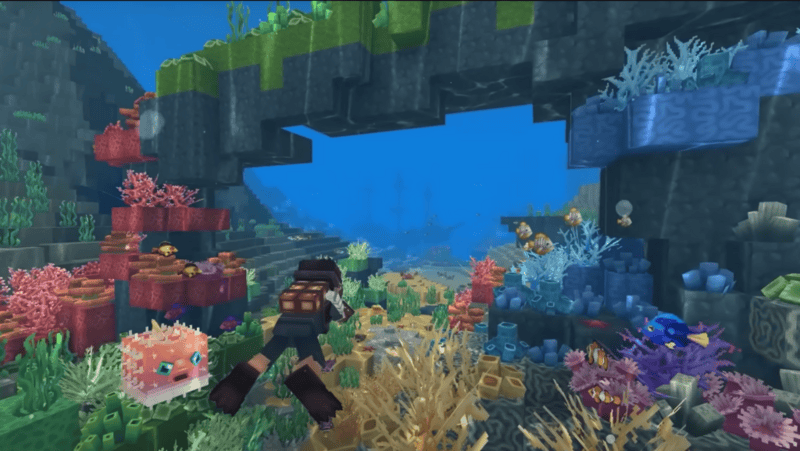
Minecraft 2.0? 3d Terraria? Whatever you want to call it, Hytale is here, and it’s a beautiful addition to the sandbox genre! Building, mining, slay enemies, or playing fast-paced mini-games; this game has something that will appeal to anyone. If you’ve heard about this game or perhaps been one of the loyal followers through the ups and downs during the development, you may have heard that there’s a way to support creators who have contributed greatly to the game! This is true! Hytale joins one of the few games that introduces options to directly thank and support creators. How Hytale goes about it is through Creator Codes! Below we’ll list the codes you can use, who they belong to, and how to use them! See if one of your favorite content creators are there!
What are the Creator Codes for Hytale?
While we may not be able to find every single creator out there who has been given a creator code, we’ve included below a great amount found through multiple sites! Creators are still applying and being approved so keep an eye out for your favorite!
- HUGO – @hugotrork
- ALKAPONE – @MYM_ALKAPONE
- KEPLERXG – @KeplerXG
- Bored – @novasobored
- CALICK – @CalickLive
- CAT – @Buuz135
- EloYT – @Elo YT
- Emslea – @Emslea
- RED – @reddoons
- INTHELITTLEWOOD – @martyn
- BIGDUDE – @BigDudeHytale
- OLEGRO – @OlegroHytale
- Fresheys – @Fresheys
- Haiken – @Haiken
- HYBR – @Hytale Brasil
- LUISMEEWIS – @Luismeewis
- KOROKU – @KorokuGaming
- KWEEBEC – @kweebec
- VIOLET – @vippori
- chippy – @ChippyGaming
- ANTVENOM – @AntVenom
- MYNE – @not_myne
- FLASH – @CanadianFlash
- Jahirah87 – @jahirah87
- ranvir – @ranvir
- Red – @Reddoons
- scar – @GoodTimesWithScar
- SHY – @Mrbysco
- TWIN – @TwinCodePlays
- YuraYami – @YuraYami
- captainsparklez – @CaptainSparklez
- JuniorJaxon – @jrjaxon
- pcgus – @pcgus
- Ramma – @rammagaming
- TreyKatxo – @treykatxo
- modcraft- @Modcrafts
- ThirtyVirus – @ThirtyVirus
- NEWS – @HytaleNewsYT
- Happy – @TheHappywheels1
How Do I Use A Creator Code?
To use/redeem a creator code, you will need to put it in before you have purchased the game. You can only use one code. We know it might be a hard choice but one is all you can use when purchasing the game! Choose wisely!
Below is a step-by-step guide to navigating the site and where to put in the code.
- Go to the Hytale Website.
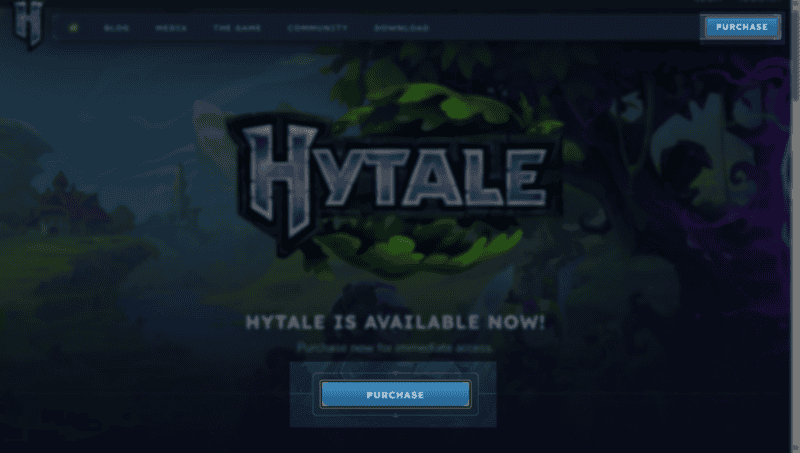
- Click the Purchase button either in the top right corner or below the Hytale logo on the main page.
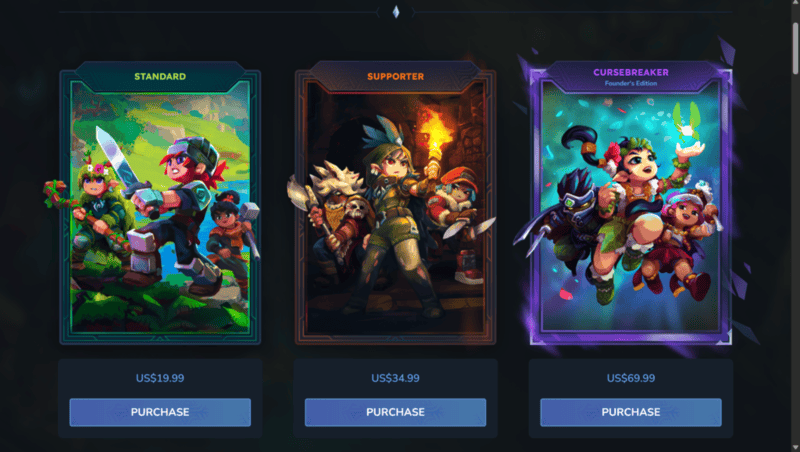
- Select which edition you would like to purchase.
There are 3 options to choose from. Standard, Supporter, and Cursebreaker. If you are curious about the differences between them, each has the game but the latter two include more cosmetic sets that can be worn by the character you create. There are no significant differences, the more expensive ones are included as an option to help support the developers more significantly while receiving fun and cool outfits!
- Review the terms and agreements. You may also need to create an account at this point.
- Click the necessary boxes.
- On the order confirmation screen, look at the left hand side for a Creator Code section with a box underneath.
- Type or copy-paste the code you would like to use and click Confirm.
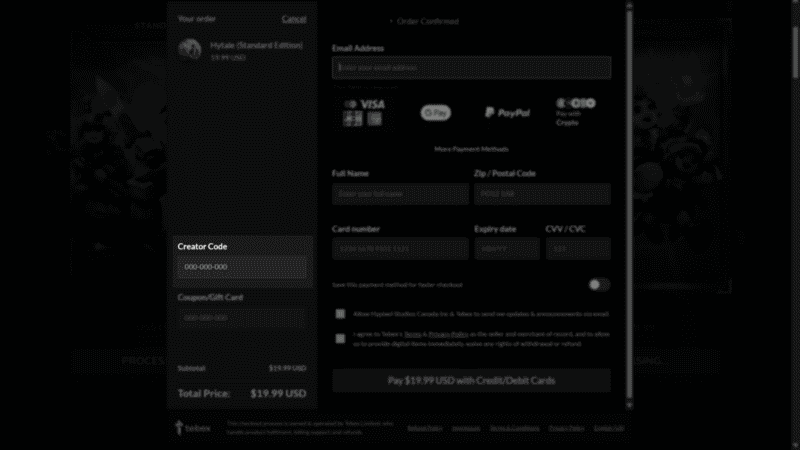
- Finish your purchase.
There we go! We hope you are able to have a chance to play this amazing game and support a creator you love at the same time!