
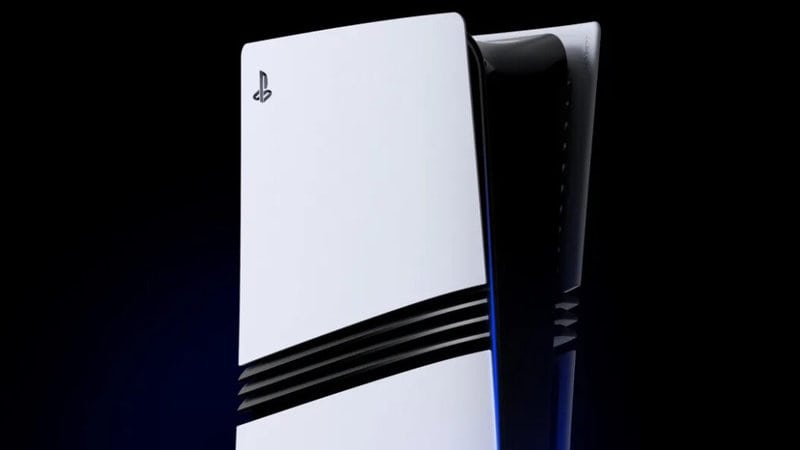
Today is an interesting day for gamers, as an upgraded system has arrived from Sony with the goal of getting you to spend between $700-$800, depending on the accessories you want to get for it, to get the “best visuals possible” in the gaming space. If that sounds familiar, both Sony and Microsoft have made similar visual promises in the past. However, with the arrival of the PS5 Pro, Sony “really means it” and has not only released a launch trailer for it but a “getting started” guide so that you know how to use it to the fullest while also transferring your original PS5 data to it.
Let’s get right to the data transfer element, shall we? After all, that is easily one of the most important parts of the process, especially if you’re totally fine with digital versions of games. Here’s how the PlayStation Blog broke down the data transfer process:
“If you own a PS5, PS4 Pro, or a PS4 console, you can transfer your data to your new console. Before you start the transfer, make sure your original console is updated to the latest system software and you’ve synced your trophy information. On both your original console and your PS5 Pro, sign in on your PlayStation Network account . You can transfer your user information, games downloaded to your console’s hard drive or SSD, save data, and select console settings if both consoles are connected to the same network. Go to Settings > System > System Software, select Data Transfer > Continue then follow the on-screen instructions.”
If you follow those instructions, you should be fine, and will be up and running with the digital titles you had on your previous PS5 model. The blog does offer a warning to those using multiple systems. Specifically, only ONE of your consoles can be set for “Console Sharing” and the “Offline Play” options. Thus, you’ll need to be sure that your PS5 Pro is set for both if you wish to keep using those functions.
The guide also helps you sync up controls, know how to transfer memory cards, and more. So, be sure to read the whole thing so that you’re not missing something before you play the system.
As many of its reviews noted, whether you get the PlayStation 5 Pro is up to you on multiple fronts. The price tag alone makes it something that only a select group can get. Not to mention, some of you might not want an all-new console that only has slightly improved graphics and framerates. Your call.






