
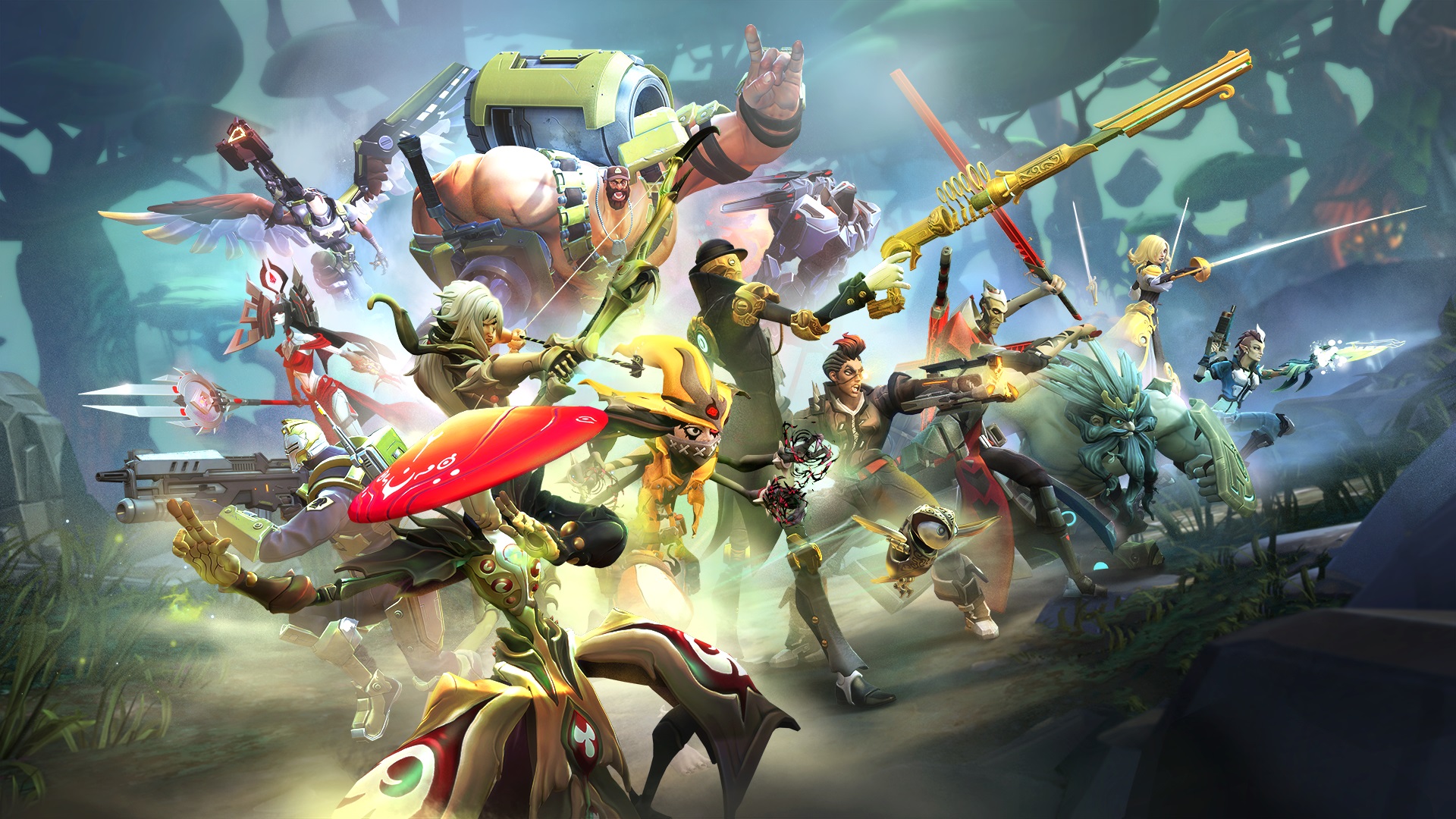
There’s nothing worse than loading up a new game and watching your framerate plunge. Battleborn is here and some players are already experiencing issues with performance, crashes on start-up, or any number of common PC problems. If you’re hungry to improve your experience, whether you’re running on a high-end gaming rig or a moderate laptop, there are tweaks that won’t sacrifice too much visual clarity and help you get online faster.
While you’re busy waiting for driver updates, or if you’re forced to watch the opening cinematic for the fourth time in a row, why not take a break and learn a little bit more about Battleborn with our Incursion preview, or check out these fancy Battleborn Ultra HD wallpapers to really spiff up your background.
Low FPS on AMD Cards
You’re experiencing low FPS and bad performance in general on any AMD graphics card. Attempt these changes:
- Set PhysX to Low or Disable
- Update Drivers
PhysX is a feature designed for NVIDIA cards and often causes issues. Make sure to set it to “Low” or turn the feature off entirely.
General Stuttering
Very low FPS and stuttering is a widely reported problem in the community. Right now, it appears that the issue needs to be resolved by Gearbox — players are reporting markedly lower FPS in the retail release compared to the open beta.
Expect an update to fix this common issue in the near future, and be sure to check your video card for any updated drivers.
Improve Performance – .ini Tweaks
WARNING: This method requires altering the .ini file. These changes are not supported and may cause unexpected issues in-game. Always make a back-up of any altered installation files before attempting.
Find the Battleborn’s config folder & .ini file here:
- C:\Users\[YOURUSERNAME]\Documents\My Games\Battleborn\PoplarGame\Config\PoplarEngine.ini
Try changing these variables for improved performance and get a clearer image by disabling blur, fog, particle bias, and other filters.
Example .ini Tweaks
MaxParticleResize=100
bSmoothFrameRate=FALSE
DynamicLights=True
DynamicShadows=False
LightEnvironmentShadows=False
MotionBlur=False
DepthOfField=False
AmbientOcclusion=False
Bloom=False
bAllowLightShafts=False
Distortion=False
FilteredDistortion=False
DropParticleDistortion=False
LensFlares=False
FogVolumes=False
AllowRadialBlur=False
ParticleLODBias=0
DetailMode=0
MaxAnisotropy=16
FXAA=False
Check out even more Battleborn unlockables, easter eggs, tips and tricks.
- Battleborn: Top 10 Tips & Tricks for Beginners
- Battleborn: How to Unlock Every Hero – Requirements Guide
- Battleborn: All Shift Codes List
- Battleborn: Every Easter Egg We Know So Far
- Battleborn: How to Get Legendary Gear – Unlockables Guide
- Battleborn: How to Skip the Opening Cinematic
Source: [1]



