Table of Contents[Hide][Show]
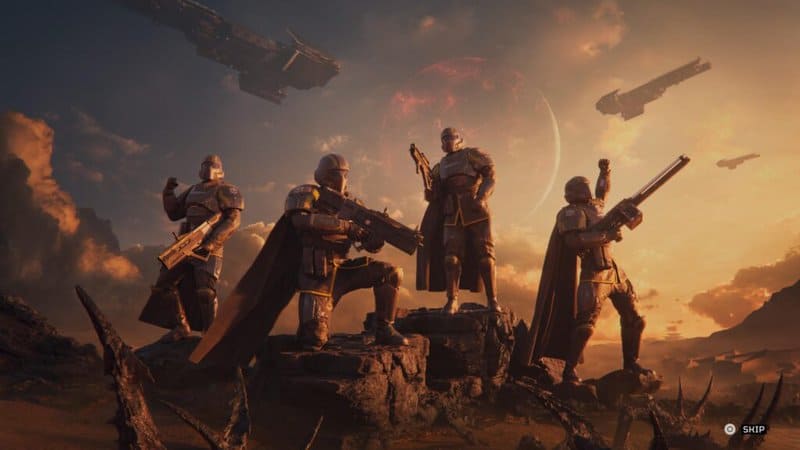
If you’re looking for the latest cooperative game to hop online with and blast the crap out of aliens and robots, then Helldivers II is just the game for you. Currently available on PC and PS5, the game sees you joining a squad of democracy-happy maniacs dead set on murdering anything in the universe that goes against their way of life.
Of course, it’s all a bit tongue and cheek but that’s part of the appeal. However, another major part of the appeal is that you’re part of a team. That’s where the trouble comes for some players. If you don’t know anyone who has Helldivers II or your friends are never online when you are, you might find that the gameplay experience loses a bit of its luster.
That’s why we’re going to tell you how to join a public game and how to host a game so that others can join you as well. Read on for the details.
Other Helldivers II Guides:
How to Unlock New Weapons and Other Perks – How to Level Up Quickly
How to Join a Public Game in Helldivers II
The first thing that you’re going to want to do in the game if you want to play with random players is to go into your Settings. Select Gameplay from there and then scroll down to Matchmaking Policy. If this is set to Private, you’ll want to set it to Public. This will allow you to play with others, even when you and your friends aren’t planning a match together.
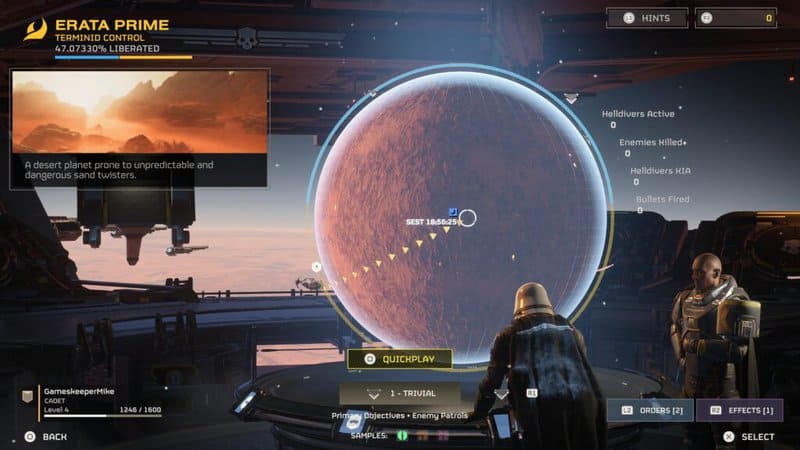
Next, if you want to keep it simple, all you have to do is go to the Mission Selection map in your support and transport ship and look above the difficulty setting on the bottom of the screen (see picture above). You’ll see a single button that you can press in order to join any mission that’s currently available for more players to join (there are only 4 players allowed in each mission).
How to Host a Public Game in Helldivers II
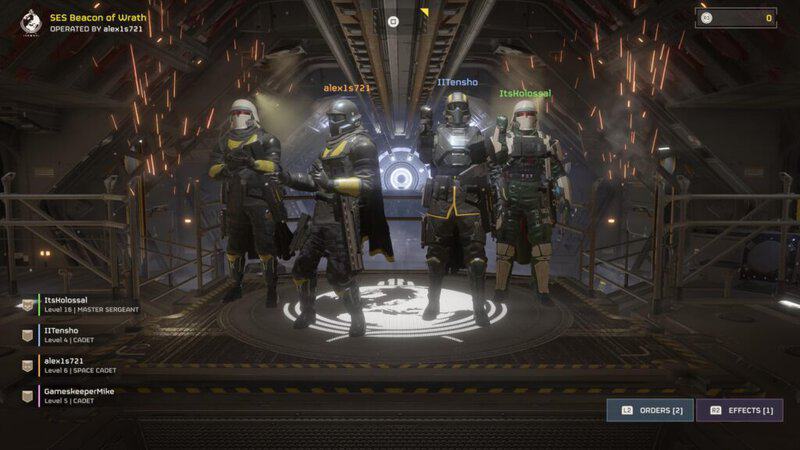
If you’d rather be the one calling the shots, on the other hand, you can host a public game yourself with relative ease. Assuming you’ve followed the steps above and set your Matchmaking to Public, you just need to start a mission. You’ll notice that players will randomly pop in to support you during your mission, and when it’s all over, you’ll be the one who can choose what the squad gets up to next.
With these tips in mind, you can get the best experience out of your time playing the Helldivers sequel. Of course, the most fun way to play the game is still with a few buddies of your own, but these other options can still be a ton of fun in their own right. Who knows, maybe you’ll even make some new friends along the way for future games.