The Dead Space remake is a finely crafted game that’s both faithful to the original survival-horror classic while also breaking new ground for the series. Despite the differences between the remake and the original game, there are some aspects to it that remain largely unaltered. Some puzzles, for example, have the same solutions as were featured in the original game.
This means that if you’re a newcomer to the franchise, you may struggle a little bit in the early hours as you start to learn the ins and outs of Dead Space’s systems. Fixing the damaged tram in chapter one can be a roadblock for some, so here’s everything you need to know about how to solve the puzzle.
More Dead Space guides:
| Power Nodes Explained | How to Get Security Clearance Level 1 | How to Get Security Clearance Level 2 | ‘Scan RIG to Unlock Workstation’ Explained | How to Fast Travel | How to Restart the Centrifuge | How to Find Autopsy Location | How to Beat the Brute Boss Fight |
Tram Repair Room Puzzle Solution
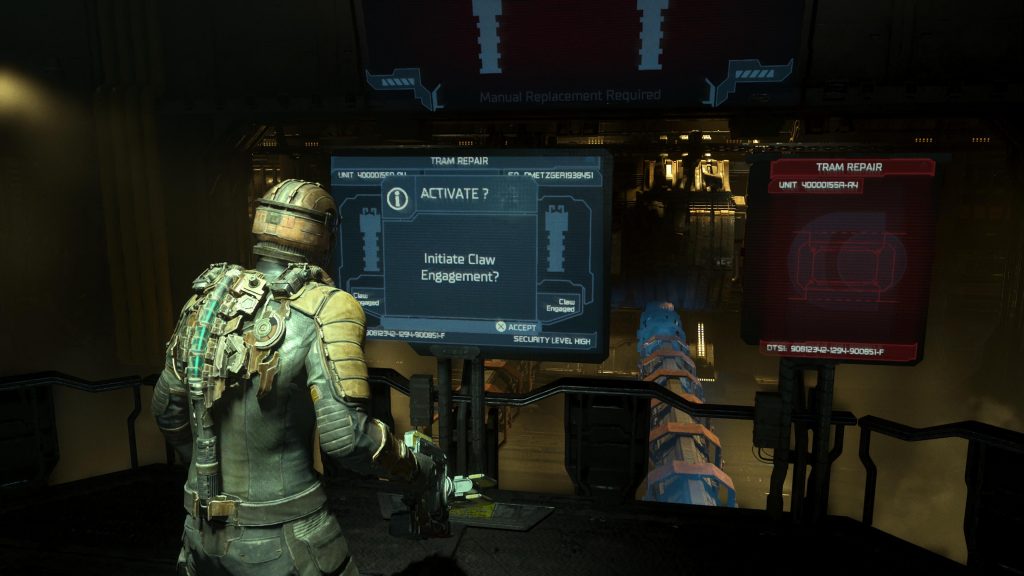
The tram repair room puzzle requires players to use the stasis rig they found in a previous room. Inside the room with the claw arms, head to the console in the center. There will be two screens, but you’re going to need to interact with the one on the right that reads “open shutters to repair tram?” to get the new tram into the proper spot across the room. Take note that as you explore the room, you’ll be attacked by necromorphs laying in wait so make sure to keep your eyes peeled for any incoming attackers.
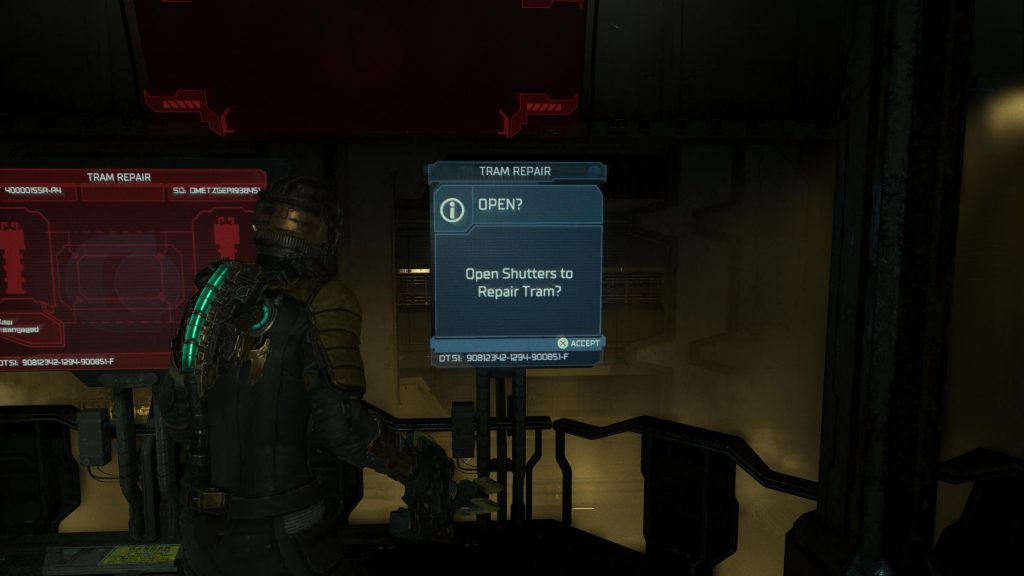
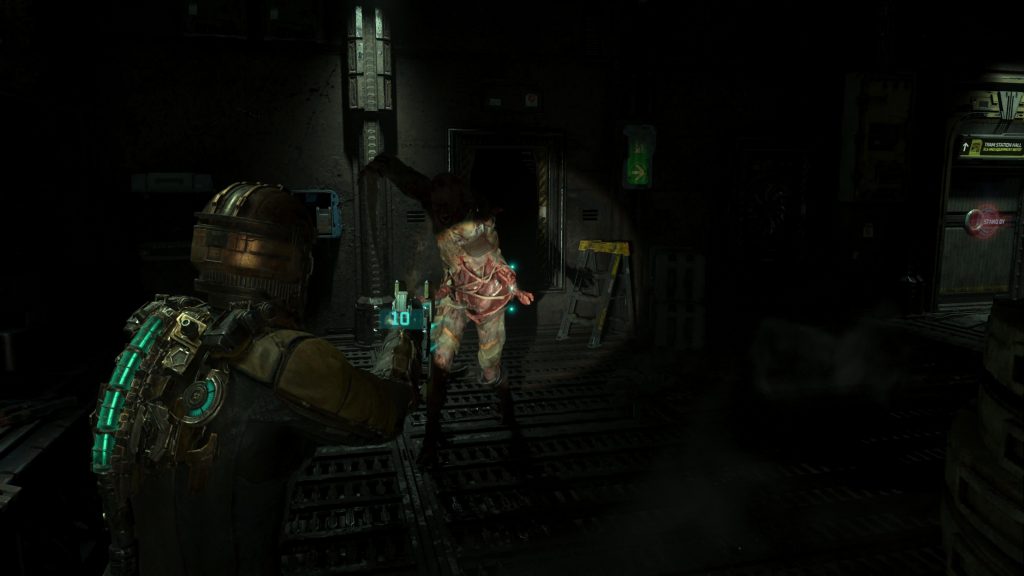
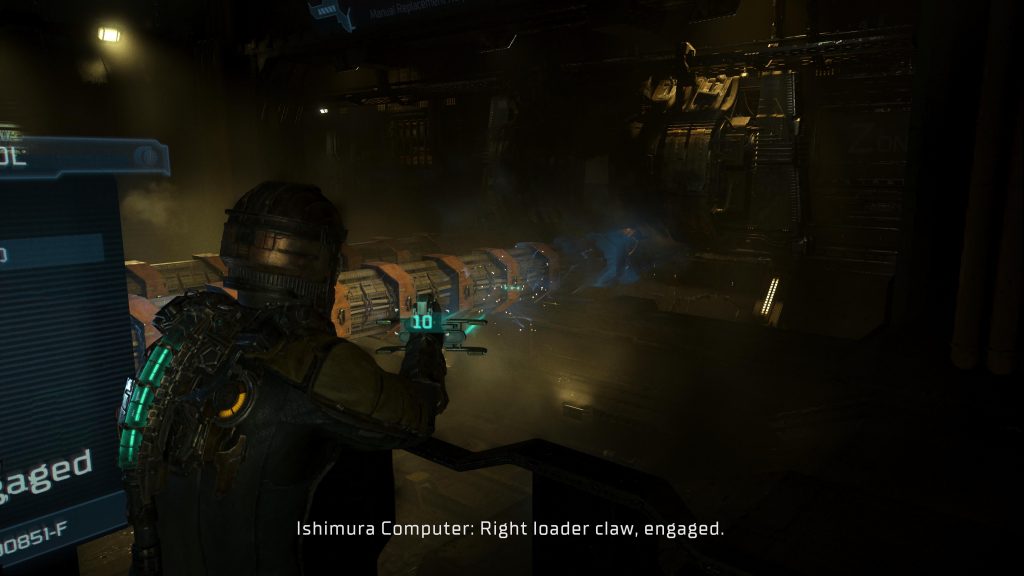
With the tram prepped and ready to go, refill your stasis rig at the terminal on the wall across from the center tram control console and then run to the claw control terminal on side of the room that you came in on. Interact with it and a claw will latch onto the tram. Take out the necromorphs that attack you and then head to the opposite side of the room to the terminal there.
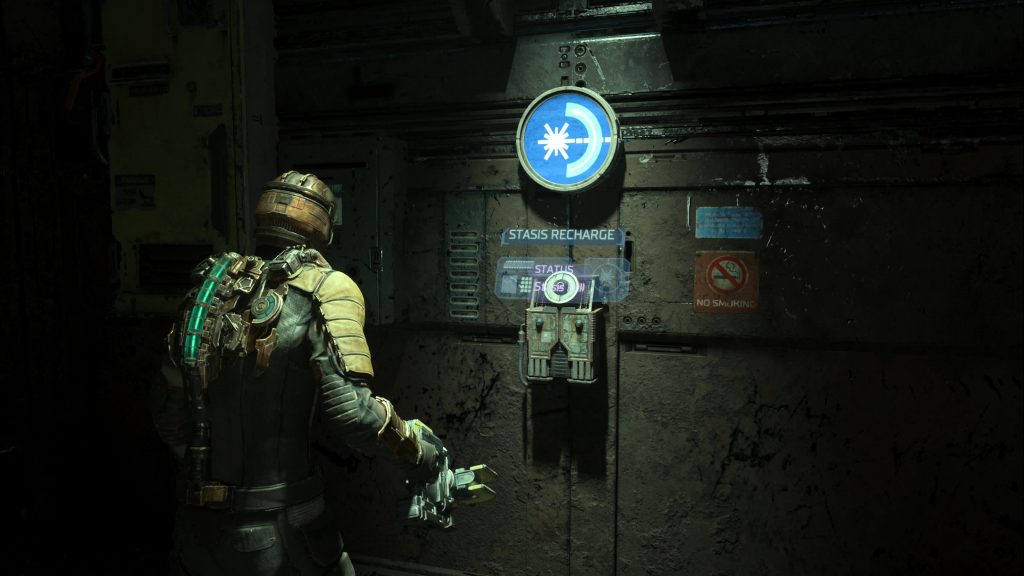
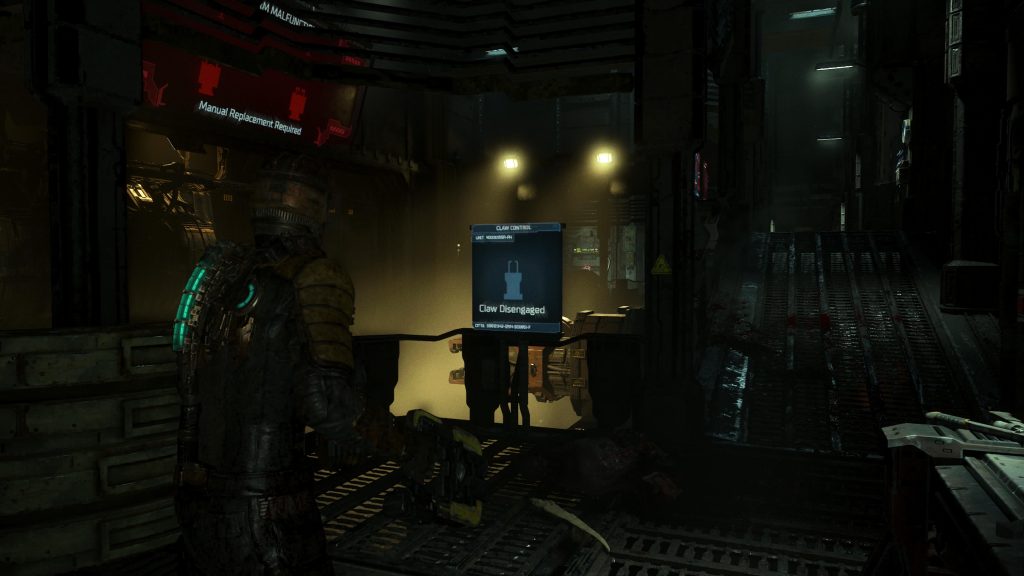
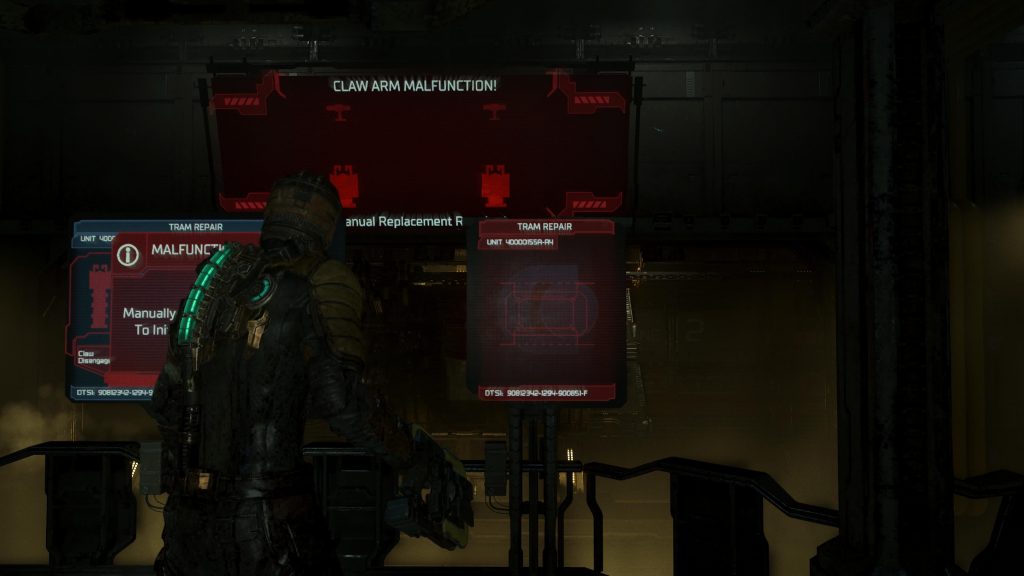
Interact with the claw terminal and as soon as the claw grabs the tram, hit it with your stasis rig by aiming your weapon at it and hitting the Y or triangle button. Once it’s been slowed down by the stasis rig, a voice on the intercom will ping to tell you that the tram is ready to be moved. Return to the tram repair terminal in the center of the room and interact with it. As soon as you do, the tram will be repaired and the puzzle will be solved. We warned, more necromorphs will spawn into the room, so make sure you don’t let them get the drop on you.