Table of Contents[Hide][Show]
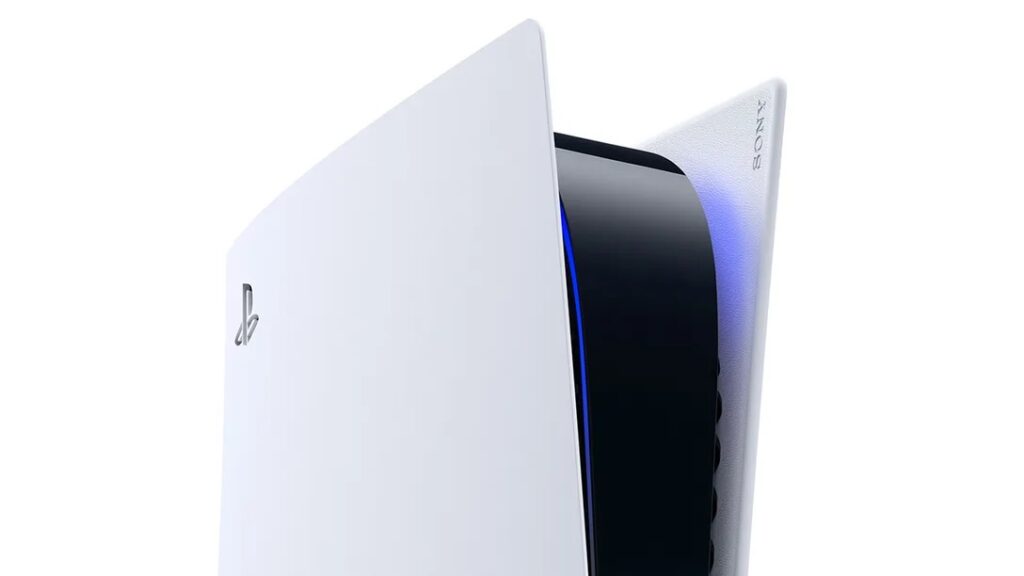
The DualSense controller adds a lot of features never before seen in a console-focused gamepad, making it one of the PS5’s main attractions. There’s plenty to love about it, however, the new Xbox Series controllers are just as good even though they don’t have as many flashy new features. Controller preference is entirely up to each individual, and some PS5 owners are looking to use their console with an Xbox controller.
Ever since the new consoles were released in late 2020, fans have been wondering if they can mix and match consoles with controllers. As more and more walls separating the consoles have come down, many hope to be able to pick up a controller, regardless of its type, and play any console. Here’s what you need to know about how close we are to that reality.
Does the PS5 Support Xbox Controllers?
Similar to the Xbox Series X and S’ DualSense controller support, the PS5 doesn’t natively allow users to pair an Xbox controller to it. That said, there is a way to pair an Xbox controller to a PS5 if you’re willing to put the effort into using a workaround.
How to Pair an Xbox Controller with a PS5
In order to use an Xbox controller with a PS5, you’ll need to have a smartphone with the PS5 remote play app downloaded. Once you have that downloaded, start your PS5 and go into the system settings. There, find the “Remote Play” tab and make sure that the toggle is switched to “on.” Once it’s ready, open the remote play app on your phone.
Before pairing your phone to your console, make sure that you go into the app’s settings and allow “Background streaming.” With background streaming on, you’ll be able to switch between apps on your phone without disconnecting your stream. Pair your app with your console and begin streaming. Once a connection has been made and you’re able to control your PS5 with the onscreen buttons from your phone, switch to your phone’s settings app and pair your Xbox controller to it. To do this, turn on the controller, hold down the pair button until the Xbox logo starts flashing, and select the controller from the list of pairable devices in your phone’s Bluetooth settings.
With the controller paired to your phone, return to the PlayStation remote play app and you’ll be able to control it using the Xbox gamepad. Turn your TV/monitor on and you’ll notice that you can control the PS5 itself with the controller.
There are a handful of things to take special note of, however. The first is that you may experience some latency with your button inputs when using this method since you’re streaming your controller inputs through your phone. Your experience with latency may vary depending on your internet connection, but it’s important to recognize that you’ll likely experience some at the very least. The other thing to note is that this method won’t work if the Xbox controller is paired to your phone when you try to start streaming to the PS5. For it to work, you must connect your phone to your PS5 via streaming and then connect your controller to your phone. If you don’t, the PS remote play app won’t connect to your console.