
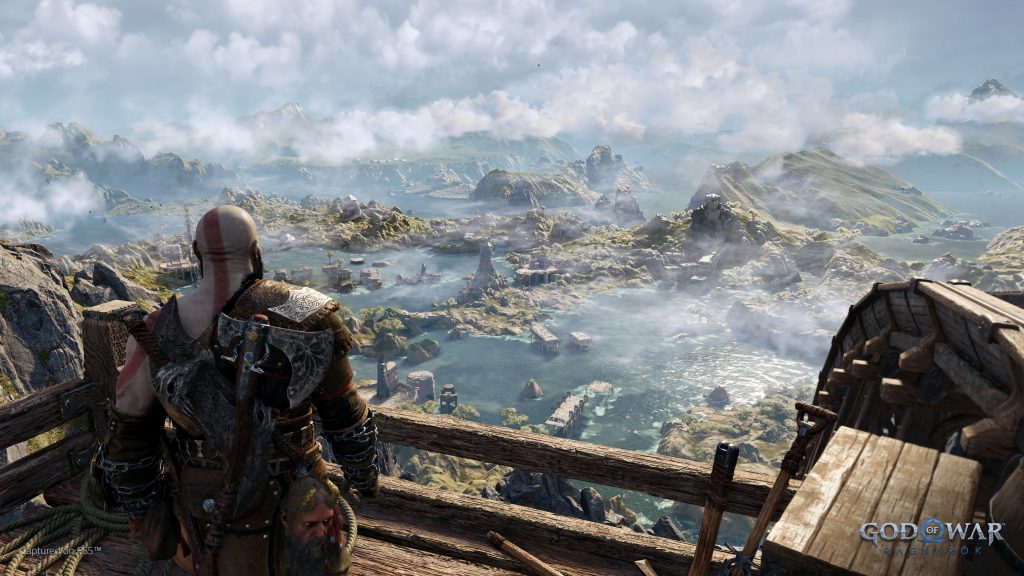
Prefer smooth gameplay or sharp graphics? You’re given choices in God of War: Ragnarok, and picking which is best for you depends on what kind of player you are. Available in the Options menu, the Graphics Settings give you control of your frame rate and resolution. There are many, many more Accessibility options available to make your experience smoother, and I highly recommend checking out everything while you dive deep into Kratos’s next massive blockbuster adventure.
There are essentially three options: 4K 30 FPS, 60 FPS and 120 FPS. If you’re a fiend for graphics or ridiculously high frame rates, there’s an option for you in Ragnarok. Below we’ll explain all the choices available, and why we prefer some settings over others.
While we might have a preference, all that matters is picking the best setting for your needs. And if you have the right monitors / TVs, you can really show off the power of the PS5 at the highest limits of resolution settings and frame rates.
Graphics Settings | Best Picks For You
In the Options menu, you’ll have access to three major graphics settings — Graphics Mode, High Frame Rate Mode, and Reduced Flashing. Depending on your choices, God of War: Ragnarok can run extremely smoothly, or chug slightly as it produces a higher quality image.
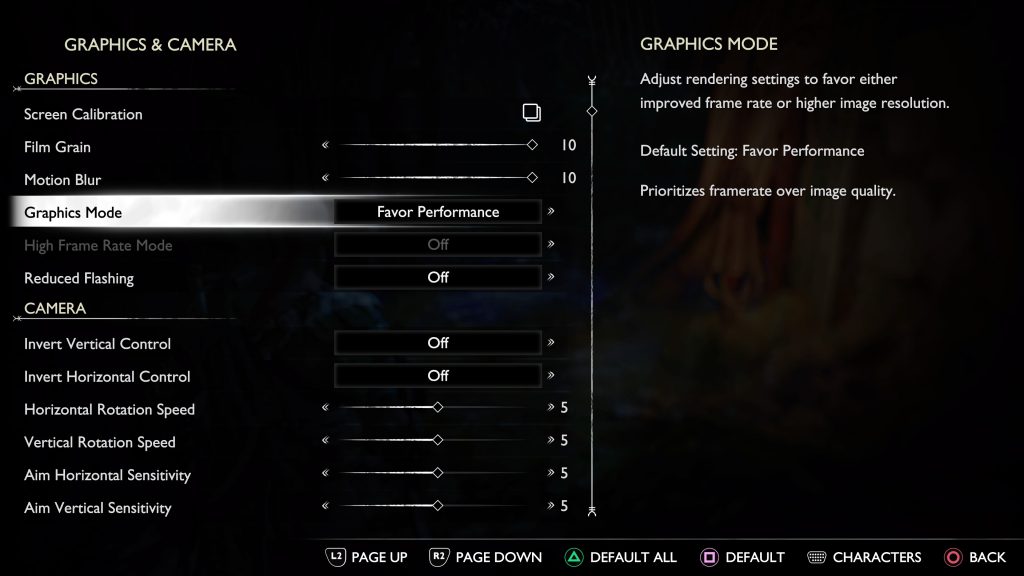
- Graphics Mode: Changes rendering to favor higher frame rate or higher resolution. Default setting is Favor Performance.
- High Frame Rate Mode: Only available for TVs / monitors capable of displaying 120 FPS. This setting is unavailable if the PS5 is connected to a TV / monitor that is incapable of displaying 120 FPS gameplay.
- Reduced Flashing: Reduces flashing effects. Default setting is Off.
You can customize your gameplay experience by changing these settings. Personally, we prefer “Favor Performance” — this is the best all-around graphics setting for most players. The game runs at a silky, consistent 60 FPS that gives you incredible control of Kratos. But if you’re used to the standard 30 FPS of God of War (2018) you can change to “Favor Resolution” — which increases the clarity of textures, lowering the gameplay to a consistent 30 FPS.
- NOTE: For 4K resolution, you need to set graphics to “Favor Resolution” — all other settings have reduced resolutions for performance. Only “Favor Resolution” displays in 4K.
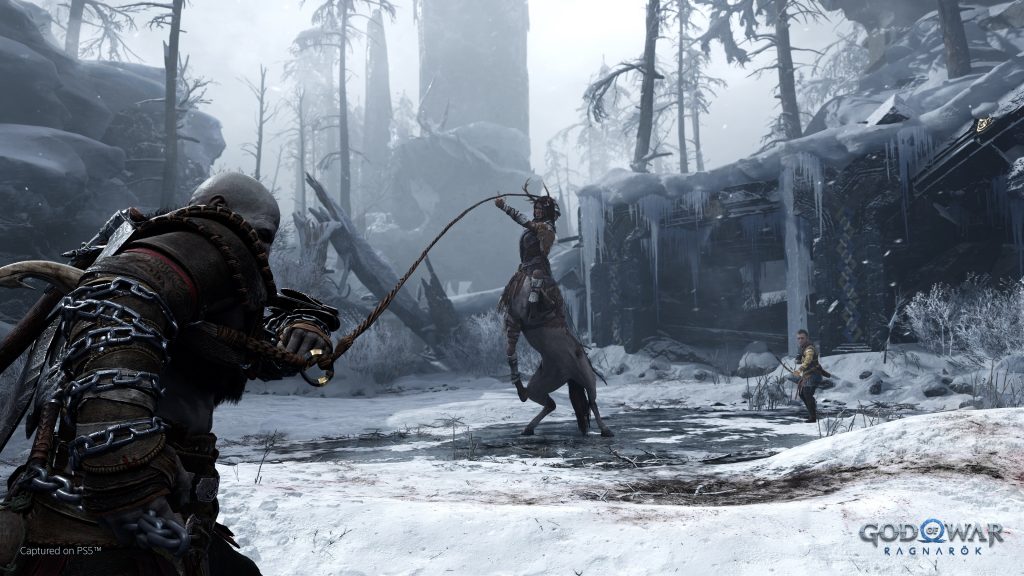
High Frame Rate Mode further reduces resolution to give players access to 120 FPS — that’s so high, most of us won’t even be able to tell how smooth this game is playing. Just for comparison, movies in the United States have a standardized 24 FPS rate — that’s more than quadruple the frame rate. This setting is really only for frame rate junkies with special TV sets or monitors. It is an impressive display of the PS5’s ability to match high-end PC performance but isn’t really required. Ragnarok isn’t a multiplayer game demanding the best performance possible. This is a highly scripted action-adventure game with a whole lot of cutscenes.
Finally, we have Reduced Flashing which is on by default. This setting is designed to prevent inducing seizures. If you’re not susceptible to flashing lights and don’t mind complete chaos on your screen, you’re free to change this setting. It doesn’t affect performance at all, only certain visuals.
The graphics settings in God of War: Ragnarok are pretty simple. Lookout for misleading videos and information — God of War: Ragnarok does NOT feature 4K resolution at 60 FPS. You can only have one of the other.





