
Table of Contents[Hide][Show]
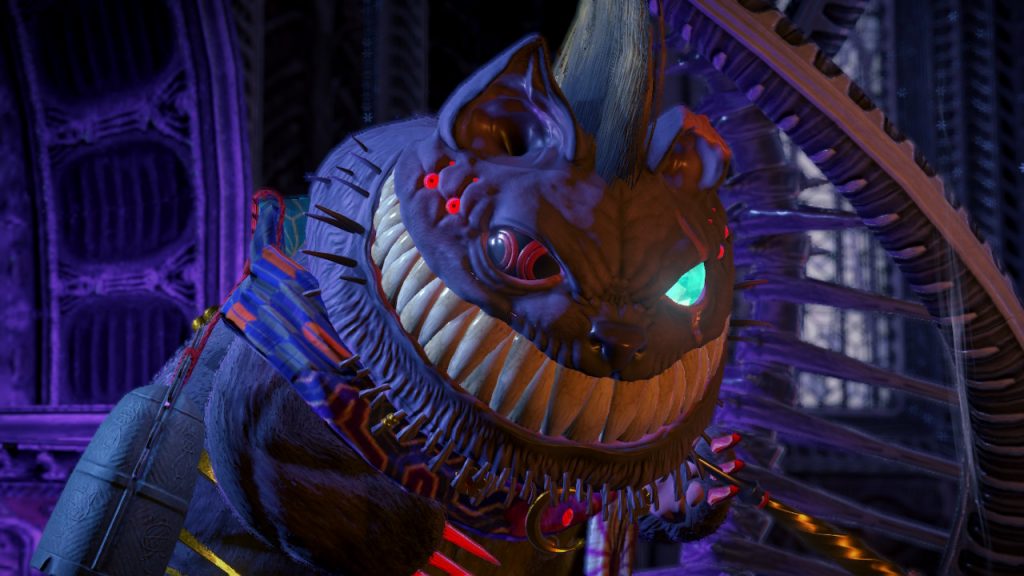
Bayonetta 3 is an action-packed romp across the multiverse. Whilst its performance can be a bit choppy from time to time, it never stops being a visual treat. This is, of course, thanks to its utterly bonkers scenarios and set pieces. The Nintendo Switch has always been able to take photos at the push of a button. However, dedicated Photo Modes have been few and far between.
Heck, the games that have them, have often had poor implementation, which has led to many players abandoning the concept of a stylish custom photo on the platform. Bayonetta 3, at a glance, looked to continue this trend with poor quality and downright blurry photos. Turns out, this isn’t the case, the game has one of the best photo modes on the Switch once you mess with some settings.
More Bayonetta 3 content:
Scarborough Fair And Love Is Blue | Umbran Tears Chapter 1 | Pannus Boss Guide | Beginner Tips
How To Access Photo Mode
Photo Mode can be accessed at just about any time – even during cutscenes. All you have to do to enable it is press the ‘+’ button on your controller to open up the pause menu and select ‘Photo Mode’ (it’s right at the top which is handy for ease of access).
Once done, depending on whether or not you are in-game or in a cutscene, you are given a bunch of options to mess around with to take the perfect snap.
How To Take Clear Photos
Here’s the catch though, despite being able to take a photo anywhere, these photos often look terrible. There is a lot of blurring, and zooming and changing angles doesn’t do much to resolve it. In most cases, you are going to get a pretty ugly-looking photo of a really cool event, which is a bit of a letdown. This is made worse if there is too much motion in that specific shot.
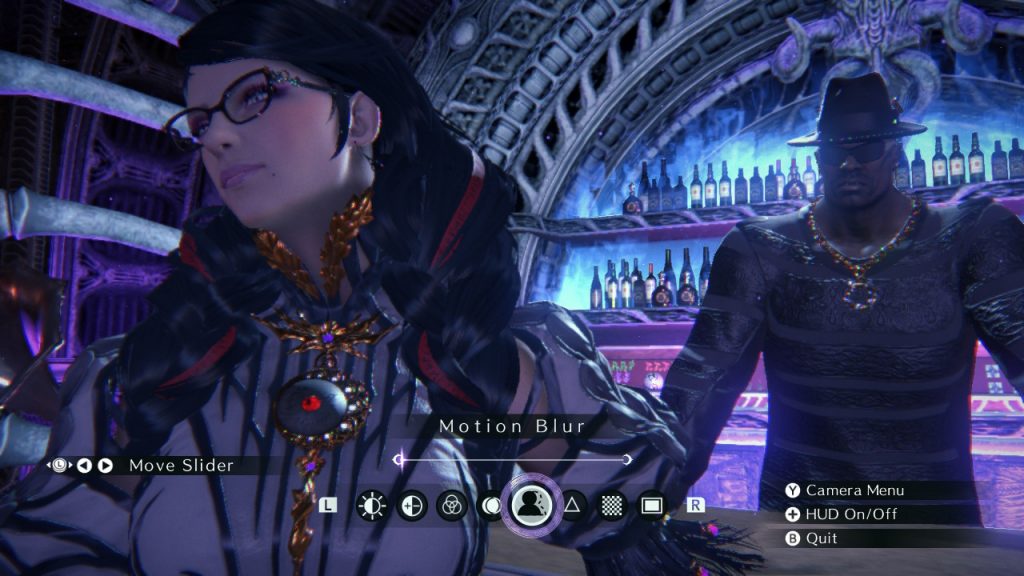
Thankfully, Bayonetta 3 has a pretty robust system under the hood. You can fix it right up with a bit of tweaking. Once you have accessed Photo Mode, all you have to do is press the ‘Y’ button to access the Detail Menu.
From this menu, you have access to all kinds of sliders that can drastically increase the quality of your snaps. To cycle through them, use your ‘L’ and ‘R’ buttons. We recommend flicking through to Motion Blur, Film Grain, and Sharpness first. Set Motion Blur and Film Grain to zero and max out Sharpness for the clearest image possible.
From there, you can mess with other settings like Chromatic Aberration and Brightness to get the perfect-looking shot. Leave the detail menu, get the perfect angle, and you are good to go. Bayonetta 3 is a damn pretty game at times, and once you clear away all of that blurry nonsense, you can really begin to appreciate those details. Heck, so can everyone else!
That’s all we have on Bayonetta 3’s Photo Mode. Keep an eye out for more guides covering the game. Happy snapping.






