
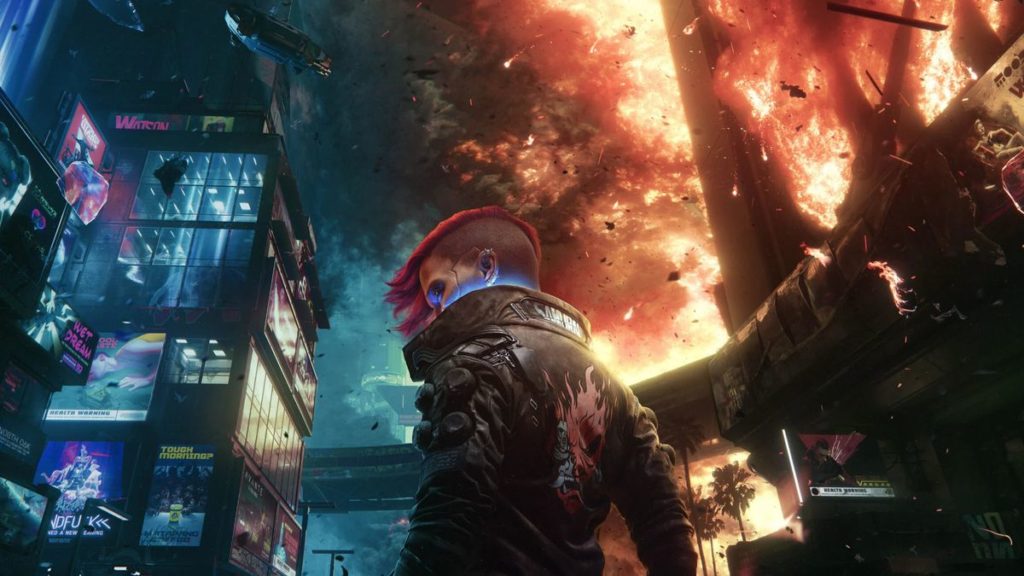
Last week we learned of Google’s intention to unceremoniously shut down their Google Stadia cloud-streamed gaming platform. Everyone, including developers, were taken by surprise by this sudden revelation, and so many have been scrambling to find ways to support their player’s transition their save data from the streaming platform to other systems. The likes of Bungie, IO Interactive and Ubisoft are all hard at work developing these tools to assist players, but Cyberpunk 2077 developer, CD Project Red, has beaten them all to the punch, outlining to their players how they can salvage their save data for the resurgent RPG.
It isn’t the cleanest and easiest way to make the transition happen, but CD Projekt Red has shared on their support page a nine-step process for players to follow to bring their save data across to other PC platforms with the assistance of a GOG account to synchronise the data:
- Open takeout.google.com.
- In “Create a new export” section click “Deselect all” and select “Stadia”. Press “Next Step” to continue.
- Choose your preferred destination and “Export once” frequency. Choose “.zip” file type and “2 GB” size. Press “Create Export”.
- Download the export from the destination chosen in the previous step.
- Locate the downloaded archive on your PC. Extract it.
- Your Cyberpunk 2077 gamesaves will be located in the following path: …/Takeout/Stadia/GAMING/GAME_SAVE/
Note that there may be save files from other games located there as well. - Files of each gamesave are located inside archives. Extract them to separate folders.
- To use the extracted saves on PC version, simply copy-paste those folders to the following path: %userprofile%\Saved Games\CD Projekt Red\Cyberpunk 2077
Make sure that files are not nested inside another folder. - If you own a game copy on supported console platform, you can use cross progression on any of the PC platforms and sync it with your GOG account to transfer your progress to a console:
- Start Cyberpunk 2077 on the PC.
- Make sure that you are logged in in the REDlauncher – this will be the account used to store your cross-platform saves.
- Make sure the cross-platform saves are enabled in the in-game Settings.
- Load the latest save file from Stadia (or any other that you want to copy)
- Save the game again.
- This save file should be synced with the cloud and appear on your console (if you’re logged in to the same GOG account).
As we said, the steps themselves aren’t the easiest to pull off, but should you follow them to the letter, you’ll then be able to resume your Stadia save-game across any other PC platform without issue in the future. Presumably, we’ll be hearing from other developers and publishers regarding their advice for players with their own games in the near future, at least for now though, that’s one big hitter off the list.