
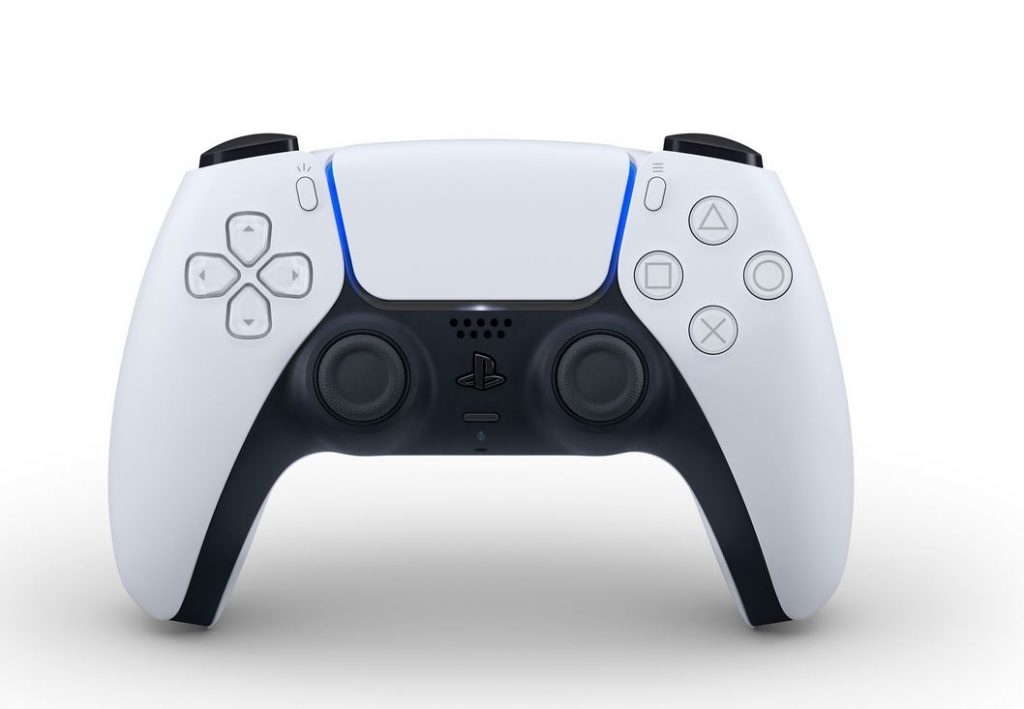
Good news for players who use their PS5 controllers on the go (but especially on their PCs). Gamers who use their PlayStation 5 DualSense wireless controller can now update it without having to be connected to a PS5. In a tweet shared earlier today, PlayStation has confirmed that for those who use their DualSense controller to play games on PC, the device’s firmware can be updated directly as of now.
In order to enhance the performance of the Dualsense controller, it is recommended that players keep the device firmware up to date as consistently as possible. It seems this will now be made much more straightforward for PC players. Previously the controller could only be updated through a wired connection to the PS5.
It’s important to check that your PC meets the system requirements to run the update first. At a minimum, players will need to have a Windows PC that operates on Windows 10 (64 bit) or Windows 11, and has 10 MB or more in storage space, with a display resolution of 1024 × 768 or higher. In addition, you’ll need to have USB connectivity to link the DualSense controller to your PC for the upgrade.
In order to update the device’s firmware, PC players must first have the Firmware updater for DualSense wireless controller app installed on their PC. After downloading and installing that, it’s a pretty simple case of connecting the controller to your PC via USB cable and then completing the on-screen instructions to update the device’s firmware. So basically, a nice and straightforward process to have your controller up to speed in no time, without needing to be hooked up to the PS5.
You can find the full instructions for how to download and update your PlayStation DualSense wireless controller via your Windows PC over at this website, as well as the link to download the updater app directly.








