
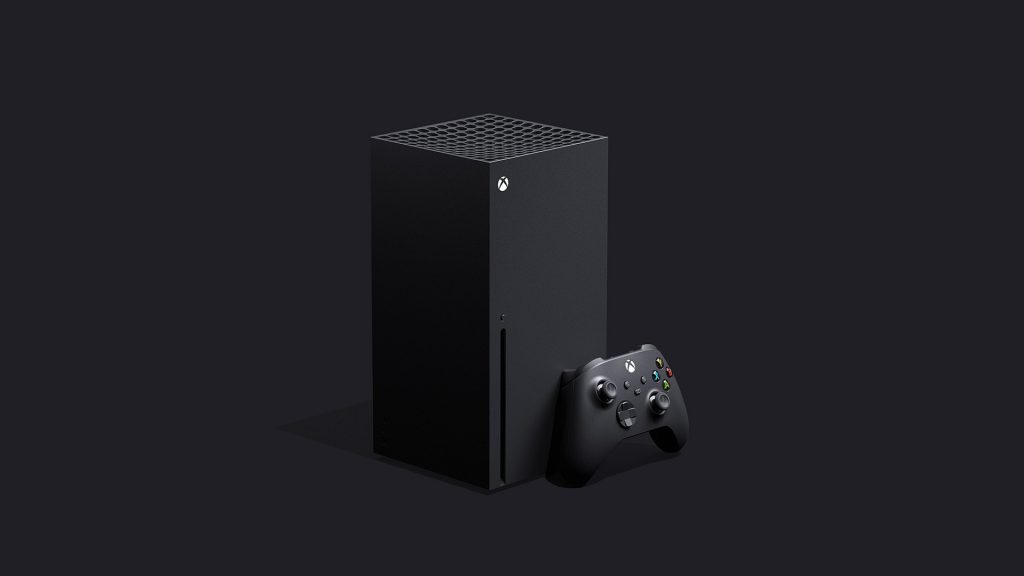
It’s an exciting time for the video game industry. During the holiday season, the latest generation console platforms hit the marketplace so fans could jump onto the likes of an Xbox Series X, Xbox Series S, or a PlayStation 5. That alone is quite exciting but for the mere fact that these consoles are tough to get, having a unit makes it a bit more special right now. There’s a struggle finding units in stock, but what better way to enjoy the latest console than by making sure you’re actually on the latest updates with their different technical improvements and features lineup.
Microsoft has a program called Xbox Insiders which gives those that opt in to the program a chance to get the latest updates and content first. It’s a means to check things out and even provides your opinions so that Microsoft’s Xbox team can make the different necessary adjustments before an official release. If you’re a member of this program you might have found your Xbox Series X or Xbox Series S showing up a blank black screen after a recent firmware update.
This is something that has left plenty of fans calling out to Microsoft for a fix and fortunately it looks like there is one fix available. Right now a report from Twisted Voxel has released the temporary fix at the moment which may help get you back up and running. If you have a black screen issue then this is what you should do.
Start by holding the Bind and Eject button for about fifteen seconds until you hear two power-up tones. After you hear the audible tones you will release the buttons and go to the Troubleshoot prompt on the screen. From there you’ll need to select the Reset This Xbox But Keep Games And Apps option. Afterward, wait until the system is done with an installation and log back into your account.
Source: Twisted Voxel








