
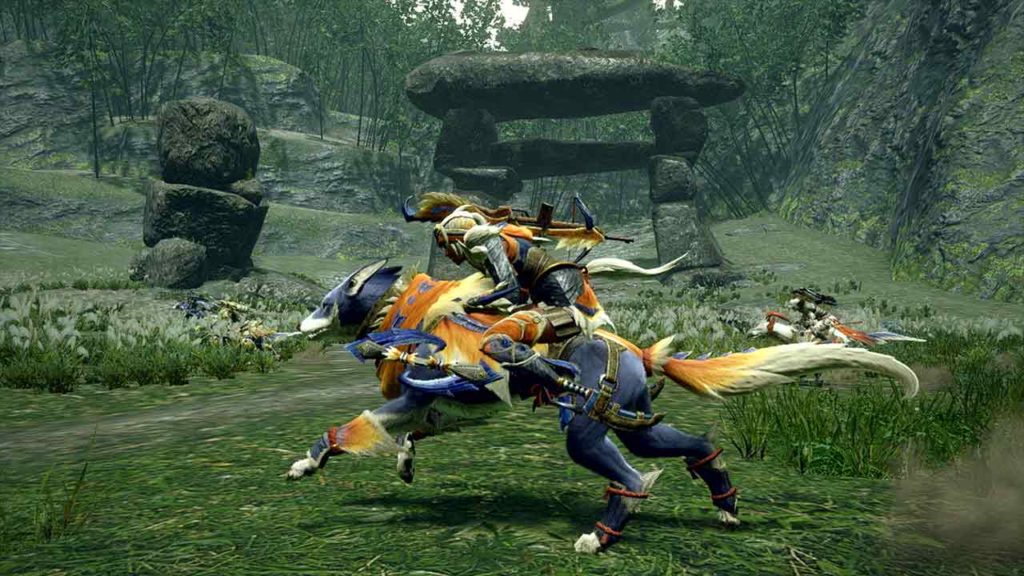
Online functionality is still kind of weird on the Nintendo Switch. Monster Hunter Rise lets you join up with other random players to defeat monsters together as a team, but talking requires a lot of extra work — you need the Nintendo Online app, and if you want to use headphones / mic, that has to go through your smart device. If you want to simplify everything, you can just stick to text chat for random team communication.
And that’s surprisingly easy. Most Nintendo Switch owners probably don’t know this, but USB keyboards are fully functional on the Switch. Most games just don’t use them. Well, there are at least two games that really need keyboards. One is Among Us, and the other is Monster Hunter Rise.
There’s not a lot you need to know. With the right keyboard and a single keystroke, you’ll be able to communicate with anyone online.
More Monster Hunter Rise guides:
10 Secrets & Hidden Features | How To Unlock All Argosy Submarines
You can always use text chat with your controller by opening the chit-chat menu — but that’s incredibly slow and cumbersome. It’s really only useful for creating custom shout-outs that you can easily repeat. If you’re looking for a better way to actually communicate online with strangers — i.e. people that aren’t in your Discord server — then you can always use a keyboard.
The Nintendo Switch is compatible with USB keyboards. If you already have something plugged in, you can also use a USB splitter — those will also work just fine for the Nintendo Switch console dock.
- This basic Microsoft USB keyboard available on Amazon for $11.99 will work, but any USB keyboard will work fine. They don’t need to be wired — you can use wireless keyboards with USB dongles, too.
The Nintendo Switch is naturally compatible with USB keyboards, so there’s no additional setup required. Once you’re plugged in, press [Enter] while in-game in Monster Hunter Rise to open the chat window. Then you’re free to type and coordinate your monster hunting party. Very, very simple and straightforward.
There are other ways to stay in contact with your team. You can use Discord, or Skype, or you can really use the cumbersome Nintendo Online system. Really, this is only for players that want to play with random people. If you’re working together with friends, that are better ways. Still, this was totally a new discovery for me — and it’s absolutely helpful for games of Among Us.


