• Skip to main content
  • Skip to header right navigation
  • Skip to site footer
Gameranx

Gameranx

Video Game News, Lists & Guides

  • News
  • Features
  • Platforms
    • Xbox Series X
    • PS5
    • Nintendo
  • Videos
  • Upcoming Games
  • Guides

Modern Warfare: Warzone – How To Enable (Or Disable) Crossplay

March 10, 2020 by Kevin Thielenhaus

Play with friends no matter what system you’re using with crossplay. Here’s how to enable or disable it.

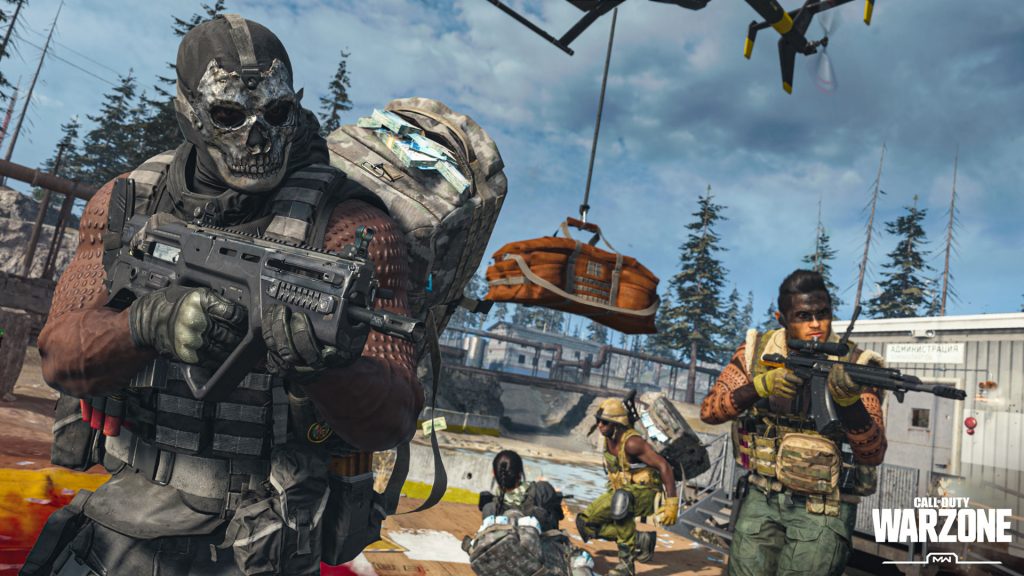
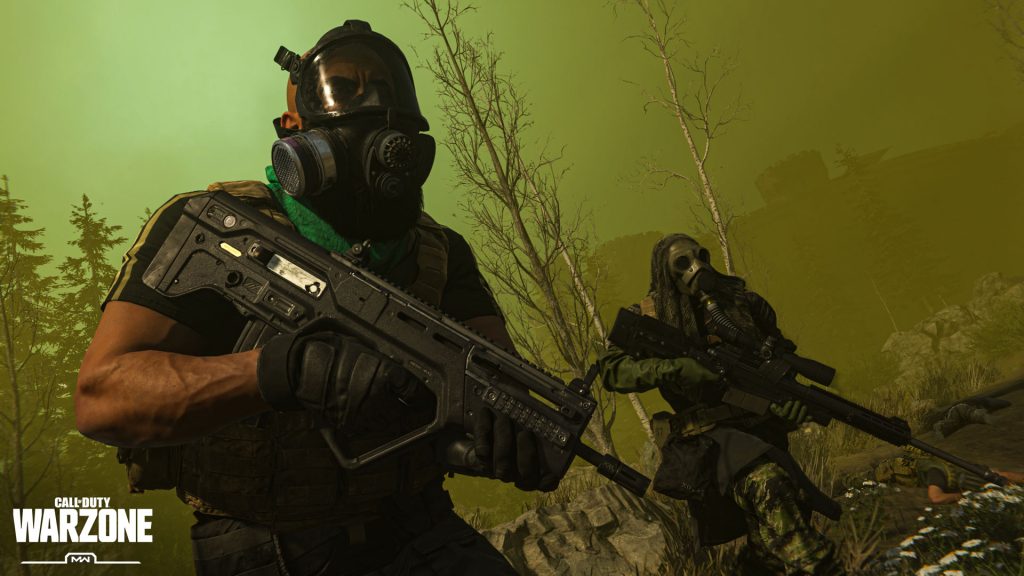
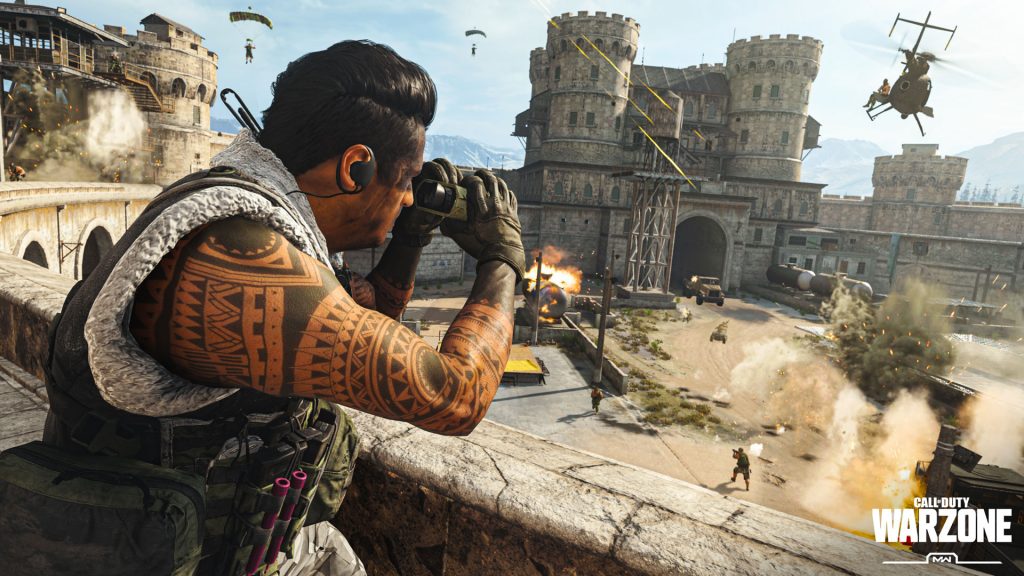
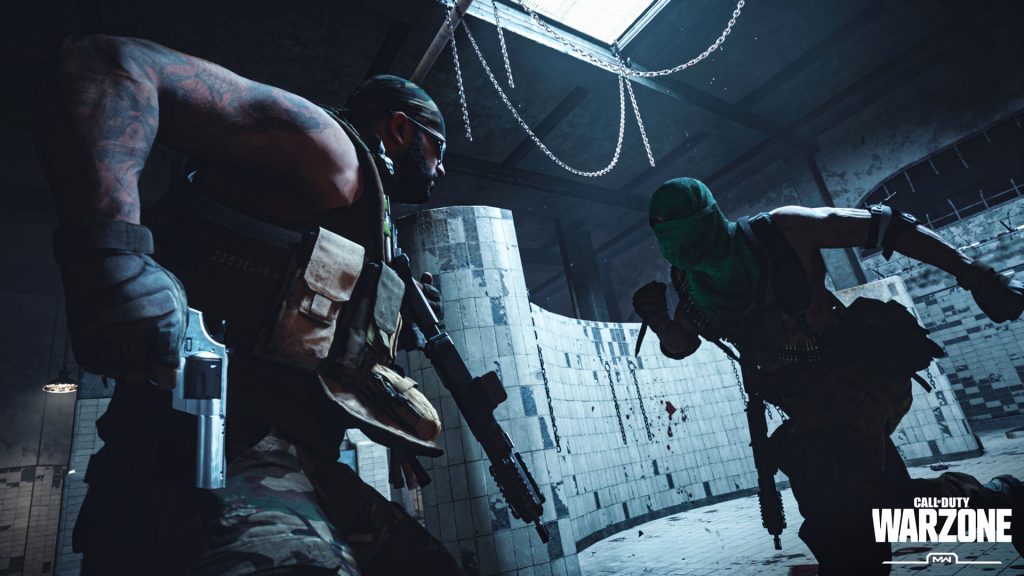
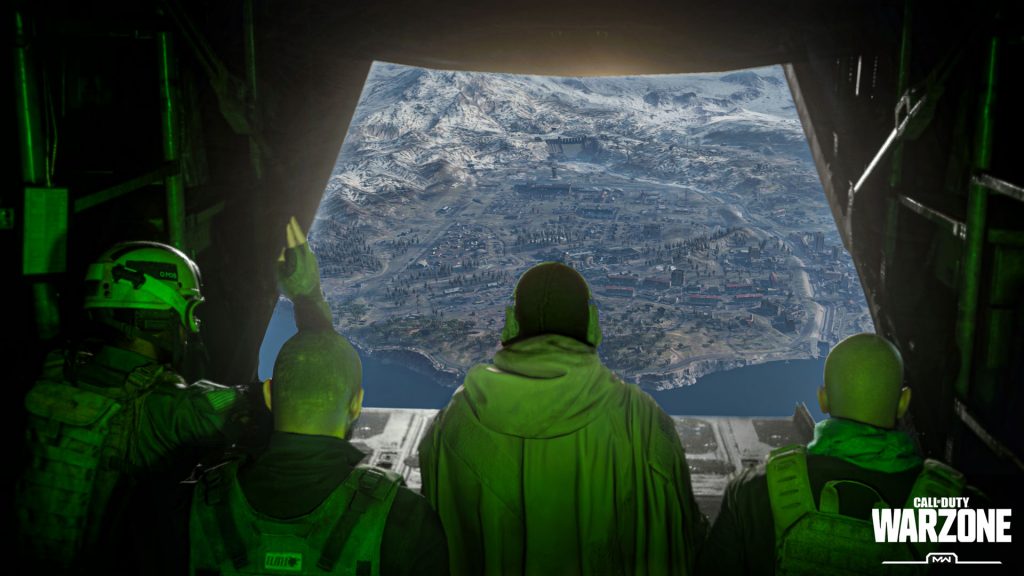
Crossplay is available to anyone that wants it in the new Battle Royale mode for Call of Duty: Modern Warfare. Crossplay between PC and console players is enabled by default. This is a blessing and a curse — players can join their friends no matter what platform they’re playing on, but console players will be forced to play online with mouse-and-keyboard players. If you’re looking to enable (or disable) crossplay, we’ve got all the information you need.

This isn’t a new trend when it comes to Battle Royale — you can enable (or disable) crossplay for Fortnite: Battle Royale, for example. Like Blackout, the previous Call of Duty Battle Royale, you’ll be able to play with PC, PS4 or Xbox One players whether you want to or not. There’s a little more you need to know, so I’ll explain it all in the quick guide below.


More Modern Warfare: Warzone guides:

15 Of Your Biggest Questions Answered | What You Need To Know | How Respawning Works | Gulag Guide
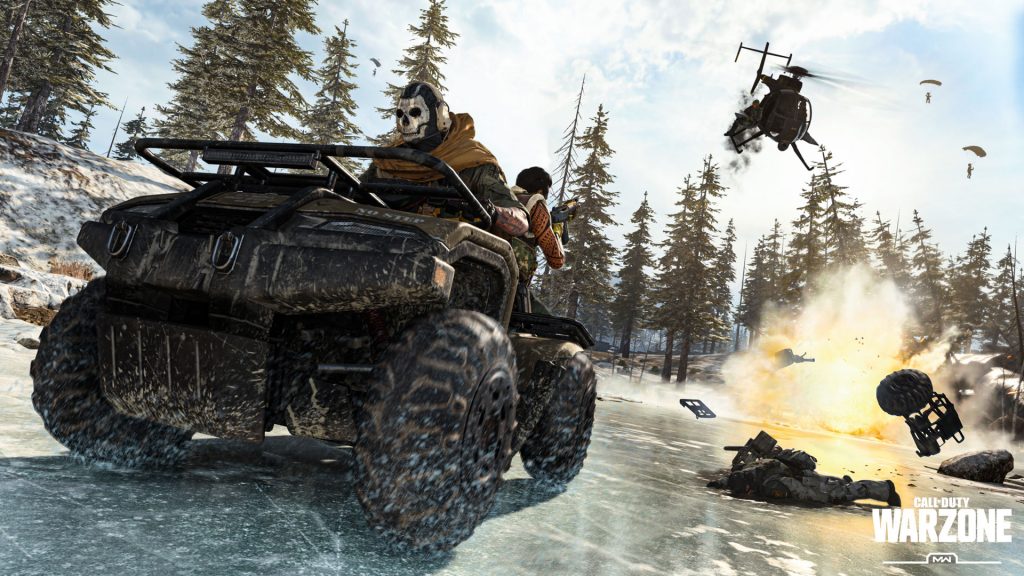
How To Enable Crossplay

To enable Crossplay, you’ll need to login to your Activision Call of Duty account. You can create an Activision account in-game, or register here.

Once you sign-in to your account in-game, you’ll have access to crossplay. This allows you to play (or become friends) with others — crossplay is available over PC, PS4 and Xbox One. Your Activision ID will be used to identify and play with others across multiple platforms.


How To Disable Crossplay

If you don’t want to matchmake with players on PC / PS4 / Xbox One and only want to stick to players on the same platform as you, you can disable crossplay in the settings. Crossplay is on by default.

  • In-game, access the Options menu.
  • Go to Account -> Crossplay
  • Toggle Crossplay to ‘Disabled’

Save your change and exit, and from now on you’ll only matchmake with players on your current platform. PC will stick to PC, PS4 to PS4 and Xbox One to Xbox One.

Share this post:

FacebookTwitterLinkedInPinterest

Recent Videos

10 Dumb & SECRET Things FOUND In Resident Evil 9: Requiem

10 Dumb & SECRET Things FOUND In Resident Evil 9: Requiem

IS Control Resonant The BIGGEST SURPRISE of 2026?

IS Control Resonant The BIGGEST SURPRISE of 2026?

10 Recent AAA Games That SUCKED

10 Recent AAA Games That SUCKED

Pokémon Pokopia - Before You Buy

Pokémon Pokopia - Before You Buy

WHAT THE HELL IS GOING ON WITH XBOX & SONY, NEW GAME REVEALS & MORE

WHAT THE HELL IS GOING ON WITH XBOX & SONY, NEW GAME REVEALS & MORE

Marathon - Before You Buy

Marathon - Before You Buy

Top 20 NEW Horror Games of 2026

Top 20 NEW Horror Games of 2026

Legacy of Kain: Defiance Remastered - Before You Buy

Legacy of Kain: Defiance Remastered - Before You Buy

10 Games Where You Leave EVERYTHING BEHIND

10 Games Where You Leave EVERYTHING BEHIND

Category: FeaturesTag: Call of Duty: Modern Warfare, Guides, PC, PS4, Xbox One

Sidebar

Recent Posts

  • Bungie Promises Changes And In-Game Refunds After Players Denounce Marathon’s Monetization
  • Gang of Dragon And Nagoshi Studio Faces Closure After NetEase Ends Funding This May
  • Debunked: Asha Sharma Was Not Promised A “Blank Check” To Revive Xbox
  • Microsoft CEO Satya Nadella: Gaming Is One Of Our Main Identities, We Will Always Invest In It
  • Valve Recommits To Releasing Steam Machine In 2026 After Worrying Statement About Supply Issues

Copyright © 2026 · Gameranx · All Rights Reserved · Powered by Mai Theme