
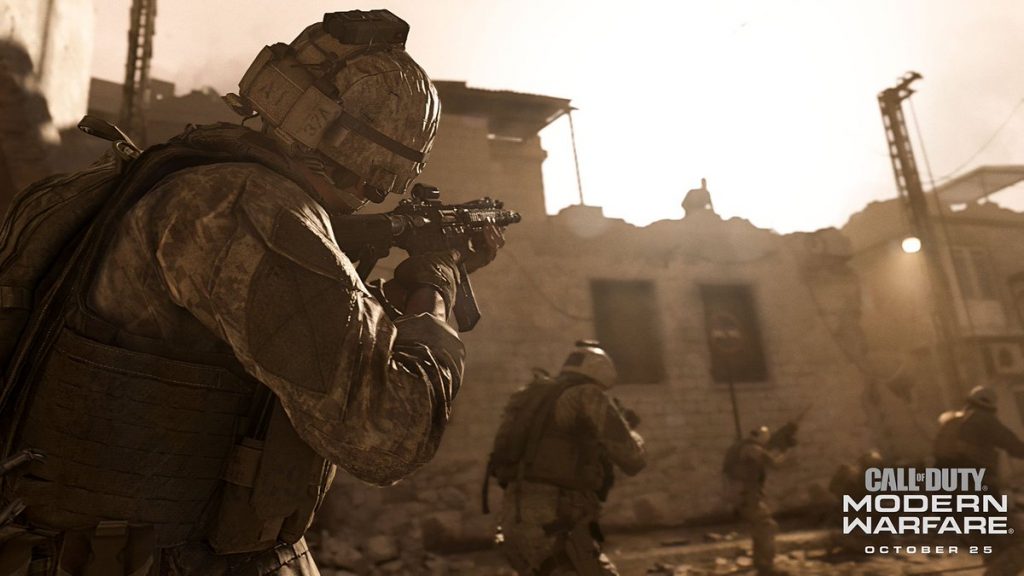
Realism Mode is an all-new feature in Call of Duty: Modern Warfare, removing the minimap and every visual HUD element, turning every multiplayer match into an incredibly tense tactical shooter.
Realism Mode is awesome, but many players are wondering — what happened to Hardcore? Hardcore, which is a happy medium between standard multiplayer and Realism, is still in Call of Duty: Modern Warfare. Finding it isn’t so easy, though.
Lots of players are complaining that Hardcore Mode is basically hidden. It isn’t easy to find, and you’ll have to dig through menus to create your own Hardcore match. Here, I’m going to explain how to activate Hardcore (and Realism) Modes in multiplayer.
More Call of Duty: Modern Warfare guides:
- Call of Duty: Modern Warfare – 10 Totally New Features, Modes & Secret Settings | Beginner’s Guide
- Call of Duty: Modern Warfare – The Best Guns To Use In Multiplayer | Loadout Guide
- Call of Duty: Modern Warfare – Best Mode To Play To Rank Up Fast| Multiplayer XP Guide
- Call of Duty: Modern Warfare – Ending Explained | References, Easter Eggs & Sequel Hints
How To Play Hardcore Mode |Multiplayer Guide
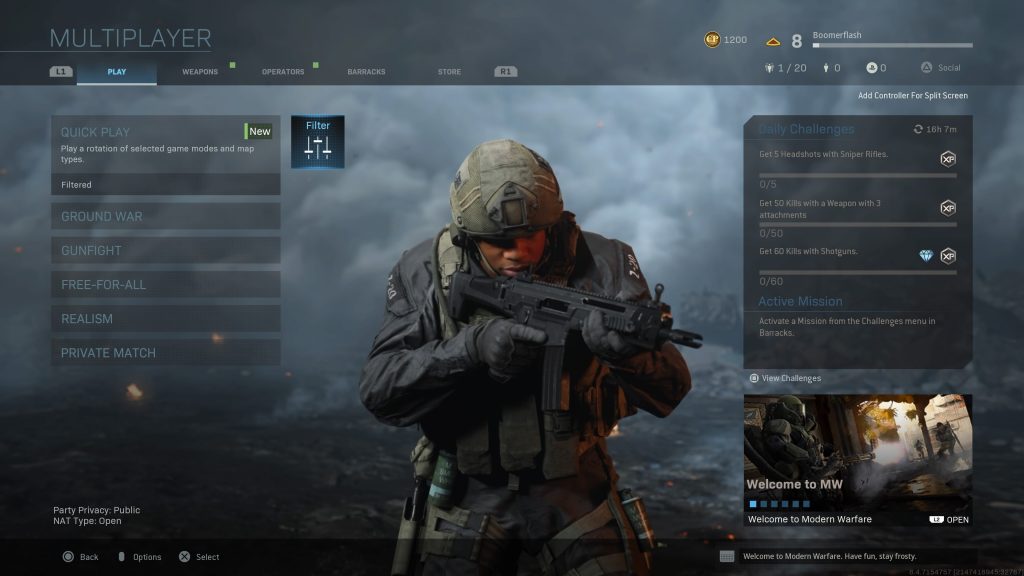
To play all types of matches in Hardcore Mode, select ‘Filter‘ — it’s next to ‘Quickplay‘. At the Quick Play Filter Menu, press R [PC] / Square [PS4] / X [XBO]. That selects the Hardcore Quick Play Playlist.
Now, you can select five different Hardcore game modes; HC Team Deathmatch, HC Cyber Attack, HC Domination, HC Search and Destroy, and HC Headquarters.
Playing Realism is much easier. Just select the ‘Realism‘ Multiplayer mode, it’s right above ‘Private Match‘.
Now, if you want to setup your own Realism / Hard Core match, that’s a little bit tricky too.
- Go to ‘Private Match’ -> ‘Custom Game / Local Game’ -> ‘Game Setup’.
Select the ‘Game Rules’ menu, then select the ‘Gameplay’ tab. Here, you’ll find Hardcore Mode and Realism Mode, which you can toggle Disabled / Enabled. It’s definitely a little more hidden this time around.





