
Nintendo Switch Online has launched, and if you’re a subscriber (or giving the 7-day free trial a spin) you’ll gain access to 20 classic NES titles. The launch line-up includes Super Mario Bros., Super Mario Bros. 3, Donkey Kong, Doctor Mario, and more. There are lots of games to choose from, and Nintendo promises to release more in the coming months. If you’re still not satisfied, you can try slightly-different versions of games too — yes, you can access the Japanese Famicom versions of NES classics. Here’s how to do it.
Not every game is different, but some of them have some serious changes. Legend of Zelda takes advantage of the Famicom’s improved music chip for better tunes, while Super Mario Bros. 3 is more difficult than before. It isn’t always obvious how a game is different, so if you’re the curious type, you’ll probably want to give all these games a test to see what’s been altered for the NA / EU release. Get the full list of Nintendo Switch Online NES launch titles here to see which games are available right now.
More Nintendo Switch guides on Gameranx:
- Nintendo Switch: Everything You Need To Know About The New Online Subscription Service
- Nintendo Switch: How To Earn (& Spend) Nintendo Gold Points | Free Online Subscription Guide
- Nintendo Switch: How To Transfer Save Files & Capture Video | Update 4.00 Guide
- Nintendo Switch: How to Take (And Share) Screenshots
- Nintendo Switch: You Can Play NES Golf With This Fun Tribute To Iwata
- Nintendo Switch: How to Add Friends & Send Friend Requests
How To Play Japanese Famicom Games
[Source: GameXplain on YouTube]
To play Japanese Famicom versions of the NES game library on your Nintendo Switch, all you need is a Japanese eShop account. Anyone can create one — there are no restrictions! To learn how to make an Japanese account, check out our guide right here.
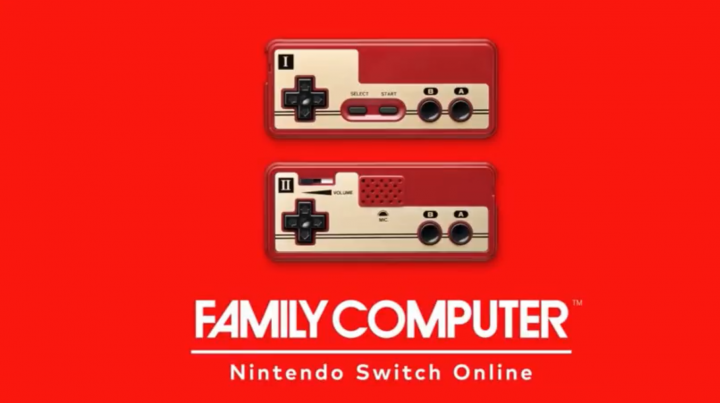
Once you’ve made a Japanese account, open the Nintendo Switch eShop and select the Japanese region account. Find the “Family Computer” app — it’s a big red app, you can’t miss it, even if you don’t know Japanese.
- You only need the Japan region account to download the Famicom app. Once it is downloaded, you can use your normal, primary account to play.
Begin the download — the Famicom uses a different app launcher, so it will appear as a separate icon on your main menu. Simply select it when it finishes downloading, and you can play any Japanese version of the games available on the Nintendo Switch NES app. These games are subject to change, to expect to see some new titles in the future.






