
Table of Contents[Hide][Show]
You’re developing your game that will hopefully take over the top popularity spots on Roblox. You go to test it out by running it, when all of a sudden, you get a pop-up code on your screen. Error 501. Uh-oh. What is it, and how do you fix it? Here’s what we’ve found out.
What is Error Code 501?
Error 501
Something went wrong with this game.
It appears there is an issue with a model causing the game to crash.
To fix this, copy the text in textbox, stop the game, and paste it into the command bar:
(Ctrl A + Ctrl + C – Shift + F5 – Ctrl + V – Press Enter)
After that, rejoin the game and check if the error is resolved. And save changes!
Now you have an issue, do what the pop-up says? Developers everywhere agree, DO NOT run the code. This is a false error message created by insincere model creators, or even people using stolen scripts and modifying it. Basically what has happened, is that your game has been infected with a virus. Doing as the prompt requests will introduce/install a backdoor into your game, in which the creator of said modified script can execute side server scripts inside your game. Encountering this error code usually happens by adding free models that you have downloaded into the scene. Running the code as requested is a sure-fire way to end whatever project you’ve worked so far to create.
How Do I Fix Error Code 501?
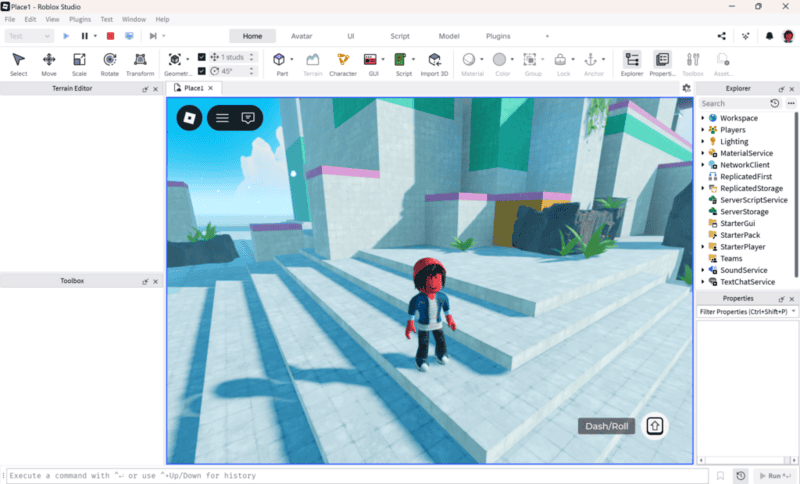
Fixing can be easy. Remembering what last items you’ve added to your game and removing them can make the pop-up disappear. That would depend on how much you’ve added since last testing, but developers have found this to be a quick and easy method.
Another method is checking all your models you have downloaded for any suspicious script. Users have found that some malicious models are called Core. Using the Find and Replace All feature in Roblox studio (CTRL+SHIFT+F) to find and delete this specific script has been found to be helpful in fixing the issue. Other scripts that have been found harmful include terms that contain require, getfenv, Instance.new(“ScreenGui”). Also using the same feature to search for specific phrases that are contained in the error message, such as ” it appears there” or “paste it into” are also able to help locate the model causing the false error message.
What should I do if I ran the Command?
If you are unlucky enough to have done what it says before you looked into what the error message meant, creators unfortunately don’t have a lot of answers. Your best bet is to go back in and delete everything in the script server that you didn’t introduce, and hope to salvage what you’ve made. If you’re unable to remove it yourself, try reaching out to a Roblox developer forum for further help. Last but not least, you may have to uninstall and reinstall Roblox Studios, be we hope it doesn’t come to that!
Developing games is already an arduous task. There are many people out there who like to take advantage of beginner developers who need models and aren’t able to afford them. Scams are everywhere, and more veteran creators highly advise novices to be careful about which models you download, even if that free price tag is tempting. Invest and research more into cybersecurity. We wish you well and good luck on your endeavors!


