
Table of Contents[Hide][Show]
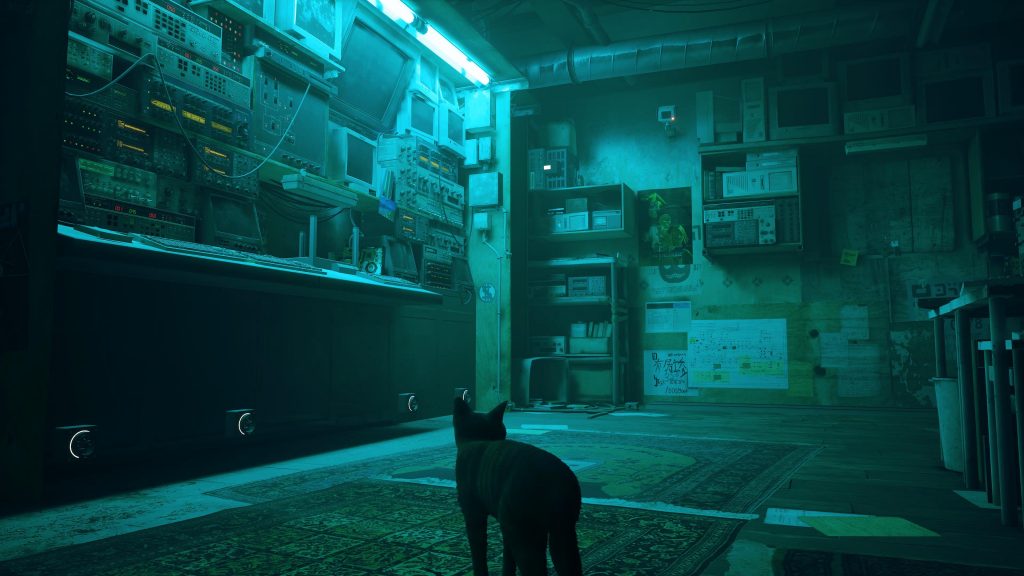
While there are certain points when Stray opens up a little bit, the game is fairly linear. While that’s not a bad thing by any stretch of the imagination, if a player gets stuck on a puzzle, it could cause the game to come to a complete halt. If you’re not careful, you could be stumped for a little while.
In the early hours of the game, there aren’t a ton of challenging puzzles, so the first one that could really be an issue for players is the battery puzzle in Chapter 3 The Flat. The puzzle itself isn’t particularly difficult as all it requires is the player to hunt down four batteries to power up a terminal, but if you’re not sure what to look for, it can be a little tricky as one of the batteries is well hidden. Take a look below for all four battery locations.
More Stray guides:
| How Many Chapters Are in Stray? | No More Lives Trophy Guide | Productive Day Trophy Guide |
Battery Location #1
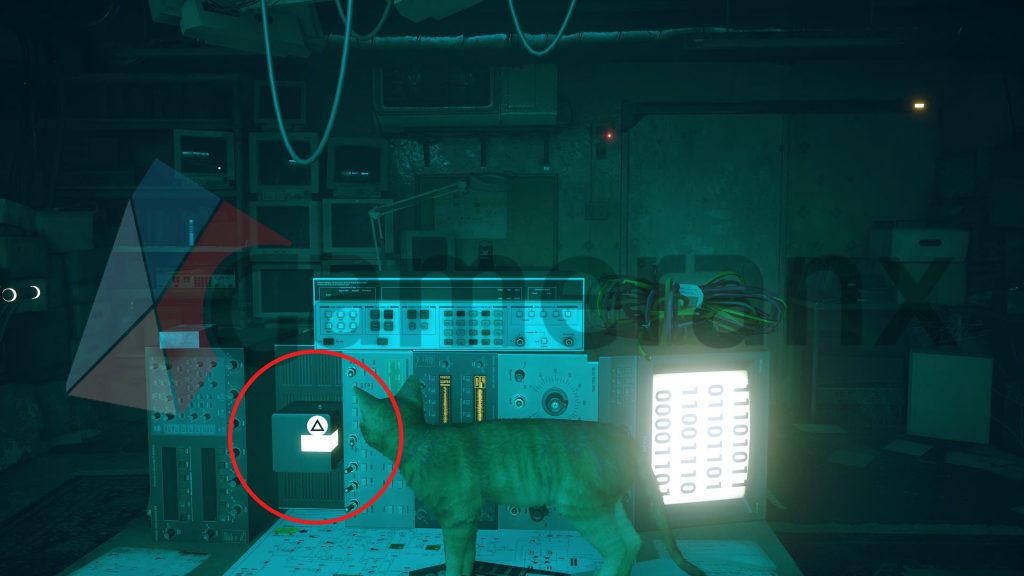
The first battery is easily found on the desk in the center of the room. Jump up to it on the side that faces the terminal on the wall across from where you entered and the battery is hooked up to something on the left side of the desk. Grab it with the triangle button and put it in the first battery port.
Battery Location #2
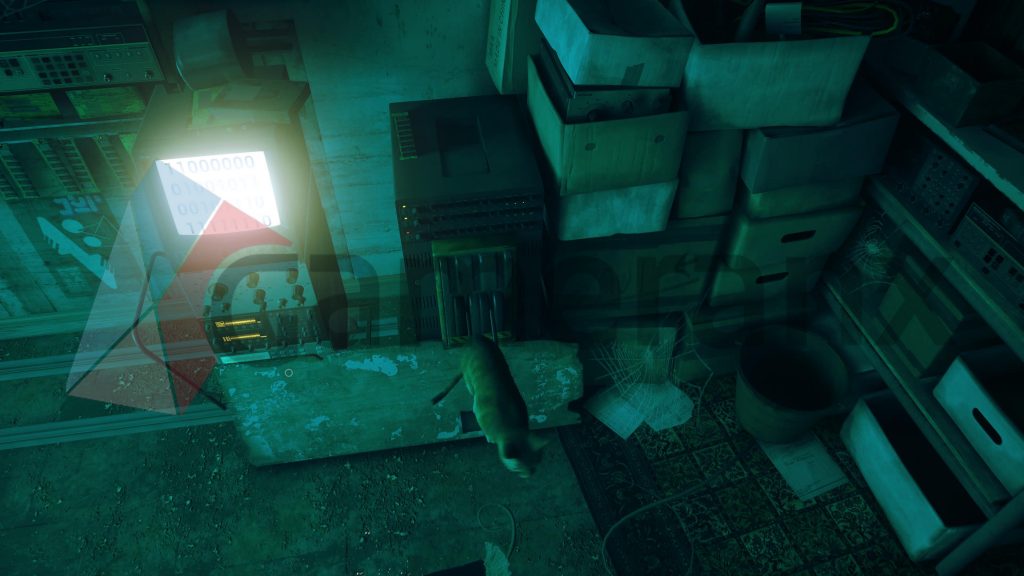
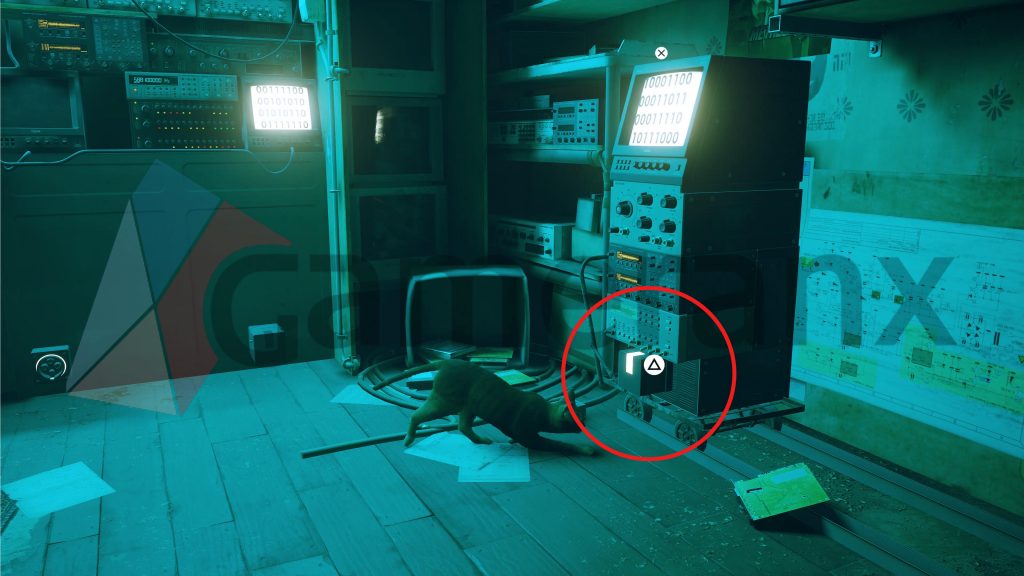
The second and third batteries needed to power the terminal require you to jump on the Switch in the corner of the room, on the wall to the right when you first walk in. Hop on the lever and a computer terminal will slide across the wall towards the main terminal. The battery will be at the bottom of the computer that slid on the track.
Battery Location #3
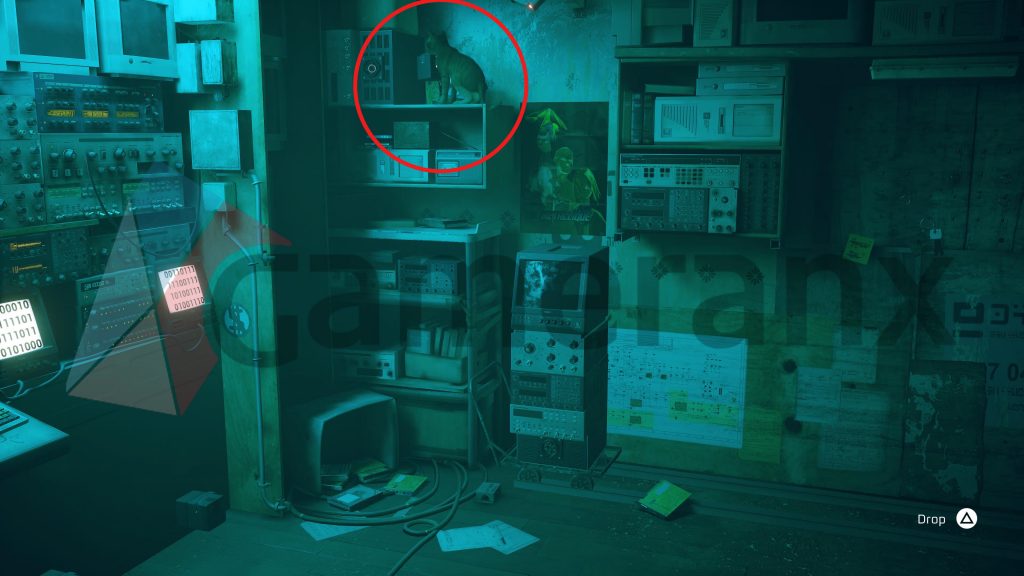
Now that the terminal has moved, you can jump on top of it. Jump to it and then to the leftmost top shelf. Resting on the shelf is the third battery. Jump down then bring it to the main terminal.
Battery Location #4
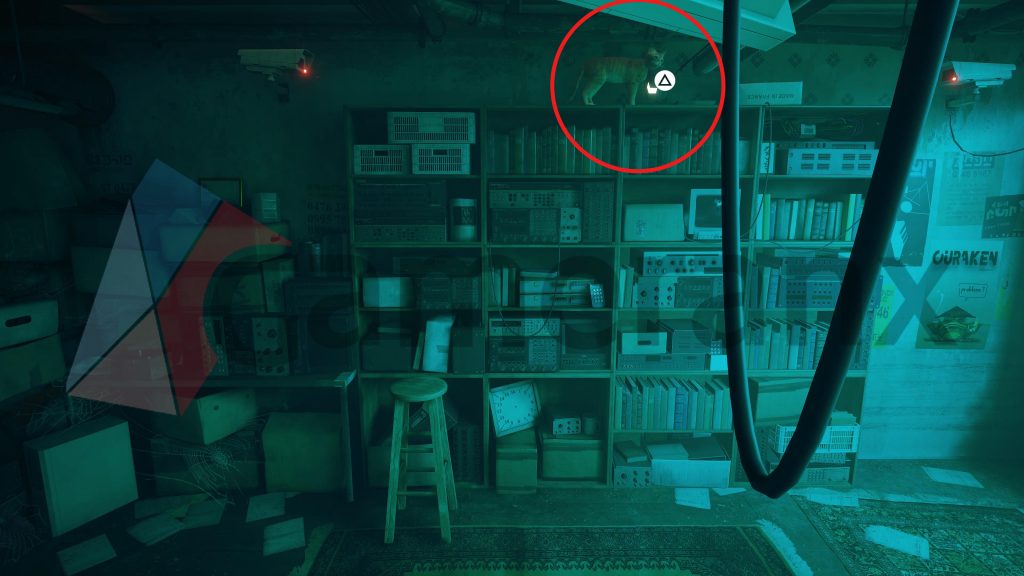
The fourth battery is the trickiest to see from the ground. Head to the wall to the left of the door you entered the room through. You should see a stool that you can jump to. Jump on it and then up to the top of the shelves that hold countless worn books and old computer equipment. At the very top, not exactly super visible from the ground, you’ll find the final battery. Jump all the way down, plug it in, and the next area will open.







