
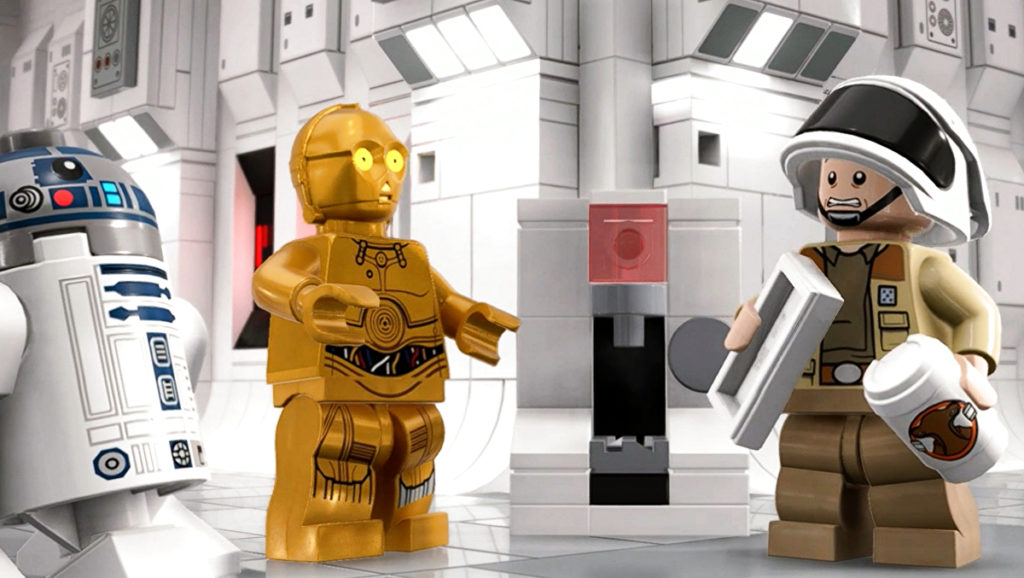
There is a lot to do in LEGO Star Wars: The Skywalker Saga with more than 300 unlockable characters, hidden Minikits for players to find, challenges to complete in each level, and so much more. That’s why it’s always important for so many fans of the game to know how to save their progress as they’ll undoubtedly be spending many hours within the game exploring every nook and cranny for extra studs and hidden secrets.
While it would be nice for a little bit of uniformity across all of video gaming in terms of managing save data, each game handles saving a little bit differently. This causes players to often be nervous to boot up their games for fear of having lost progress.
Luckily, LEGO Star Wars: The Skywalker Saga has players covered with its simply save data system.
More Star Wars: The Skywalker Sage guides:
Free Character & Vehicle Extra Codes | How To Summon An Army Of Mandalorians | How to Turn on Mumble Mode | A New Hope Walkthrough | Better Call Maul Challenge Guide | Scavenger Abilities and List
Saving Your Game in LEGO Star Wars: The Skywalker Saga
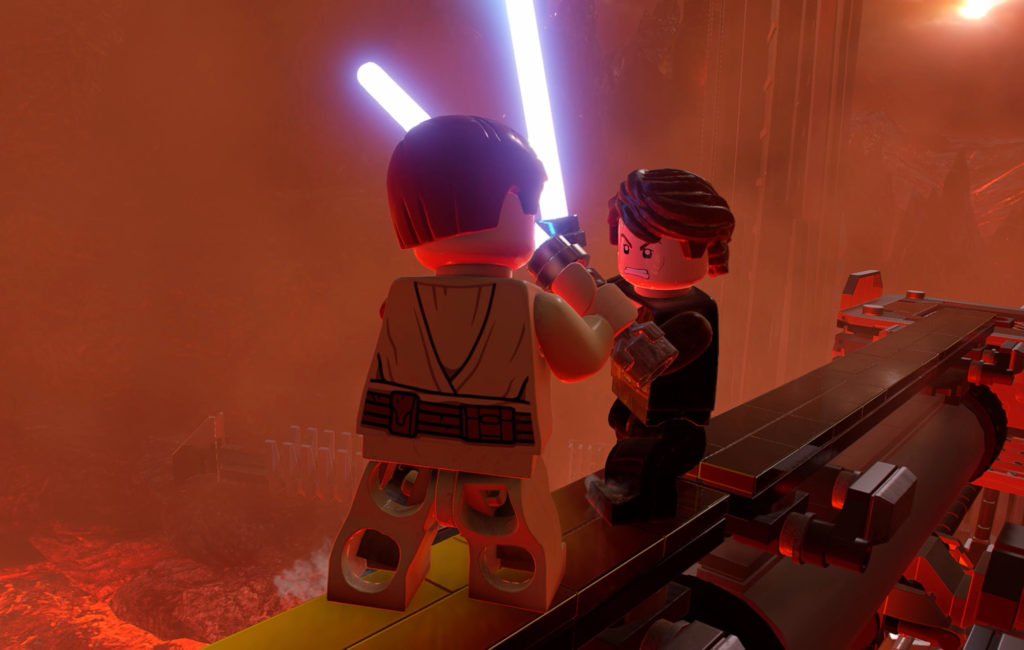
There is no direct way for the player to save their game in LEGO Star Wars: The Skywalker Saga, however, that shouldn’t worry anyone too much as the game is constantly auto-saving. The game does a quick save before just about every new encounter so players are able to pick right up pretty much right where they left off between sessions. That said, there are some gaps in auto-saves that would require the player to do a little bit of work to regain their progress if stopped before a new save.
Luckily, there is a way to force (no pun intended) the game to save your collectible progress in a level by simply quitting to the main menu. Unfortunately, your level progress will revert to the last auto-save, but if you collected a hard-to-reach Minikit or another collectible, the progress will be saved.
Make sure to keep an eye out for the auto-save icon in the bottom right corner of the screen which is a spinning lightsaber to know when it’s safe to quit playing for the day. Anyone worried about losing trophies or achievements to autosave should take note that there don’t seem to be any missable trophies in the game. At the very worst, players might have to restart levels to gain a trophy/acheivement.








