
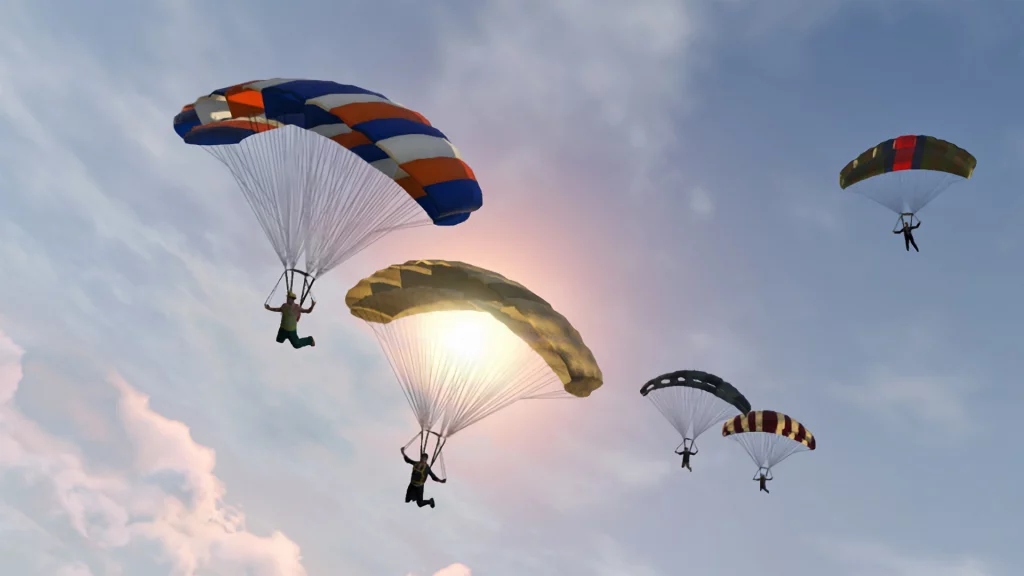
The open sandbox of GTA Online is a huge part of what makes the game so appealing. By giving players free reign to do whatever they want, Grand Theft Auto Online created a space for players to express themselves through mayhem and join servers dedicated to whatever style of play that they want to engage in.
While some servers like dedicated role play ones will limit what some players can do in terms of sandbox fun in favor of a more grounded approach to play, others empower players to get a little crazy.
Sky diving is something that most GTA Online players will want to do at least once during their time with the game in general sandbox servers, but to do so, they’ll need to pack a parachute first. Luckily using a parachute is pretty simple, however, players can’t simply jump out of a plane without doing any sort of prep work to make sure that they’ll hit the ground safely.
More GTA 5 guides:
Where To Find The Best Cars & Vehicles | All Cheat Codes | How to Unlock All Weapons | How to Play GTA Online Solo | Fidelity Mode vs. Performance Mode vs. Performance RT Mode | How to Transfer Story Mode Saves to PS5 and Xbox Series X/S | How to Transfer GTA Online Characters to PS5 and Xbox Series X/S | How to Transfer Save Data to PS5 and Xbox Series X/S | How to Name Your Organization | GTA Online Crossplay Explained
Using a Parachute in GTA Online
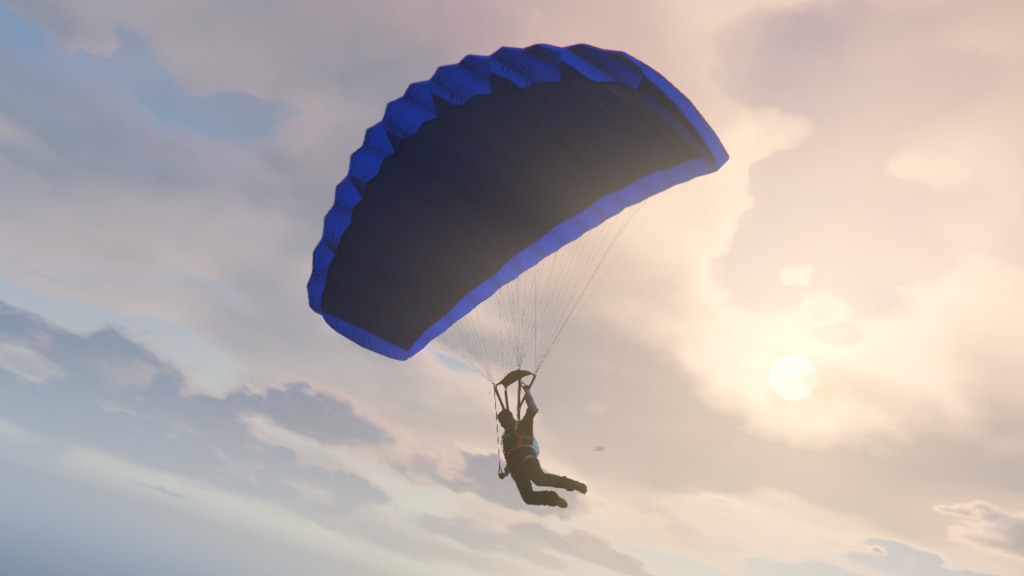
Parachuting is extremely straightforward in GTA Online, but the player will need to have some cash in order to purchase a shoot (and potentially a backup if they want one.) Here’s everything you need to know about using a parachute in GTA Online.
- To get a parachute, head to any weapon store and talk to the person behind the counter.
- Find the parachute in the list of equipment offered (if you already have one, like other items, there will be a checkmark on the list.)
- Select a primary parachute and purhcase it.
- If desired, select a reserve parachure and buy it as well
Make sure to really consider if you need a second as they can get costly. - Once in your inventory, wear the chute by opening the Style menu and selecting “Parachute.” Toggle it to on to see your character wearing it.
- Get in a plane or travel somewhere high up such as the mountains.
- Jump off the high point and enter free fall without spinning, while having your character “lay” on their stomach.
- Press X on PlayStation or A on Xbox while falling to deploy the chute.
- If you want to drop, hit Triangle on PlayStation or Y on Xbox and the chute will disappear.
Make note that you can only deploy a second parachute if you bought a reserve one in earlier steps.







