
Cheating is back on the menu for XCOM: Chimera Squad. The console still functions, and it works pretty much like the console in XCOM 2. Using it is helpful for more than just cheats — XCOM is an infamously buggy little game. In my time playing, I haven’t experienced any bugs — just one minor crash — but many players are reporting lost armor, disappearing weapons, and other annoying issues that can be fixed with the cheat console.
Below I’ll explain how to enable cheats on PC, and list all the cheat commands I’ve found so far. You’ll be able to summon equipment or give yourself precious resources you might need to survive. There are three resources in the game, and intel might be one of the most valuable. Using intel, you can purchase (and upgrade) field teams that manager the unrest level in your city. If unrest gets out of control, you’ll lose the game. Cheats can help with that.
More XCOM: Chimera Squad guides:
Powerful Combos | Best Abilities, Weapon Loadouts & Characters | All Epic Weapons & Special Abilities List
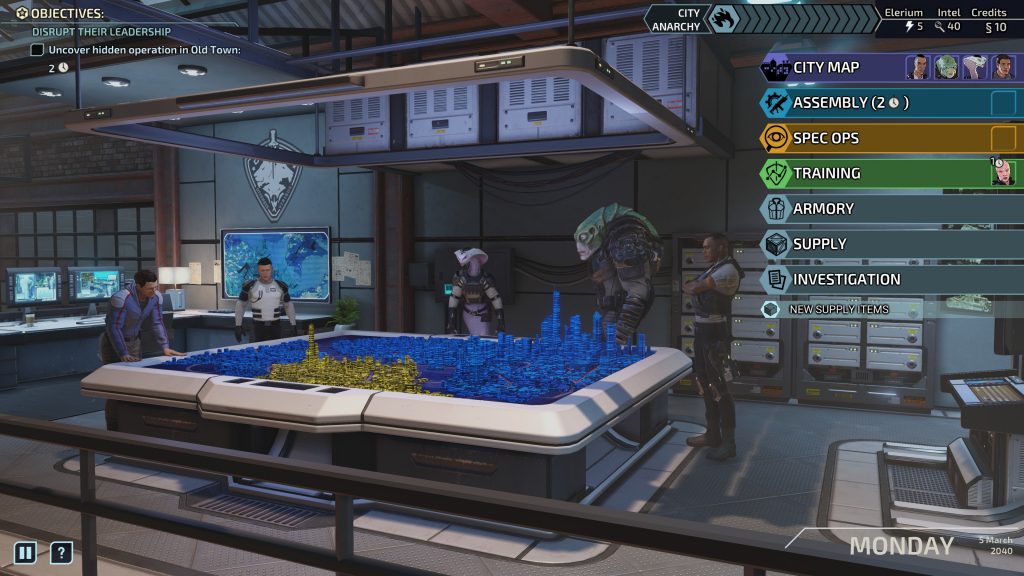


The console is a drop-down window you can access in XCOM: Chimera Squad — by inputting specific commands, you can earn resources or items instantly. To use the developer console and input cheats, you’ll need to ‘allow’ the console to function. To get started, you’ll need to bypass the Steam launcher and create your own shortcut.
- How To Toggle On The Developer Console:
- Access XCOM: Chimera Squad local files / installation folder through Steam.
- Right-click XCOM: Chimera Squad -> Manage -> Browse Local Files
- Find xcom.exe -> copy and paste as shortcut
- Right-click the shortcut -> go to properties -> add ‘-allowconsole‘ to the end of the target entry.
- Access XCOM: Chimera Squad local files / installation folder through Steam.
Now use the shortcut as your launcher. The console window is bound to the [~] tilde key. Press [~] to lower the console and input your commands.
Console Commands – Resource Cheats
NOTE: Replace “###” with any number. (Ex. GiveResource credits 200, GiveResource elerium 50)
- GiveResource credits ###
- GiveResource elerium ###
- GiveResource intel ###
- GiveXP [Character] ###
Console Commands – Cheat Toggles
- skipai
- killallais
- ghost
- god
Console Commands – Weapons & Armor
- GiveItem KevlarArmor ###
- GiveItem WPN_XcomShotgun ###
- GiveItem WPN_XcomSMG ###
- GiveItem WPN_XcomAR ###
- GiveItem WPN_XComWardenPistol ###
- GiveItem WPN_XComGunslingerPistol ###
- GiveItem WPN_BreakerShotgun ###
Console Commands – Exotic Weapons
- GiveItem WPN_EpicAR_1 ###
- GiveItem WPN_EpicAR_2 ###
- GiveItem WPN_EpicShotgun_1 ###
- GiveItem WPN_EpicShotgun_2 ###
- GiveItem WPN_EpicPistol_1 ###
- GiveItem WPN_EpicPistol_2 ###
- GiveItem WPN_EpicSMG_1 ###
- GiveItem WPN_EpicSMG_2 ###
Console Commands – Equipment & Weapon Mods
- GiveItem Medikit ###
- GiveItem APRounds ###
- GiveItem VenomRounds ###
- GiveItem MissDamageUpgrade_Sup ###
- GiveItem AimUpgrade_Sup ###
- GiveItem ClipsizeUpgrade_Sup ###
We’ll add more console commands to the list as they’re discovered.





