
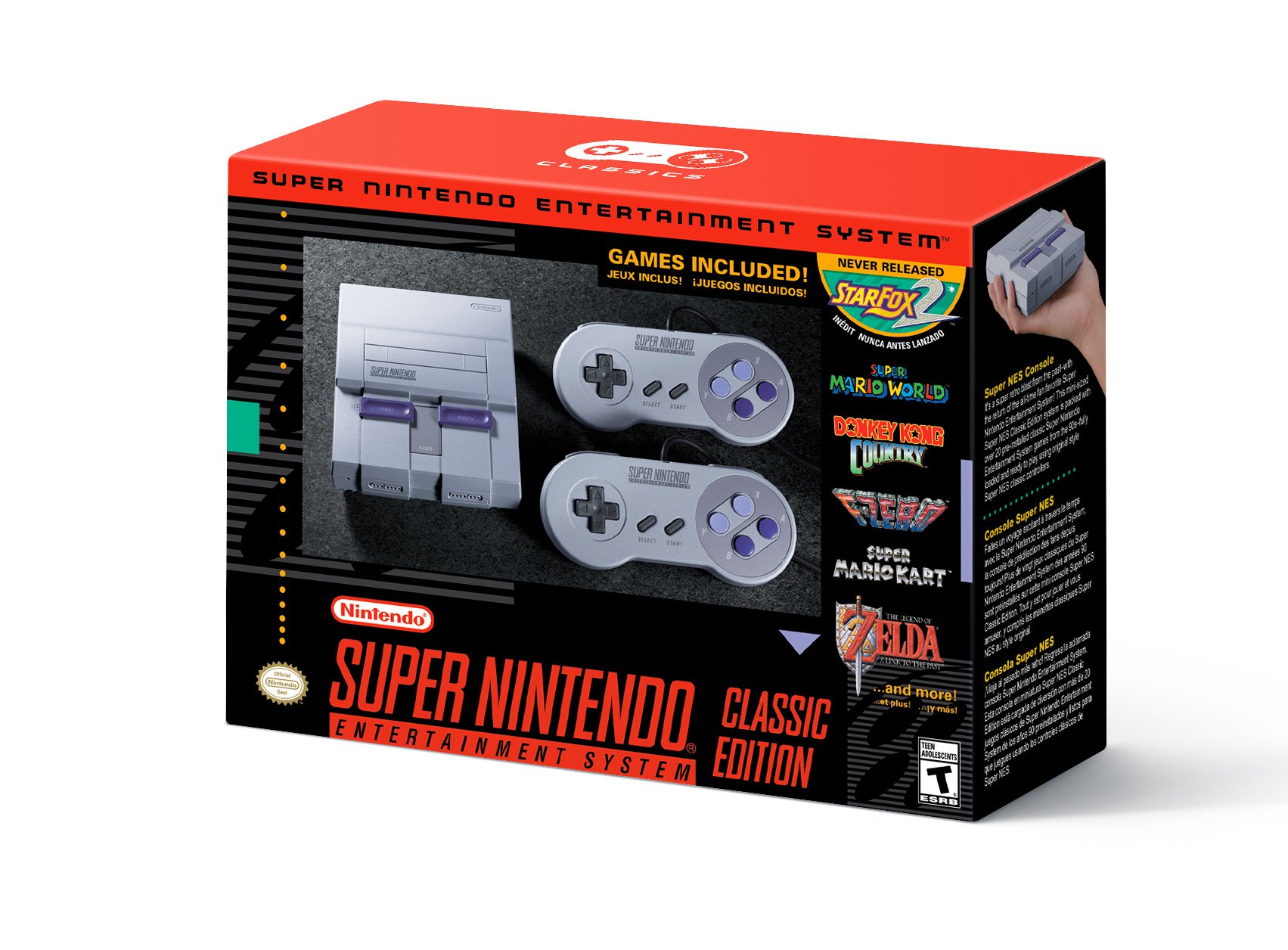
The SNES Classic Edition brings classis Super Nintendo games to your modern television, all packed in a cute little plastic box. The SNES Classic Edition isn’t just about the games — it’s also all about the menus. You can quicksave at any time, scroll through your game list, or even unlock new (not-so-secret) sequels to Star Fox.
There’s a lot to know about the SNES Classic Edition, but there are a few tiny details many of us have missed so far. Namely, you can use a hidden feature to “soft” reset your games, or swap out hardware and jump back to the home screen without requiring a trip to the console itself. Pretty handy, right? Here are a few quick tips that might make your life with the SNES Classic slightly easier.
Don’t miss out on our complete SNES Classic breakdown on Gameranx for all the info you need to know before purchasing one of these hard-to-find throwback machines.
Hidden Resets & Shortcuts | Secret Features Guide
There are two tiny features on the SNES Classic that add a little quality of life to old games. Like the NES Classic, the SNES Classic shares two tiny flaws — you can’t exit a game and return to the Home Menu without resetting the console, and you can’t restart in-game. You’ll have to physically use the reset on the console itself.
Now, there are two little tricks you can take advantage of that weren’t found in the NES Classic.
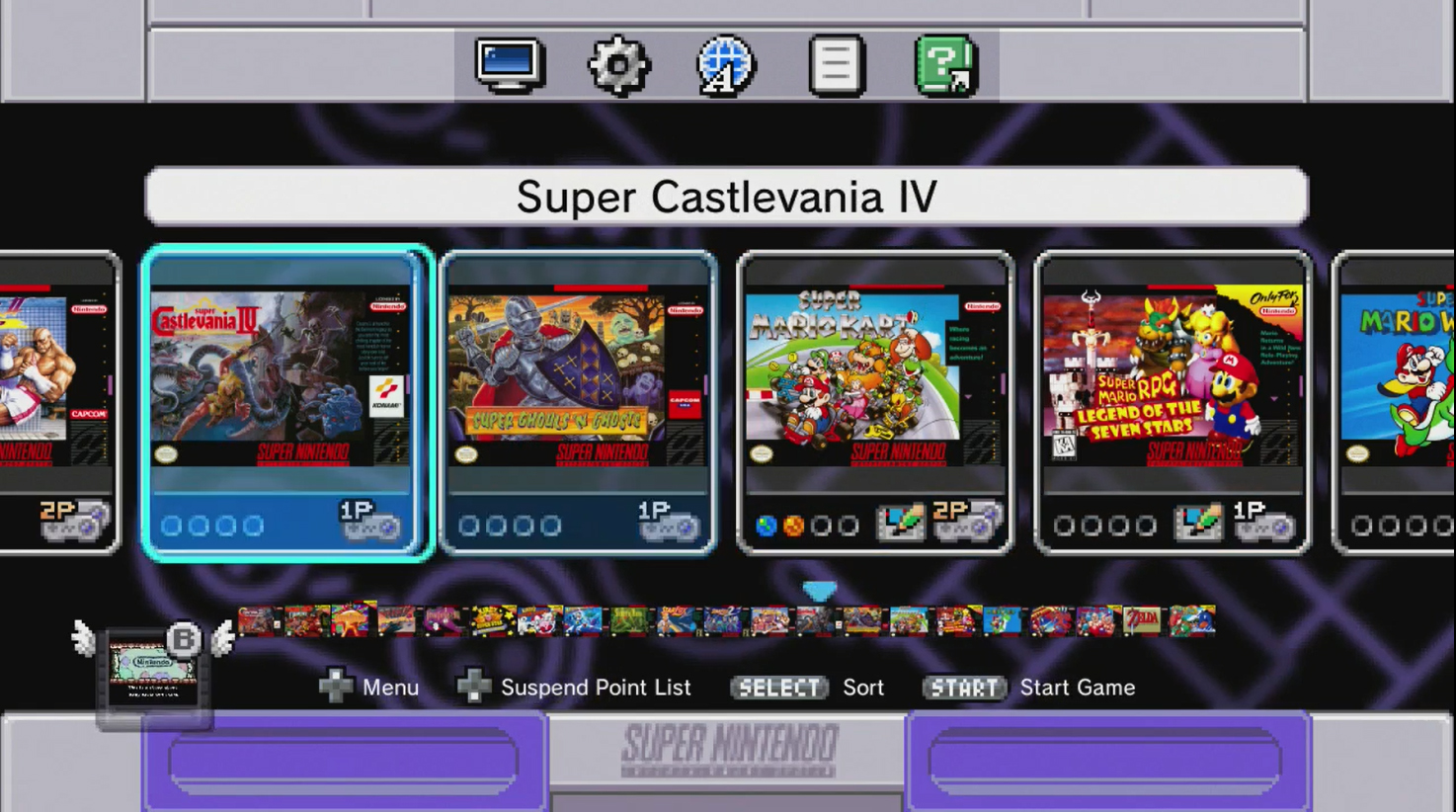
Press L+R+Start+Select To Soft Reset
This feature was previously only supported in a handful of games, like Super Mario RPG. Now every game on the SNES Classic supports this simple soft reset method.
- At any point, hold L+R+Start+Select, all at the same time, to reset your game.
You’ll have to hold the buttons for a little while to activate, so don’t expect an immediate reset. It’s also worth noting, this is a “soft” reset. It only resets the game and returns you to the game’s start screen, it won’t reset the console itself or send you back to the Home Menu. You’ll need a different method to jump back into the Home Menu!
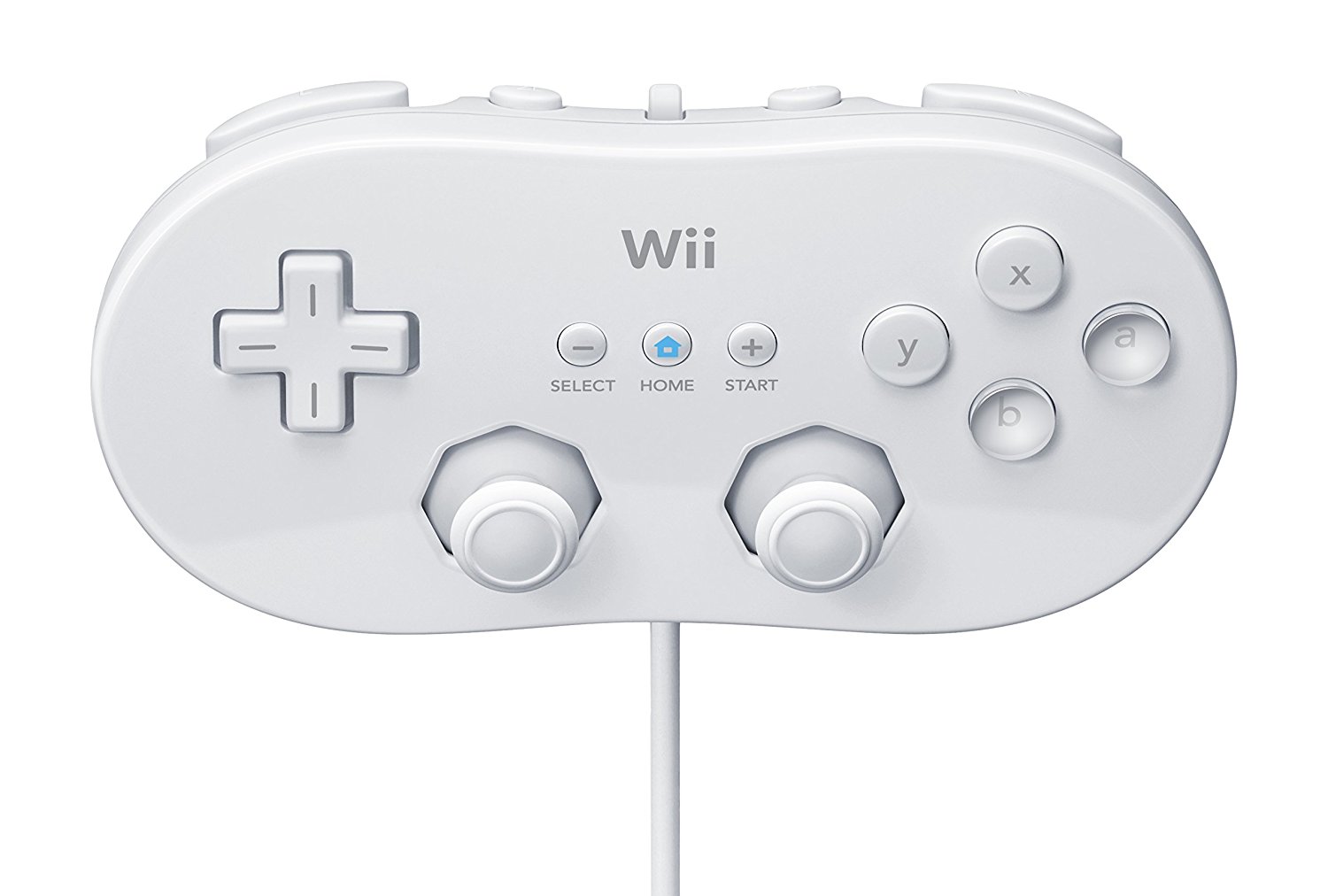
Use The Classic Controller To Return To The Home Menu
The Classic Controller, the one made for attaching to the Wiimote compatible with Wii / WiiU is also compatible with the SNES Classic. You can use it to play games, and use the extra “Home” button in the center to return to the Home Menu from your couch. It’s just that easy!
That’s the #1 reason why you can’t reset or return to the Home Menu with the SNES Classic’s included controllers — they’re identical to the SNES’s original controllers, so there’s no room for a Home button. The Classic Controller doesn’t have that problem, so you’re free to sit on your couch, never forced to get up and reset your SNES Classic Edition. Not exactly an integral piece of information, but still good to know!
Found any other little tips and tricks for the SNES Classic Edition? Let us know in the comments!




