
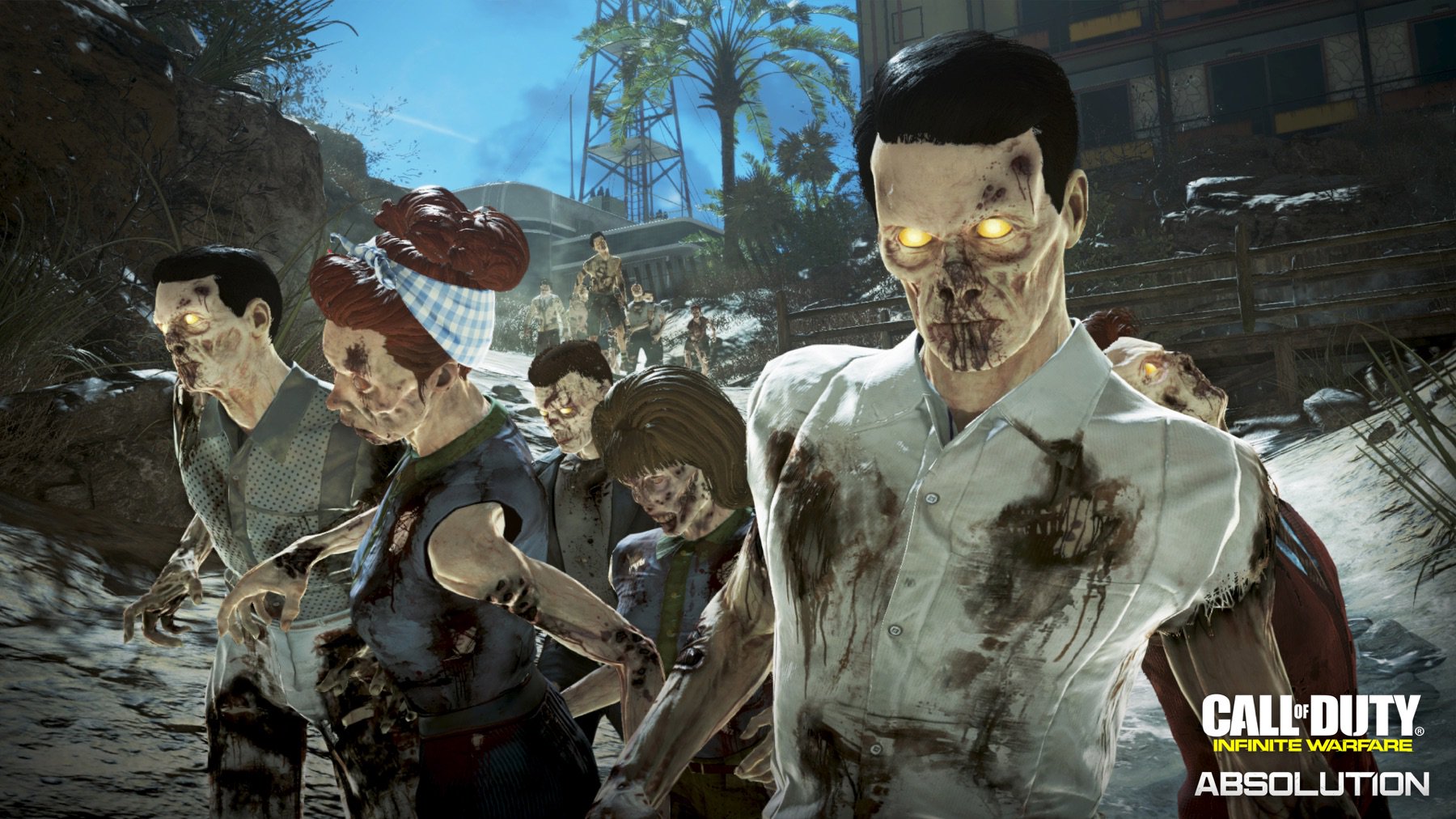
The third DLC to release for Call of Duty: Infinite Warfare is known as the Absolution map pack. Included in the map pack is a brand new Zombies map known as “Attack of the Radioactive Thing”. Currently, at the time of writing this guide, the DLC is available for the PlayStation 4.
In this guide, we’ll go over the locations of the Power Switch and the missing pieces required to power up the entire map. Take a look at the guide below along with other Attack of the Radioactive Thing featured guides from Gameranx.
Find More Attack of the Radioactive Thing Guides From Gameranx:
- Absolution Trophies List
- How To Build M.A.D
- All Perks Locations
- How To Gain Access To Pack-a-Punch
- How To Defeat The Radioactive Thing
- All Buildable Parts Locations
- How To Get Access To Double Pack-a-Punch
Power Switch
Gamers on the hunt to power the level up will find that the Power Switch is not in the spawn area of the map. Instead, you’ll have to make your way to the Power Station in which you’ll find the Power Switch. Although, you can’t simply turn the power on just yet as you’ll need two missing items which are the lever and power box.
Lever Location
If you’re in need of the lever, you’ll want to head up the hill located on the opposite end of the spawn area. Once you have made your way up the sandy hill, you’ll want to keep an eye on the ground for a zombie hand sticking up from below.
The missing lever is being held by the buried zombie hand sticking out form the ground. You simply have to pick the lever up and can then start the power if you already have discovered the Power Box. If you have yet to discover the Power Box then check out its location down below.
Power Box Location
To find the Power Box, you’ll want to head towards the Diner area though more specifically, you’ll need to head up the hill near the Diner. While on the hill, you’ll find the station in which the Power Box will be located on top of a small wall.
Powering The Map
Once you have the missing Lever and Power Box, you can make your way back to the Power Station and then you’ll be able to power up the map.







