
GTA Online has been one of the most popular ways for friends to hang out, whether these friends are ones that live in the same town to the ones that live on the other end of the country. Causing havoc together, competing with each other, or creating a criminal organization pulling off heists. We’ll be focusing on that last example. You may be considering starting an organization or may have already, then you see that your organization name is the default and want to change that, or maybe you just don’t vibe with the previous name. Below we’ll show you how.
How to Change My Organization Name through Menu
First open the interaction menu, which depending on what you’re playing on will be:
- The M Key on your keyboard
- Pressing and holding the View button on a Xbox controller
- Pressing and holding the touchpad on a PS controller
Scroll down the options to Register as a Boss. Select SecuroServ CEO. This will make it possible to make changes such as hiring players and other CEO abilities.
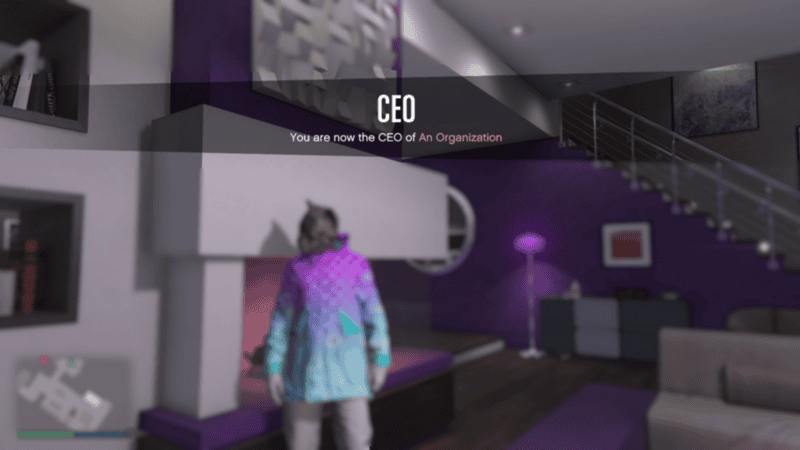
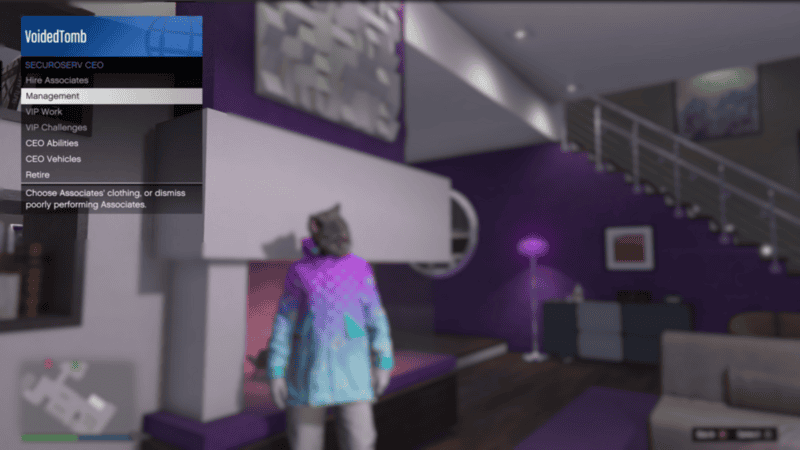
Now open back up the interaction menu and select the new SecuroServ CEO option. Next select Management, where you will be able to see the name of your organization. Click it and you will see a pop up where you can change the name, with a maximum of 15 characters available. Changing your organization name costs $50k.
How to Change My Organization Name through the Website
There is also another possible way to change your organization’s name using your in-game phone. For this:
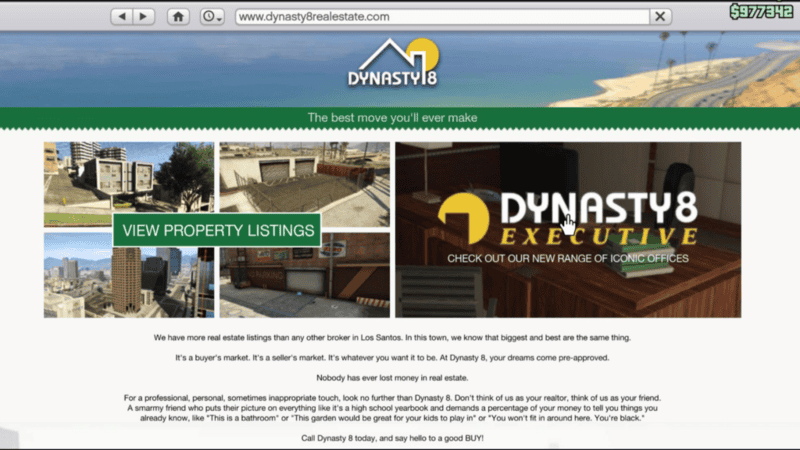
- Open your in-game phone
- Select the Internet
- Click on the Dynasty8 website
- Select the Dynasty8 Executive option
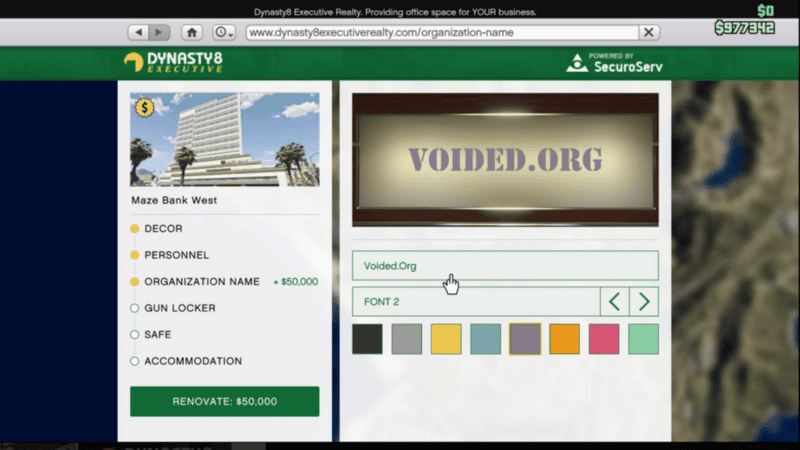
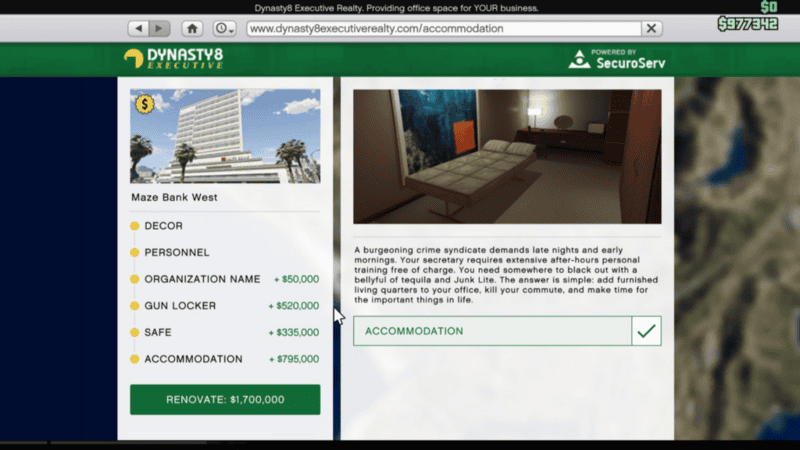
- Browse the map for the office you own and select Renovate
- Choose the 3rd option Organization Name
From here you can choose multiple options, including the font you want to use, as well as the color for the text. Changing the name through the website also costs $50k.
Please make note that there are a wide variety of banned or forbidden words that are not to be used in the GTA servers. There is no official list currently to be found for what words are forbidden and what may be allowed today could be changed in the future so it’s advised to not skirt too closely around what is allowed to avoid your organization name to be taken away and be forced to rename it another time.
How to Customize Office Building
You can also customize other parts of your office building to your liking while you’re using the same website menu as changing your organization’s name. Things that can be added or changed include:
- Decor: Starting at $415,000
“Lavish comfort or ruthless minimalism? Old world finesse or sterile psycho-chic? Overpriced wine or raw kale smoothie? Make your office an extension of yourself, however hateful you are.”
- Personnel: $150,000
“You have people to take out your rivals, extort your neighbors and deliver your arms. So why are you still calling your own helicopter and buying your own smokes? Our world-class executive assistants are multilingual, business-savvy, college-educated underlings with no conscience or capacity for independent thought. Just the boost your efficiency needs.”
- Gun Locker: $520,000
“Tired of bringing your knife to every gunfight? Next time only take what you won’t live without, and leave the rest back at base in this secure locker.”
- Safe: $335,000
“Forget the banks – you know what’s actually too big to fail? A huge pile of hard cash in a secure safe on the 50th floor. Just close the door, dim the lights, and discover that $100 bills are surprisingly comfy and absorbent.”
- Accomodation: $795,000
“A burgeoning crime syndicate demands late nights and early mornings. Your secretary requires extensive after-hours personal training free of charge. You need somewhere to black out with a bellyful of tequila and Junk Lite. The answer is simple: add furnished living quarters to your office, kill your commute, and make time for the important things in life.”
And there we go! Now your new or old organization has just gotten a new fresh coat of paint and is heist ready! All that’s left is to round up a few players to take under your criminal wing and get to it.