Table of Contents[Hide][Show]
GTA Online’s map is large and expansive, with lots to do around every corner. Getting to all these spots can be rather tedious, even in some of the fastest cars provided for purchase. Rockstar has listened before and introduced a way to fast travel, so we’re gonna explore how to do that, as well as a few other interesting ways that players have found to travel quickly from place to place.
How do I fast travel in GTA Online?
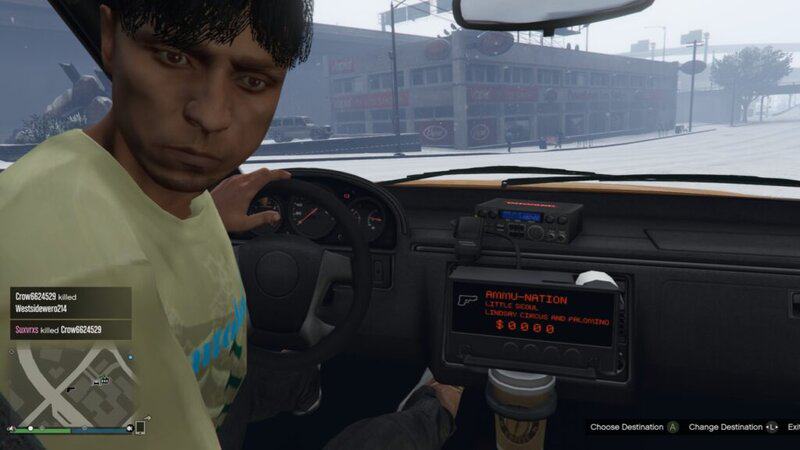
Now in terms of how to officially fast travel, Rockstar introduced a way to in 2023, using the Downtown Cab Company Taxi. Pretty easy? True, but here’s the biggest downside to using this method. You can only travel to predetermined points of interest. There are 10 of these locations, that will be listed below, that do cover a wide range of locations on the map, but players may be less enthused to learn about this hangup. Here’s how to use this method.
First, use your in-game mobile to call up Downtown Cab Company Taxi, where the caller will let you know, depending on your location, that a cab is headed for your location. Once it has arrived, hop inside and you can choose from a list of places you want to go. Remember, it can’t be a point of interest you have chosen, it’ll have to be one of the following places.
- Airport
- Beach
- Observatory
- Terminal
- Legion Square
- Chumash
- Tongva
- Sandy Shores
- Grapeseed
- Paleto Bay
Once you have chosen your destination, on the bottom right an option will appear to “skip” for $1000. If you have GTA+, this skip is free, but otherwise you’re out of luck financial wise.
What are other ways to fast travel without the cab?
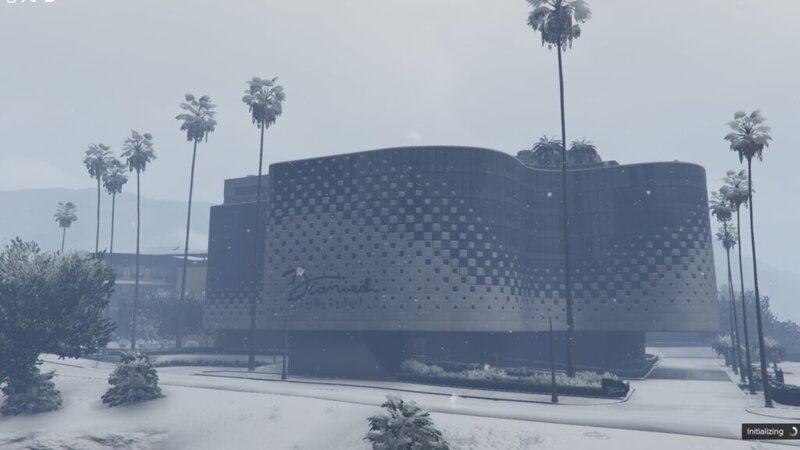
Players have discovered a few neat ways to get across the map in a short amount of time. Some require having purchased properties like casinos or yachts. For the first, if you happen to own multiple properties, including a casino, you can head to the penthouse of your gambling pad and choose to travel to other owned locations.
If you happen to own a yacht (yes we know, Mr. fancy rich pants over here) you can call for it using your in-game mobile, head up onto the bridge and talk to the captain. From there, a list of locations including other owned properties, warehouses, and other sea spots on the map will be available. Largest downside to this option? Quite expensive, going from $25k or $10k depending on if you’ve completed the Superyacht missions.
Instead of a yacht, it is possible, and to some players much better, to use another sea vehicle. Say hello to the Kosatka. If you own a Kosatka, request it from the interaction menu ( M key on PC, holding the View button on Xbox, or pressing the touchpad on PlayStation). Enter inside and head towards the helm. Once seated, you will be prompted with a few options, one being aptly named “Fast Travel”, and from there can choose from a list of places you can go. The price of traveling is significantly less, just $2k if you’ve completed the Cayo Perico Heist. From here sit through the modest cutscene and you’ll be on your way.
Can I fast travel for free?
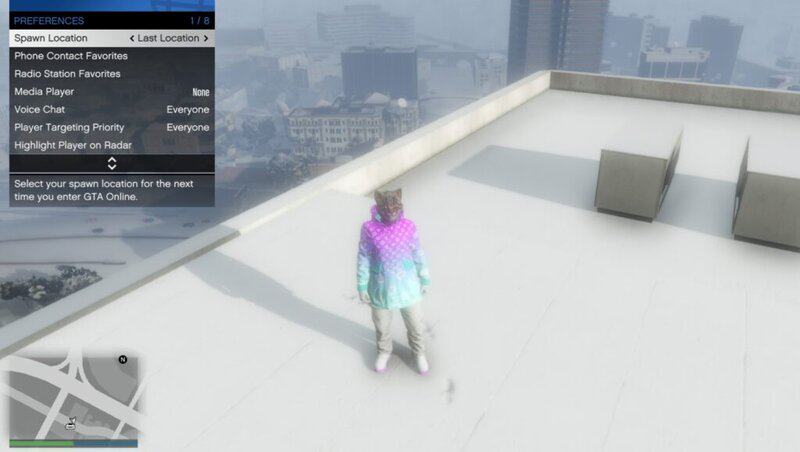
In a sense, yes. You can travel quickly from spot to spot using some pretty clever tricks, basically warping. But the easiest method is going to be setting your spawn point to the location you desire, or a location that is as close as you can get to your desired spot and to go from there. To do this, go to the interaction menu ( M key on PC, holding the View button on Xbox, or pressing the touchpad on PlayStation, as stated before), head down to the bottom of the menu to Preferences, from there you can change your spawn location to a variety of properties you own. Once set, you can have your character die or join a new session where your character will spawn to the new designated location.
Traveling is a hassle, whether that’s in-game or in real life. But at least online there are a few interesting ways to travel that won’t have the cops or IRS questioning you at your doorstep.