
Table of Contents[Hide][Show]
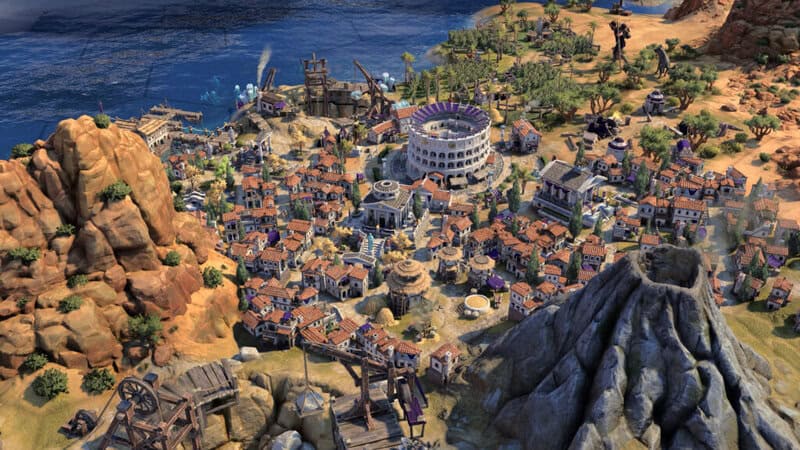
Civilization 7 has a debug menu players can access by modifying installation files — and unlike console commands in other games, you’re given a menu with specific cheats built-in. You’ll be able to remove Fog of War, reveal the full map, and skip ages. The Debug Menu gives you four cheats you can use at will to give yourself a more expansive view of the map you’re on, and you can toggle on or off Fog of War. You’ll be able to turn it off, check your enemies, then turn it back on if you only feel like cheating briefly.
If you want to try cheating for yourself, here’s how to access the cheats and what cheats you can actually use. Please note that this involves changing installation files — the process is simple but requires some PC knowledge. We’ll walk you through every step. As long as you only change what is listed below, you won’t cause any problems with your installation. And if you do, just reinstall or repair on Steam to set the files back to default.
How To Enable The Debug Menu
To enable the Debug Menu in Civilization 7 you’ll need to modify a text file in the installation folder.
- Find the file AppOptions.txt in the Civilization 7 installation folder.
- Location: Users\AppData\Local\Firaxis Games\Sid Meier’s Civilization VII\AppOptions.txt
- Open AppOptions.txt with any text editor — I recommend Notepad as it will not modify the text or insert formatting like Microsoft Word.
- Press CTRL+F and search for [;EnableDebugPanels -1]. You’ll only see the bolded parts.
- Replace that line with the following: [EnableDebugPanels 1]. Again, only copy/paste the bolding section between the brackets.
- Save the file and close.
And that’s it! The Debug Menu should now be activated when you launch Civilization 7.
- How To Open The Debug Menu: In-game, press the {~] tilde key to open the blue Debug Menu.
This menu has several options and cheats built-in that you can navigate.
H
Debug Menu Cheats
The Debug Menu has several functions, but the cheats are what we’re looking for here. There are four options we’d consider to be cheats.
- Enable FOW: Found under Map, this setting disables or re-enables Fog of War.
- Force Age Transition: Found under UI, this setting automatically skips you ahead to the next age.
- Explore All: Found under Map, this option makes the map visible but does not show all current activity on the map.
- Reveal All: Found under Map, this option shows everything on the map and allows you to see all activity.
Those are all four cheats available now. There may be more cheat options in the future, but for now that’s all you can do — and this method is only available on PC. Future mods may make cheating easier to pursue, so we’ll continue to search and keep you updated on any other cheat methods in Civilization 7.






