
Table of Contents[Hide][Show]
Portal with RTX is extremely impressive. The free update allows players to revisit the 2007 classic but experience it in an entirely new light, literally. The added raytracing options turn Portal into one of the most stunning and impressive-looking games we’ve seen so far.
In addition to the RTX elements, there are some secrets tucked away inside Portal RTX‘s hidden menus. Perhaps the most fun secret allows you to customize the iconic cubes that you’ll be using in the game’s testing chambers. While being able to customize just about anything in a video game is always fun, the different cube variants also do a solid job of showing off the ray tracing and other new lighting elements that have been added to the game.
How to Enter Secret Codes
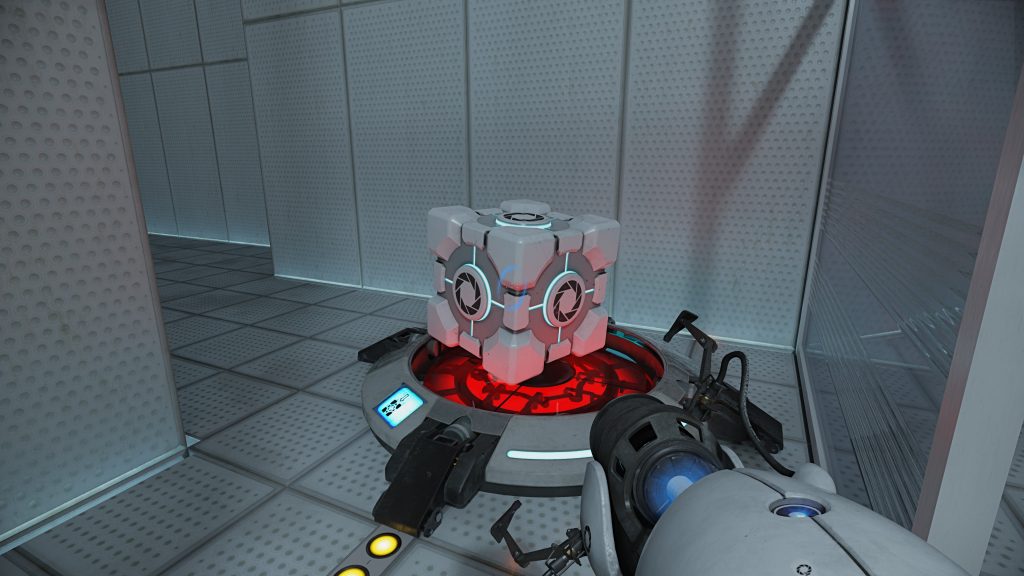
There are eight different storage cube skins and four different Companion Cube skins. The codes for the skins can be found in the new QR codes that have been added to certain areas of the game. For example, you’ll be able to find one of the codes underneath the radio in the first room of the game. When you scan a code it’ll lead you to a Google search for the input code for the secret menu.
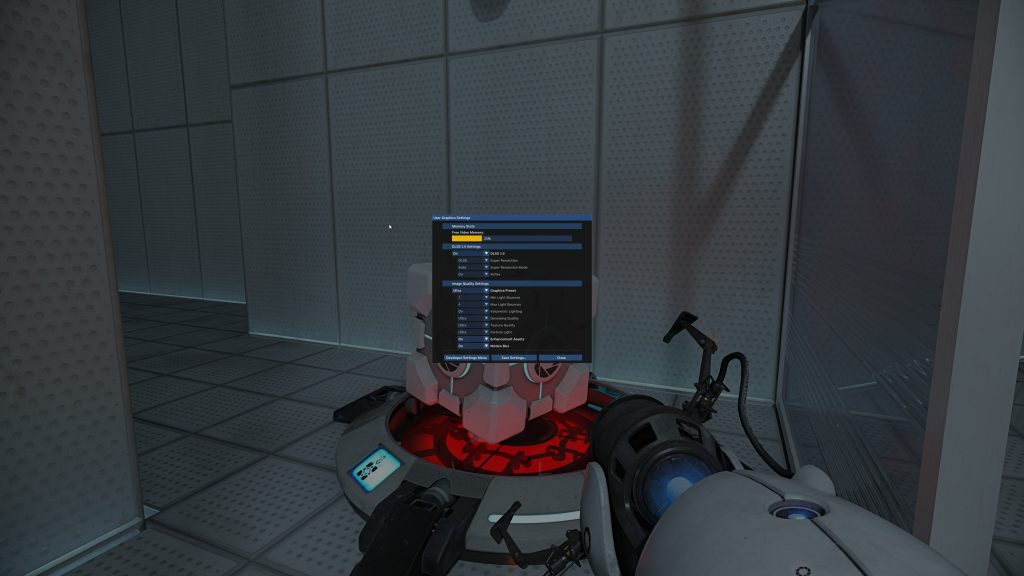
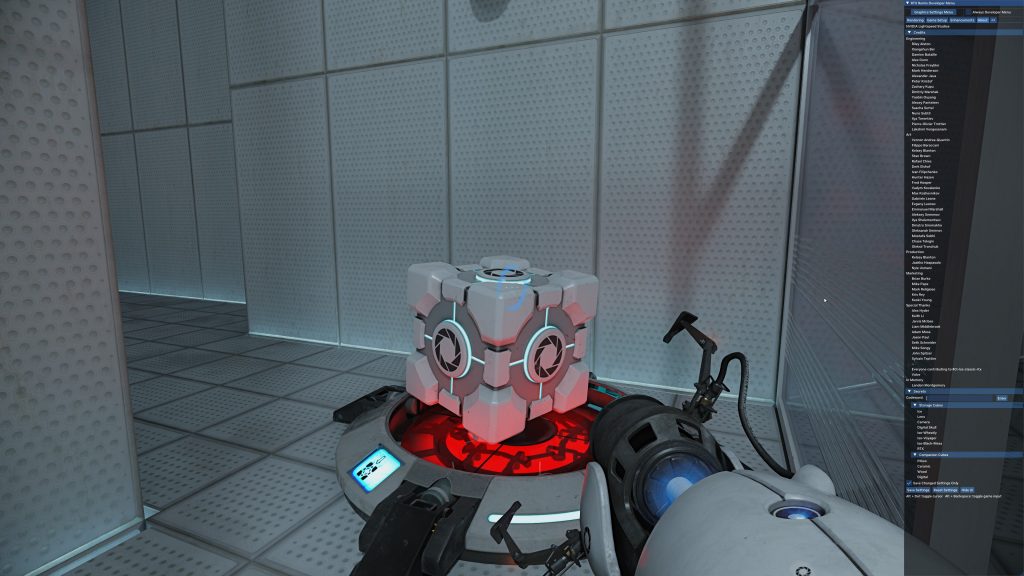
Once you’ve found a code (or just copied one from below,) you’ll need to open the game’s secret menu to find the place to enter it. To access the menu, load into a game and hit ALT and X at the same time. At the first pop-up menu, select the button that says “Developer Settings Menu” and the window will disappear in favor of a sidebar. Select the “About” tab at the top of the bar and then locate the “Secrets” tab. Here, you’ll find a text bar that you can select and enter the codes into. Use the codes below using all lowercase letters and the different cube options will unlock. Select the cube texture you want and then exit the menu and the cubes will all change.
Secret Code List
Here’s the list of all codes and what they turn the cube into:
Storage Cube
- blackmesa: Iso-Black-Mesa is an orange and brown rock-looking cube that retains the storage cube’s original corners.
- cavejohnson: Iso-Wheatly is a mesh cube with white and blue lights emanating from inside it that retains the storage cube’s original corners.
- directillumination: Digital Skull is a cube that replaces the Aperture Science logo on the faces with red glowing digital skulls.
- fullypathtraced: Lens is a cube that looks like a cross between the Discouragement Redirection Cubes from Portal 2 and a camera lens.
- jensen: Iso-Voyager is a cube that looks like it’s made out of rocks that still retains the storage cube’s original corners.
- omniversekit: Camera is a cube that replaces the Aperture Science logo on its faces with a ring light-esque camera on sides.
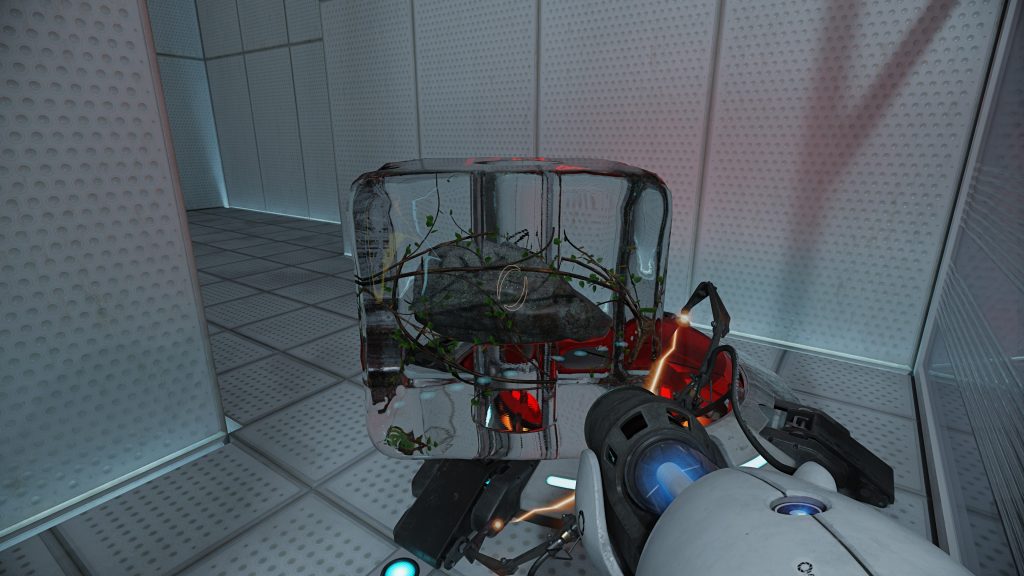
- physicallybased: Ice replaces the entire cube with ice. In the center of the cube, you’ll see a circular stone surrounded by foliage.
- 40series: RTX is a cube that replaces the entire storage cube with an RTX 40 series graphics card.
Companion Cube
- bridge: Digital is a Companion Cube that replaces its regular faces with digital pink glowing hearts.
- caroline: Pillow is a plush version of the Companion Cube.
- deliciousandmoist: Wood is a wooden version of the Companion Cube that resembles the cake found at the end of the game.
- themoreyoubuythemoreyousave: Ceramic is a Companion Cube that replaces all of its material with blue lacey ceramic.







