

Mobile card battler game Marvel Snap has been experiencing a huge influx of players and word of mouth buzz over the past couple of weeks. The Marvel Comics inspired Collectible Card Game has taken the world by storm but as us gamers know, popularity can often lead to instability when it comes to online games.
While we don’t know for certain if server overload is the cause of the latest game-breaking glitch that players are experiencing in Marvel Snap, we do — at very least — know how to fix it. If you’re unable to join matchmaking and collect your rewards, you are experiencing an error many other players are seeing as well. Here’s everything you need to know about the Unable to Communicate with Matchmaking glitch.
More Marvel Snap Stories:
Marvel Snap’s Locations Keep The Exciting At Every Turn | Marvel Snap Won’t Make You Buy Its Cards |
How to Fix The Unable to Communicate with Matchmaking Error
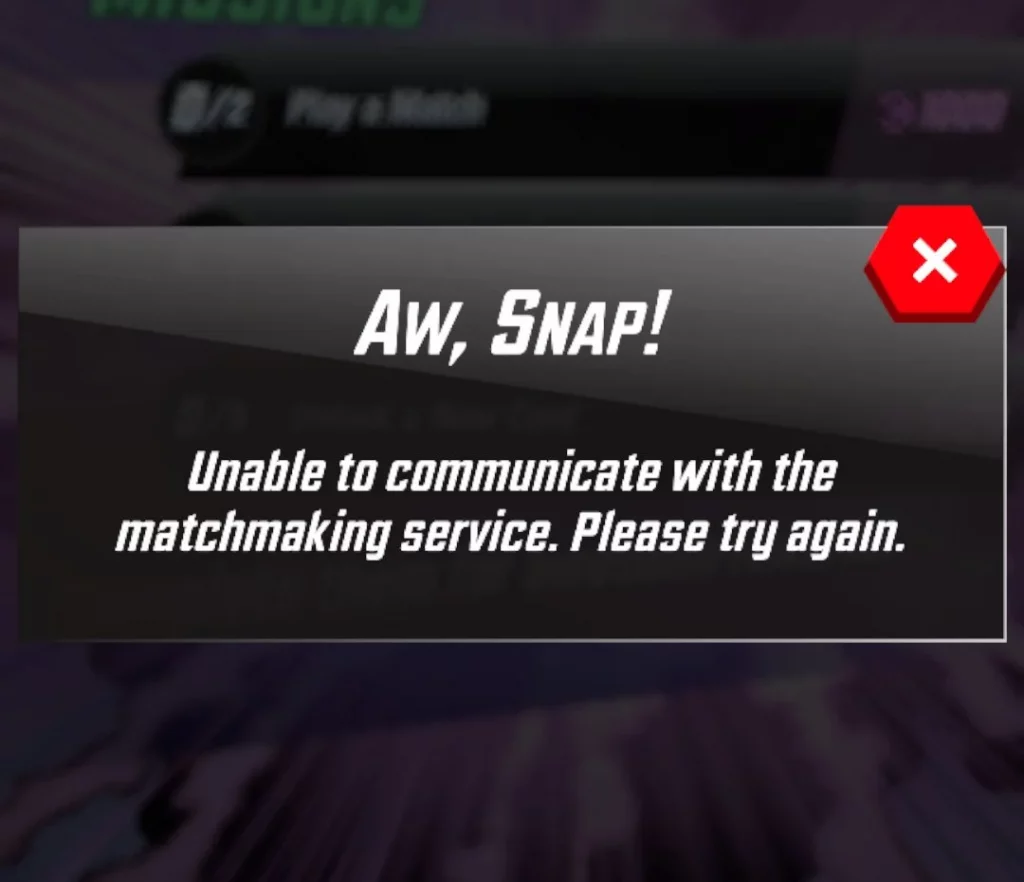
Some Marvel Snap players you’re experiencing a bug that essentially makes it impossible to play the game. If you are trying to get into matches and receiving an error message like the one above, you are not alone. The bug also disallows you from leveling up your cards.
You can seemingly still do your daily upgrades, but when you try to claim any rewards from your Collection Level Rewards, a different error message will pop up telling you to try again some other time. Whenever you close the app, any upgrade progress you made on cards will be lost. So if you are having trouble with this glitch, don’t bother leveling cards up until you fix it. Speaking of fixing, here are some potential solutions.
Closing and Re-Opening the App
This is the least likely to fix your troubles, but closing the Marvel Snap app on your phone or Windows device and then re-opening it is the first trick you should try. Just don’t get discouraged if the simple solution fails you.
Restart Your Device
If you are playing Marvel Snap on mobile devices with iOS or Android, turning your phone on and off is another way to solve this matchmaking bug.
Uninstall and Re-Download the App
This is the final solution and it should work if all else fails. Just delete the app from your phone and redownload it to fix the Unable to Communicate with Matchmaking error.
There is one very important thing you must do before deleting Marvel Snap from your phone if you want your progress to save. Make sure to link your account to either your Apple or Google Account before deleting the game. If you don’t, your card collection will be lost. You will have to start over from the tutorial unless your Marvel Snap profile is connected to one of these outside accounts.
And that is the best surefire way to fix this frustrating matchmaking glitch. Keep it tuned to GameRanx for more Marvel Snap guides and tips.