
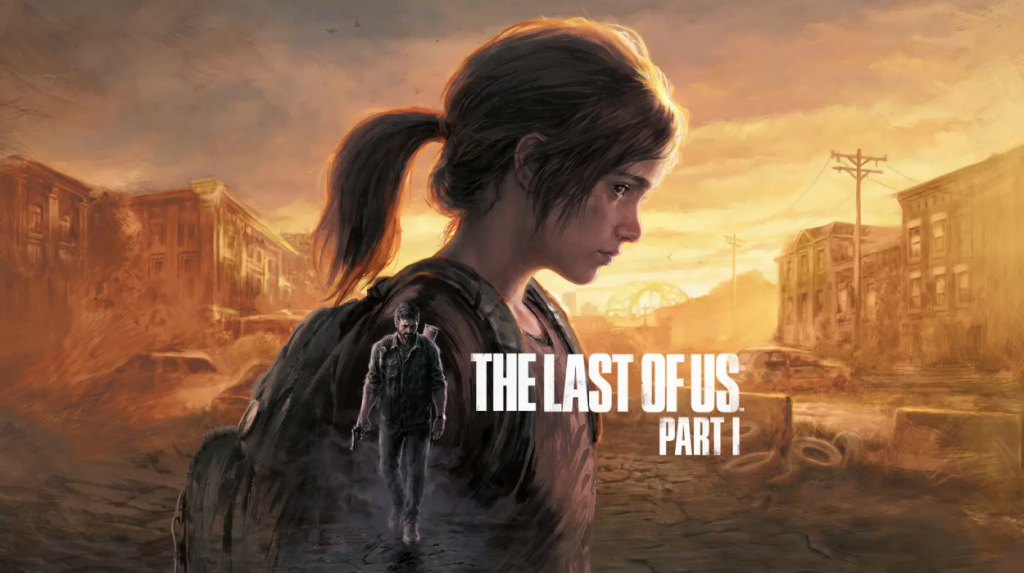
One of the things that can’t be denied about games as a whole is that they’re getting more photogenic in terms of how they present themselves. Yes, there are still the very cartoony or even sprite-based titles out there, but many AAA titles fight for the right to be called some of the best-looking games around. As such, people want to take their own snapshots as they progress, especially when the environments are as breathtaking as some recent titles. A great example of this came from Marvel’s Spider-Man, which was famous for its Photo Mode that would let you take pictures at any time, even if it was selfies of Spider-Man in his outfits. Well, you might not have recalled this at first, but The Last Of Us Part 1 has a Photo Mode as well.
On the PlayStation Blog, the team decided to help break down the Photo Mode for you and ensure that you knew all the best tips and tricks in order to get the best pics for your PS5.
For example, instead of always going to the Options menu in order to take a pause and line up the shot, there is a shortcut button. You will be able to freeze the current screen by pressing L3 and R3 at the same time, which the team notes will help ensure you don’t miss the chance at the shot that you want.
Obviously, pausing, or trying to pause, at the right moment can be difficult at times, and so another key feature that they put in is that of ‘Frame Forward.’ You’ll be able to move the game forward some frames so that if someone is say blinking, or has an odd experience or look that kind of ruins the shot, you’ll be able to overcome it and get the picture you were wanting.
If you recall previous talks by the developers, you’ll know that lighting is something they worked very hard on in The Last Of Us Part 1. They went full-tilt at times to make sure that the lighting brought out the scenes in the very best of ways, so it only seems fair that you should be able to do the same thing, right? Indeed, you’ll be able to control the lighting in the area so that you can ensure you get the right look for your picture.
Another classic feature for a Photo Mode is being able to move the camera around. You will indeed be able to pan the camera around to see if there’s a better angle to be had or composition to make.
All in all, it’s clear the Photo Mode is deep, much like the game itself, and the team wants to see what kind of beautiful shots you can take as you embark on this adventure–or play it again.
Source: PlayStation Blog


