
Table of Contents[Hide][Show]
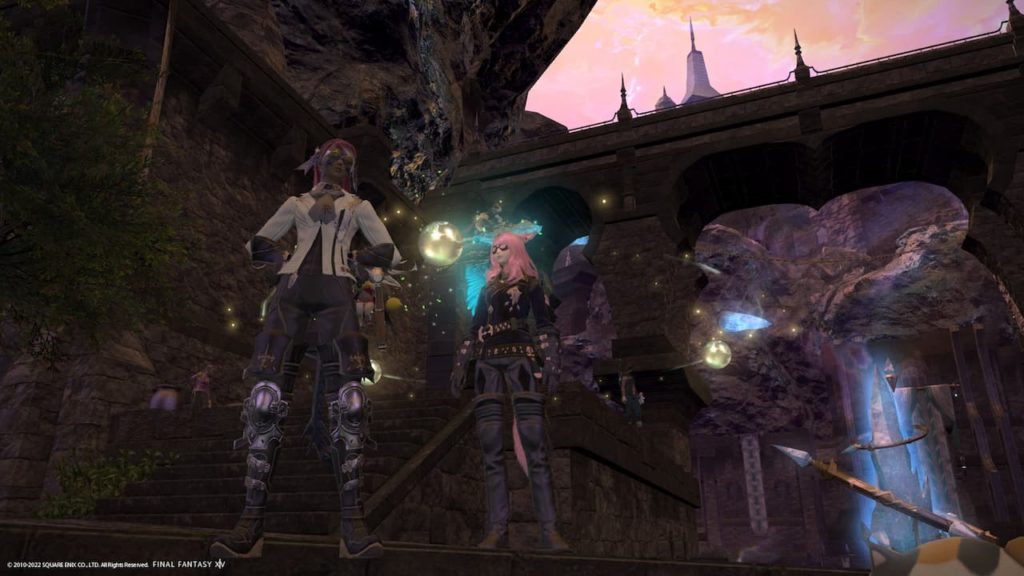
Final Fantasy 14 is an immensely popular MMORPG that allows Cross-Platform play between its PC and PS4 and PS5 iterations. Players wishing to play with their friends on different platforms are alpermittedo do so, granted they are on the same Data Center. This differs from MMORPGs that split their player bases into separate entities. Console and PC players, respectively.
More Final Fantasy 14 Guides:
How to be a Carpenter in Final Fantasy 14 | What is the Island Sanctuary in Final Fantasy 14 | How to Become an Alchemist in Final Fantasy 14 | How to Start a Free Company in Final Fantasy 14 | How does the Free Trial Work in Final Fantasy 14
Is Final Fantasy 14 Cross-Platform
In a few words, yes, players that wish to play alongside their friends can do so. Whether or not they own the same version of the game is irrelevant. This comes with the stipulation that players must be in the same Data Center. Players wishing to play on the same account with the same characters on different platforms such as PS4 to PS5 will be happy to know it is relatively simple to do so.
If players do not choose the same Data Center as the friends they wish to play with, the player will have to purchase a Data Center Transfer using account services. This service costs 18 dollars USD and will allow those looking to transfer Data Centers a way to do so, although this comes with the caveat that there has to be at least a three-day gap in-between using the service. Trial accounts are unable to access the service, and players may not be a part of a Free Company during the transfer. Players must also be logged out of the game in order to undertake the transfer. Any type of land or housing ownership also makes the player ineligible for transfer.
How to Transfer Accounts Between Platforms
While players must have an active Square Enix account, it is a simple process that requires little of the player. Players only need to log on with the same account they used on the other platform to have access to their characters and progress. Doing this allows the Final Fantasy 14 player base to exist as part of the PC and console communities simultaneously. As long as players are using their respective platforms, PS4 to PS5, or using a different PC, progress carries over.
Which Items Transfer between Platforms
Players wondering whether or not their in-game items purchased through the store remain will be glad to know that items purchased through the store are account-wide across platforms. Whereas item inventory obtained through in-game progress is lost in the transfer between PC and console. Collector’s Edition items such as:
- mounts
- minions
- weapons
- special outfits
Such items are single purchase items meaning that players only need to purchase the Collector’s Edition once to have access to these items and other items added to the edition for the lifetime of the game. This is also account-wide and is not directly tied to the platform in which the players purchased the Collector’s Edition. Players who take part in the in-game marriage system known as Eternal Bonding also will be glad to know this is account-wide as well. Therefore any items obtained through this method will be retained.





