
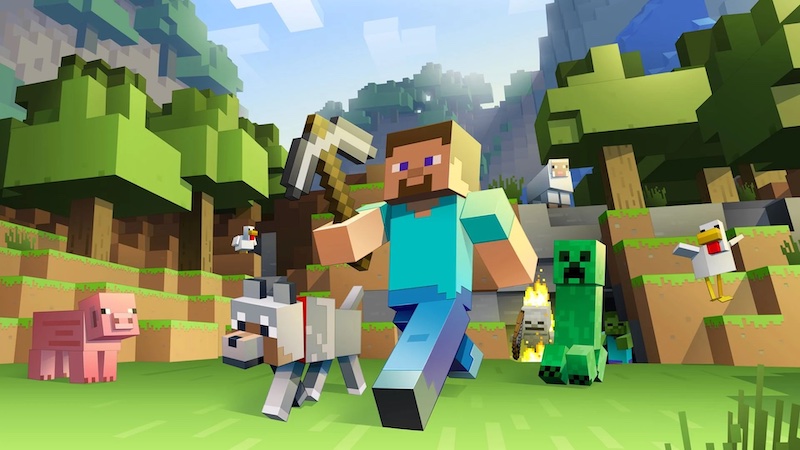
Minecraft has been an internet sensation ever since it first went live all the way back in 2011. Since then, players have been deeply immersed in its complicated systems and gripping gameplay loop. Despite the fact that many other longstanding gaming giants are adopting free-to-play models, Minecraft still requires one payment upfront for players to access the game and its hundreds of hours of content.
Not everyone is in a position to be able to pay for the game, however, but luckily Mojang offers a free-to-play version of the game as long as the player is alright with forgoing a lot of the content that’s been added to it over the years. Instead of requiring interested players without the cash to try it out to illegally download the game, Mojang is giving away part of it for free. Take a look below to learn everything you need to know about the free version of Minecraft.
More Minecraft guides:
What Does Minecraft Allay Do? | Minecraft Legends Announced for Xbox Games Pass | Minecraft: How To Breed Axolotls & What They Eat | Minecraft: How To Make A Flower Pot | Best Minecraft Nintendo Switch Seeds | Where to Find Diamonds in the 1.19 Update |
How to Play Minecraft for Free
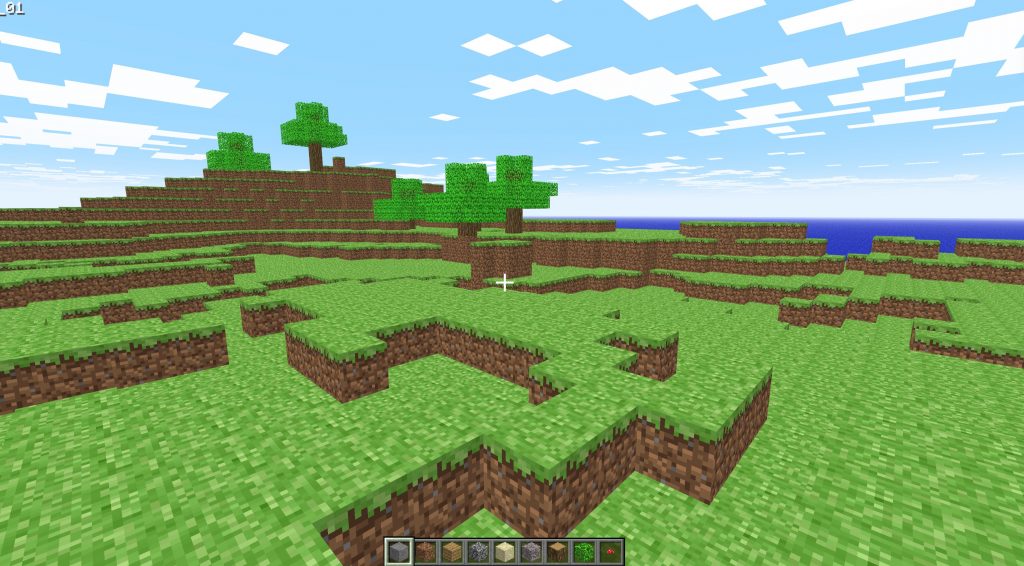
Minecraft is able to be played for free, in-browser, legally right here. There’s a big catch to that though: the version available is “Classic Minecraft” which means that it’s the version of the game that was first published in 2011. Gone are enemies, crafting, smelting, and pretty much everything else you’d find in a modern update of the game such as the recently released Wild Update.
In Classic Minecraft, the player has access to nine different building blocks and a relatively small area to play around in. The game is in creative mode so it’s basically just an officially licensed browser version of the game for those looking to build some basic structures. It’s a far cry from what Minecraft has become, but it’s still a nice sample of what the game is at its core and is able to be run on any computer.
It’s important to note that you can’t save your game in the browser version of Minecraft so once you exit the tab, your work will be gone forever.






