

It almost goes without saying that battle royale shooters can be extremely competitive. While there are plenty of casual fans who simply play for fun, the competition scene that gets built out of games like Fortnite, Call of Duty: Warzone, and Apex Legends is huge, one of the biggest industries within gaming itself. Because of that, players are always looking for more options to improve their play.
When looking at many of the most competitive titles, they’re played on PC to allow players to make the most out of the pinpoint accuracy that comes hand-in-hand with using mouse and keyboard controls. Mobile games with budding competitive scenes like Apex Legends Mobile, however, aren’t afforded that option. Instead of “upgrading” from controllers to mouse and keyboard, many mobile players want to upgrade from flighty touch controls to more accurate and responsive controllers.
More Apex Legends Mobile Guides:
Can You Play Apex Legends Mobile With a Controller?
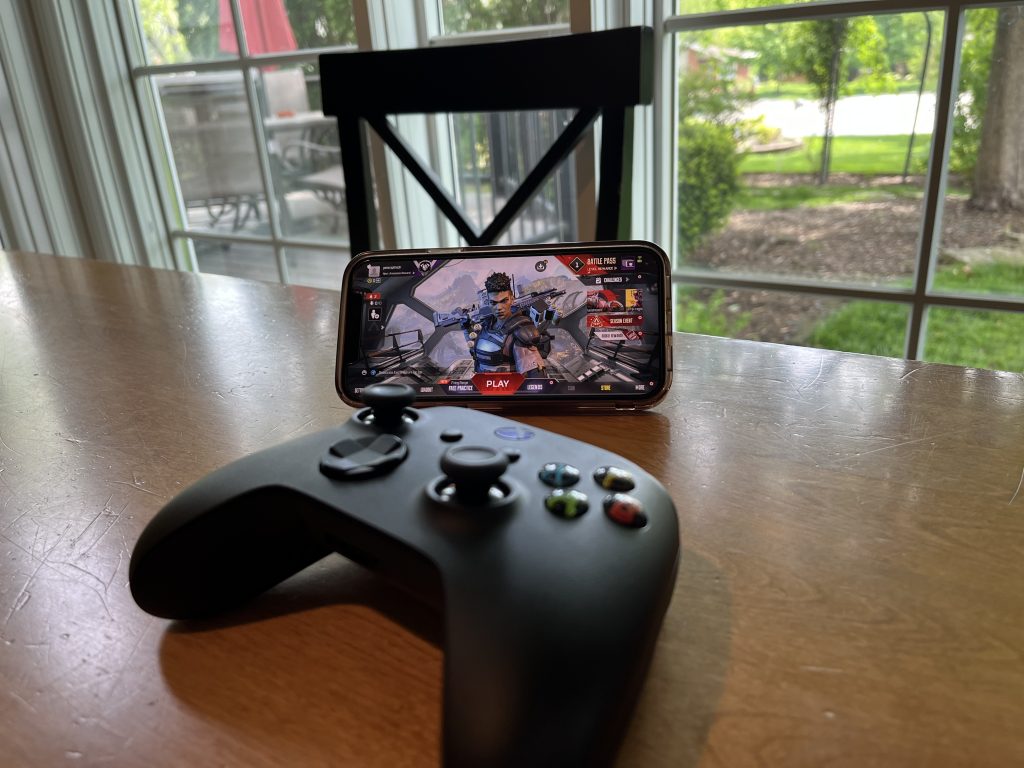
Playing Apex Legends Mobile with a controller is not only an option but perhaps the best way to play the game. Because there are so many buttons that go into making the intricacies of Apex‘s gameplay work, relying on the on-screen button prompts to play becomes something of a mess pretty quickly. Luckily, Apex Legends Mobile supports all types of controllers.
The easiest controllers to use for Apex Mobile are going to be mobile controllers like the Backbone or anything from RiotPWR as controllers like those simply plug into the charging port of your mobile device and are instantly connected. Wireless controllers, on the other hand, require a bit of setup.
To pair a wireless controller, go into the Bluetooth section of your phone’s settings app while attempting to pair your controller. To do this on an Xbox controller, turn it on and then hold down the pair button on the top right until the Xbox logo starts flashing. On a PlayStation controller, hold down the PS button and the Share button at the same time until the light on the controller starts flashing. Once ready to pair, the controller should be listed as a device that’s able to connect to your phone’s Bluetooth settings. Select the controller, open the app, and you’re good to go.
You can modify your button layout in the settings tab of Apex Legends Mobile.




