
Table of Contents[Hide][Show]
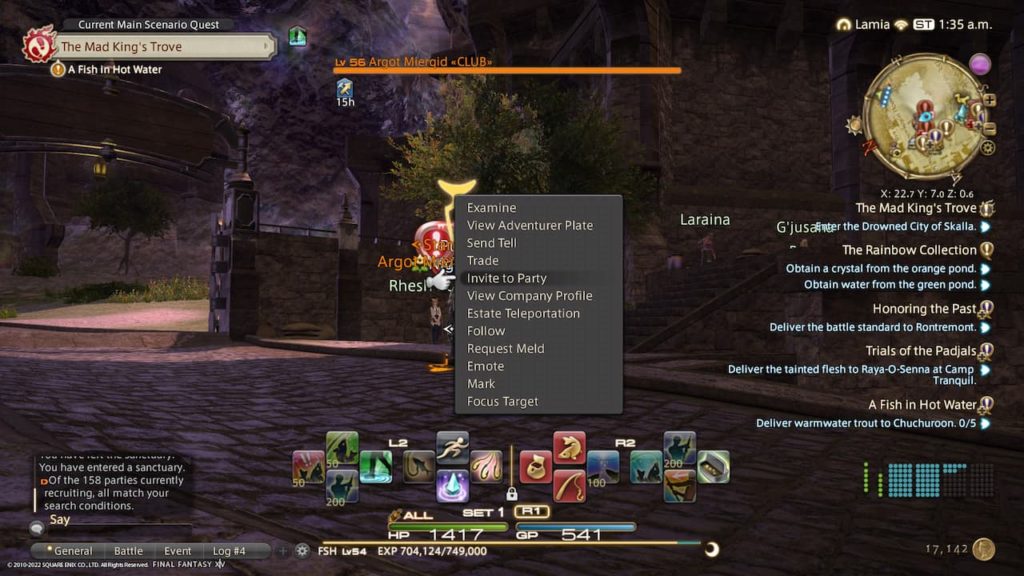
Final Fantasy 14 makes itself extremely inviting to curious players who aren’t yet willing to pay for the game and its monthly fee. It does this by offering a free trial that lets new players get a true taste of what it’s like to play the game full-time, with certain restrictions. This is the best way to find out if you like Final Fantasy 14, but figuring out the ins and outs of a free trial can be tricky.
How to Start your Final Fantasy 14 Free Trial
Starting the free trial is easy. You just need to download the game and make your account. There is no fee or credit card you need to put into the game, but you will only be able to reach level 60. You can choose to use the Free Trial on PC or PlayStation, but you can’t transfer your account between these two platforms.
If you decide you wish to keep playing, then you just need to buy the full version of the game and buy a game time card to unlock all of the features in the game. Likewise, you can unsubscribe yourself from the game whenever you need to take a break. You do need a working credit card to pay for this subscription.
Before buying the game itself, check on the bundle that contains the expansions. Often times you can get a great deal on the base game and the first three expansions.
Everything you can’t do in the Final Fantasy 14 Free Trial
There are quite a few things that you won’t gain access to without buying the full version of the game. Here is a list of features that aren’t available until you have a membership to Final Fantasy 14.
- You can only have 300,000 Gil.
- Many chat options are not available. These are shout, yell, and tell.
- You can not use the market board.
- You can not trade.
- You can not use Moogle Mail.
- You can not use Linkshell.
- You won’t be able to hire a retainer.
- You can not join a Free Company.
- You can not add friends.
- You can not have an apartment.
- You can not start a party.
- You can not use PVP.
- Features outside of the game like the app and Loadstone won’t work.
As you can likely see, there are a lot of features you can’t use, and most of them relate to interacting with other players. This does limit what you can do in the game, but it doesn’t stop you from experimenting with multiple classes and getting a feel for the game’s story.
For more on Final Fantasy 14, check out the articles below:
How to use the Market Board in Final Fantasy 14 | How to Transfer Worlds and Servers in Final Fantasy 14 | How Does the Ceremony of Eternal Bonding Work in Final Fantasy 14 | How to Glamour and Dye Clothes in Final Fantasy 14 | How to Start a Free Company in Final Fantasy 14





