
Table of Contents[Hide][Show]
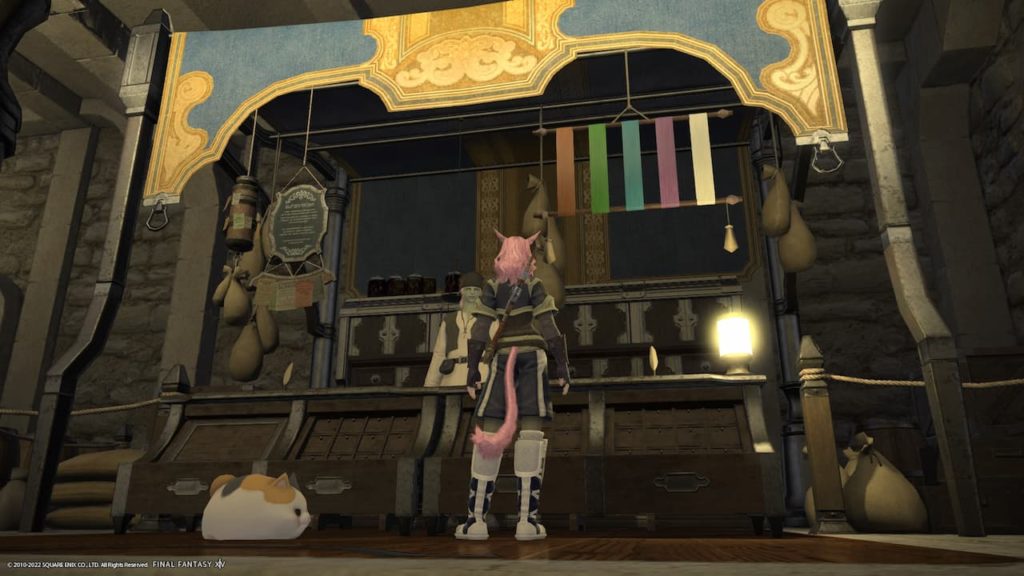
Final Fantasy 14 is a game that truly lets you immerse yourself in the world of Eorzea. To do this, it gives you tons of freedom in what you spend your time doing each day and how you customize your character. Glamour and dyes are introduced very early on in the game and help you to get some flair.
How to unlock Glamour in Final Fantasy 14
Glamour is the way that you hide the current outfit you are wearing by covering it with another of your choice. This way, you can dress your character how you would like without having your stats suffer from bad gear. Luckily, you will be able to Glamour your gear from the low level of 15, as long as you have made it to Western Thanalan.
All you need to do is visit Vesper Bay and speak with Swyrgeim to get the quest If I Had a Glamour. After completing this brief quest, you will be able to Glamour your clothes, all you need. Once this is done, you can apply Glamours on any of the gear you are wearing. Just be aware that you need to have the gear you want to Glamour on you to complete the process.
You can also undo the Glamour if you end up not liking it or needing a change. Gear that you have Glamoured into Glamour dressers in the main city. Just make sure you keep plenty of Glamour Crystals on you when you are customizing your clothes.
How to unlock dye in Final Fantasy 14
You can unlock Dye from Swyreim in Vesper Bay as well. This time the quick quest you will do is called Color Your World. After this, you will be able to dye your clothes. You simply need to purchase dye from a Dyemonger, or for rarer dyes, get ahold of it yourself.
Once you have the dye in your inventory, simply open it up and go to the dye. Once you click on it, you can choose to dye the clothes that you are wearing. Like with Glamour, you can constantly change the color of your clothes using dye. If you don’t like the color you are currently wearing, then just use another dye.
You can also dye some of the furniture in your room. Keep in mind that special furniture and themed furniture might not be eligible for you to dye. Interestingly enough, you can change the colors of wall partitions to better match your room.
If you are looking for some of the rarer dyes like black, you can always check with other players or go on the market board.
For more on Final Fantasy 14, check out these other great articles.
Final Fantasy XIV Producer: Endwalker is a “New Beginning” | Final Fantasy 14: Ocean Fishing Guide | Final Fantasy XIV Producer Discusses 7.0 in New Interview | How to Get Free Company Housing in Final Fantasy 14 | Final Fantasy 14 Developers Apologize For Housing Lottery Issues




