
Table of Contents[Hide][Show]

While major MMOs can certainly be enjoyed alone, oftentimes one of the major appeals to some players is teaming up with friends online. Lost Ark has already hit some major milestones in terms of player count boasting over 1 million active users in just a few short days following the game’s official Steam release meaning that there’s more desire than ever to be playing with friends.
Luckily, Lost Ark makes it relatively easy to quickly log in and meet up with friends online to complete quests, defeat monsters, and explore the game’s vast world. Additionally, Lost Ark opens itself up to allow players to make new connections and friends during missions with ease and efficiency.
More Lost Ark guides:
10 Tips You Need To Know | Important Keybinds List | All Currencies | How to Level Up Fast | Is Lost Ark Free?
How to Add New Friends in Lost Ark
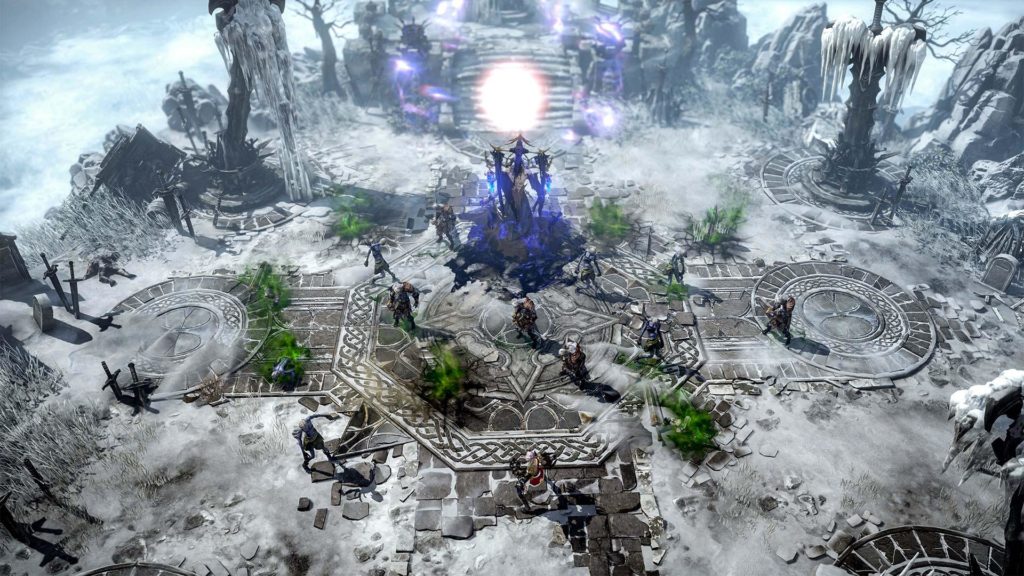
There are two ways to add a friend to your list in Lost Ark.
Adding Friends if You’re Next to Them
If you and the player that you’re wanting to add to your friends list are physically near one another in-game, all you’ll need to do is hold down CTRL and right-click on them. Once done properly, a menu should pop up with some options that allow you to add them as a friend or simply just invite them to a group. The latter option is useful for putting together a group to tackle a high-level quest without wanting to directly add anyone to your friends list.
Adding Friends if You’re Not Next to Them
The other way to add a player to your friends list requires that you know what their username is. Once you’ve got that, either click on the “Friends” tab in the bottom right corner of the screen or press “u” to open the menu. From there, you should have some options one of which being the ability to add a friend by username. Type the information in and wait for the request to be accepted.
How to Play Lost Ark With Friends
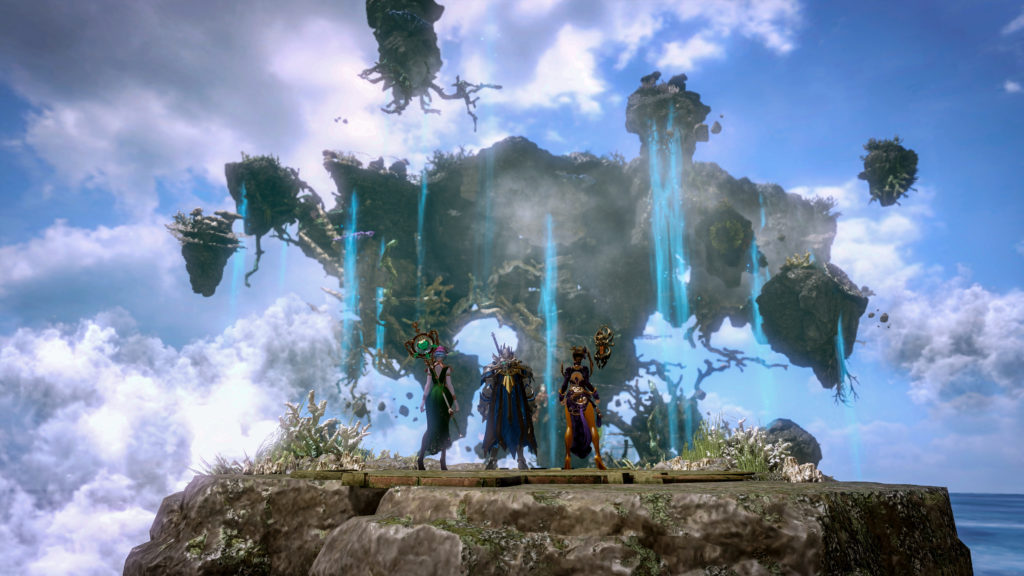
Playing Lost Ark with friends is just as simple as adding someone to your friends list, but the only major thing to know before setting everything up is that friends will need to be on the same server to play together. Unfortunately, there isn’t currently a way to transfer characters from one server to another, so if you’re looking to play with friends, it’s important to know who’s located where to make sure it all goes smoothly.
To meet up with friends, click on the Friends menu in the bottom right corner (the same menu used to add friends by user name) or just hit the “u” key. Once there, you should see which of your current friends are online. Click on the desired friend and then click invite. After they’ve accepted they should show up in your location and you can begin exploring Lost Ark together.







