
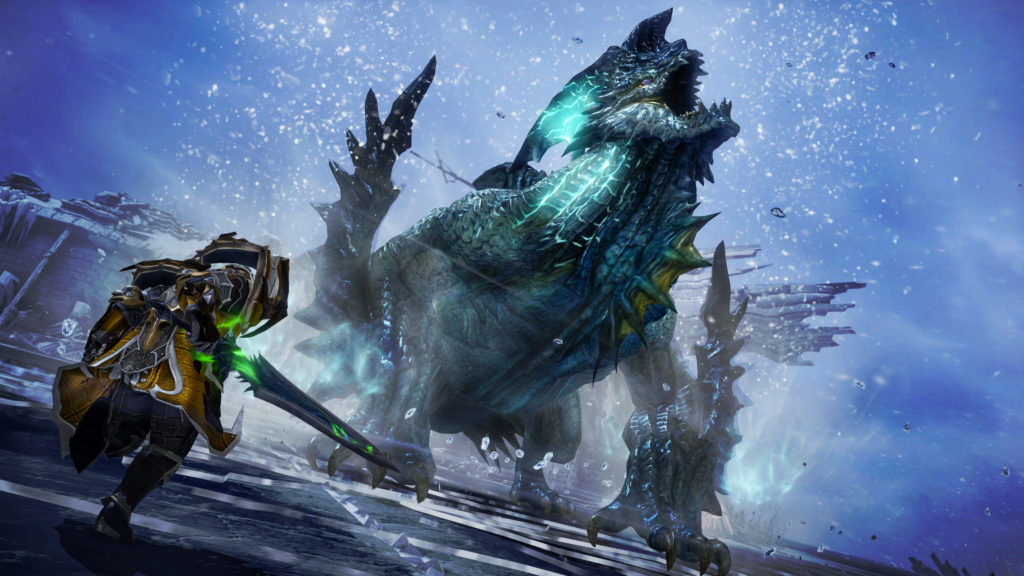
Lost Ark is a complicated game. When you first jump in, you’re bombarded with tutorials, character creation choices, and a world to explore. Working with friends to fight monsters and level up your characters, you’ll quickly realize there are a whole bunch of keybinds you really ought to know about. This is the most basic of the basic. The beginner-est of beginner information. And this is for those of you out there that don’t play MMOs religiously. Even the ones that do might not know all the functions you can call up with a couple of combined button presses.
Lost Ark is a F2P MMO that is currently burning up the Steam charts. With over 500,000 players in pre-release. That’s a lot of first-time players, and if you want to teach your friends how to handle the busy UI, you might want to point out the most important keyboard shortcuts — other than the obvious ones, like the use button [G]. These are the keybinds you’ll be using over and over and over again. And over and over. If you’re like the madmen dumping weeks, months, and even years of your time developing characters in the world of Lost Ark, these are the keys you’ll be pressing a whole lot.
More Lost Ark guides:
10 Tips You Need To Know | 6 Easy Steps To Level Up Fast & Reach The End-Game | All Currencies
Most Common Keybindings | Keyboard Shortcuts You Need To Know
The following keybindings are default. You can’t rebind any keys, so you’ll have to get used to this setup.
- [T]: Toggle Auto-Run
- [I]: Inventory
- [J]: Journal
- [N]: Adventure Book
- [U]: Friend List
- [Y]: Emote List
- [L]: Life Skill
- [O]: Affinity
- [B]: Toggle Gather
- [F2]: Songbook List
There are more shortcuts that toggle or change features.
- [Ctrl + LMB]: Click anywhere to ping. Ping locations on the ground, chests, monsters, etc.
- [Left Shift + RMB On Map]: Shares Your Map Location To Chat
- [Left Ctrl + Q/W/E/R]: Quickly Swap Hotbar Keys.
- [Left Alt + X]: Toggle UI On / Off
- [Middle Mouse]: Moves Overlay Map
- [Left Ctrl + Middle Mouse Scroll]: Change Cursor Color
Standard movement is click-to-move, but you can change that. In the Setting, set to Auto-Move and your character will simply follow your mouse cursor so you won’t have to click. If you’re sick of clicking, this might be your best solution.
There are more buttons specifically for Item Management in your Inventory. Here’s a rundown of some of the most useful keybinds.
- [Ctrl + LMB]: Move item instantly to pet inventory.
- [Shift + LMB]: Splits items into two stacks.
- [Alt + LMB]: Lock item. Won’t be auto-sorted.
- [Alt + RMB]: Puts items into Account Storage.
That’s a lot of buttons that Lost Ark needs you to know about. If you missed out on the early game tutorials, or if you’re rushing through the game with friends, it is very easy to lose track of even the most basic features. Now you’ll know what button combos matter the most.





