

Dreams is a daunting game. If you’re new to Dreams, it’s easy to get overwhelmed by the sear amount of stuff available to you — whether it’s building your own unique masterpiece or finding a fun community creation. There’s a lot you need to know about Dreams — too much! We can’t fit it all here, so I’m just going to share 10 quick tips that I wish I knew before diving into Dreams.
This is like the short version of all those tutorials — if you want to truly understand Dreams, you’ll need to do all the digging yourself. There’s a vibrant community of Dreamers that are willing to help create your amazing game or short video, and you don’t want to miss out. The full game is available for everyone now, and it only costs $39.99.
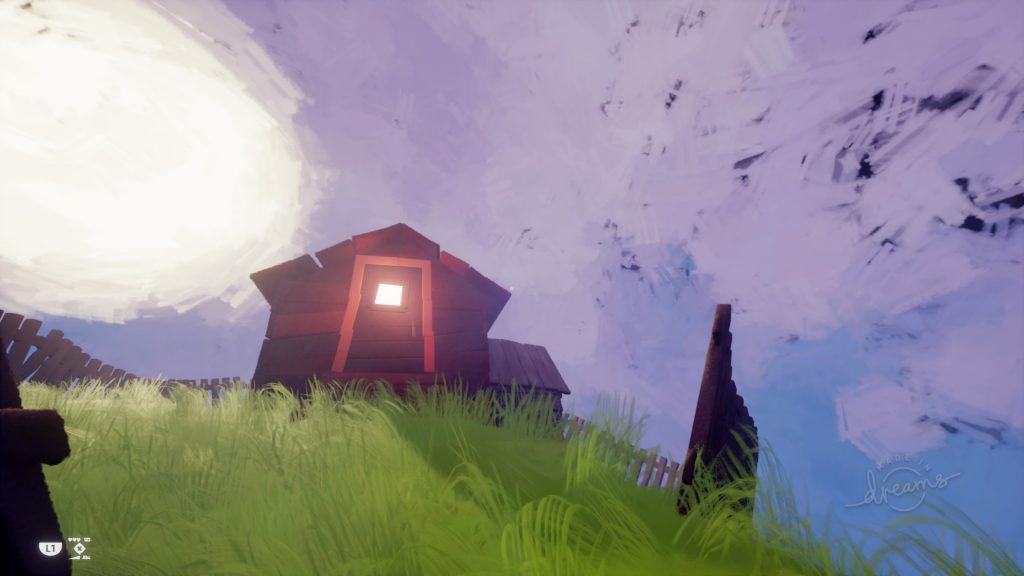
A Little Place
In Outer Space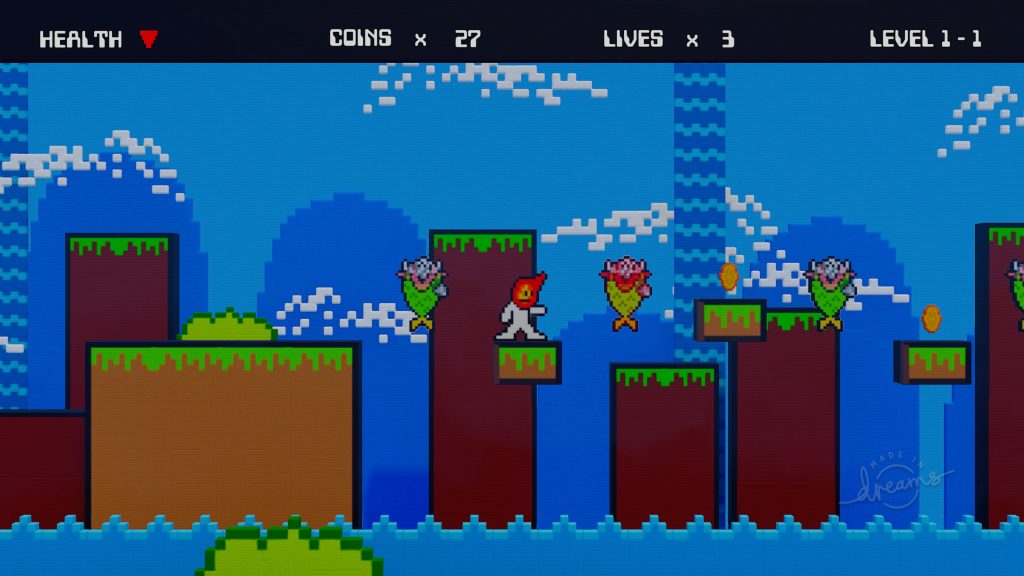
Cobalt Cliffs – Level 1 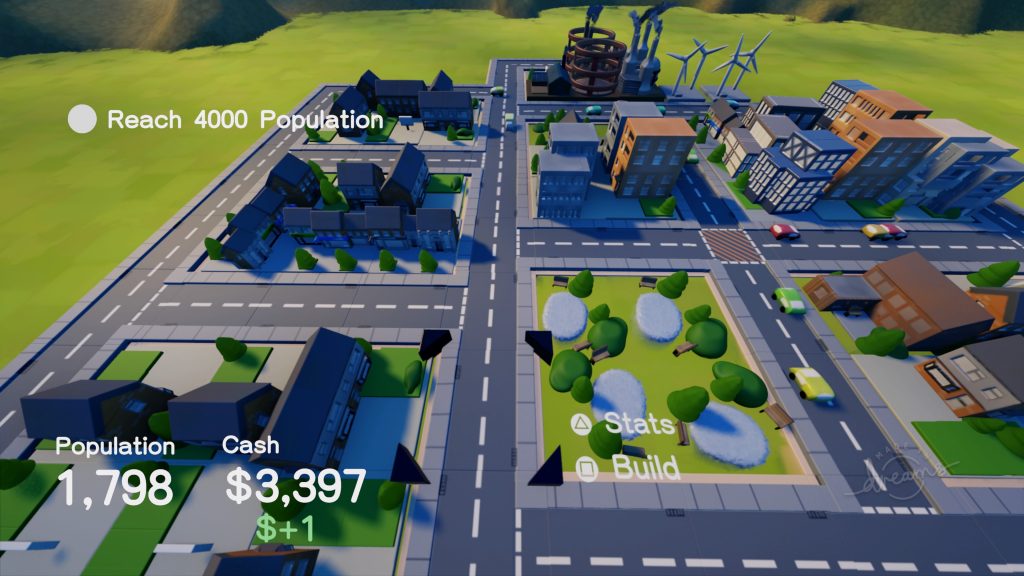
City Simulator 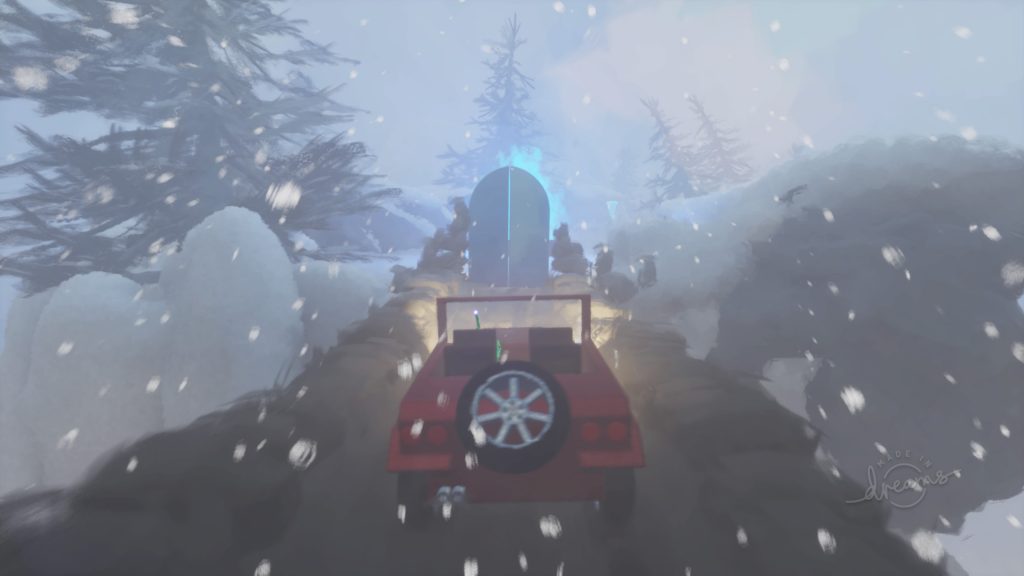
The Offroad Lands – Chapter Two 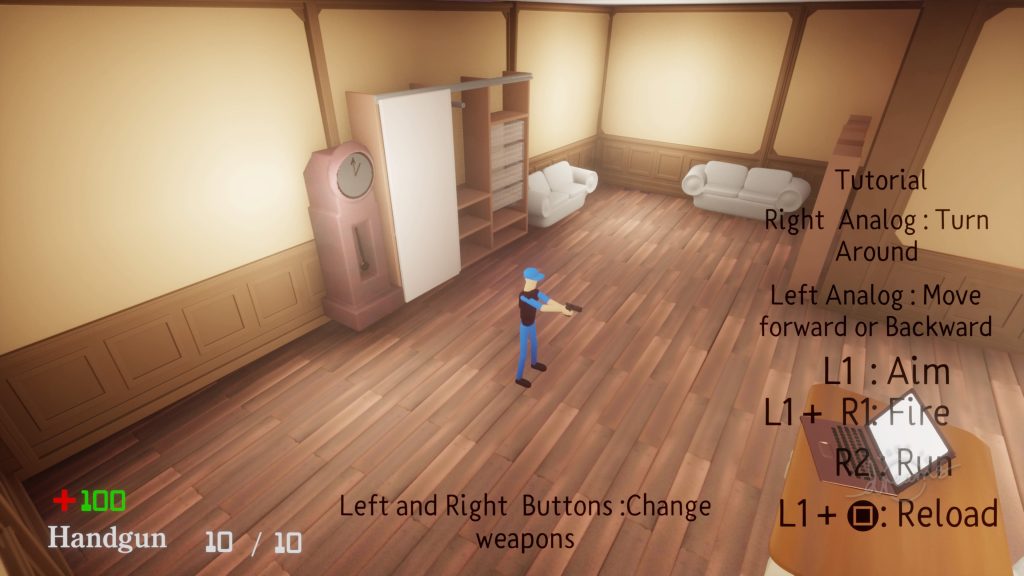
Room1 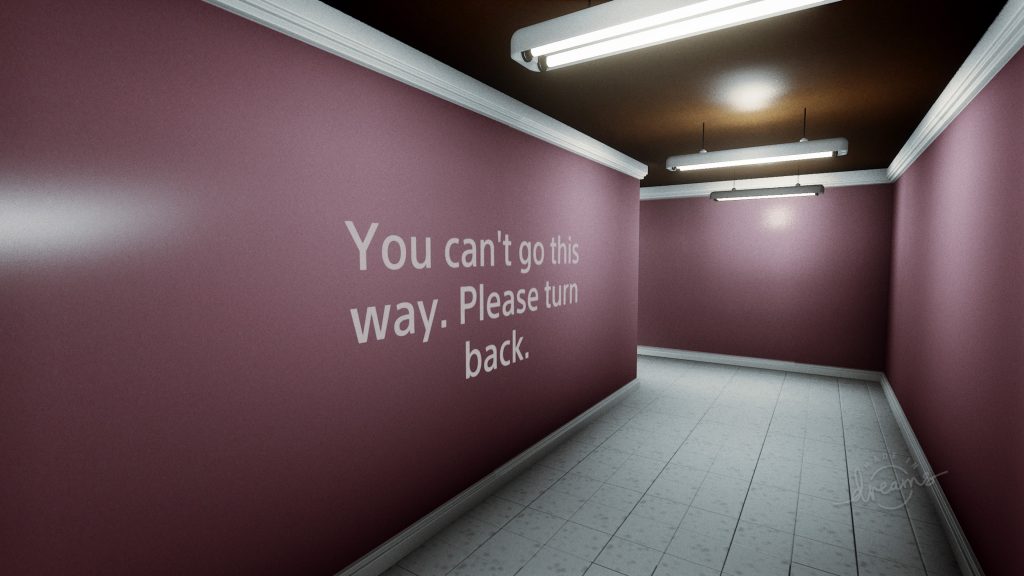
Purgatory 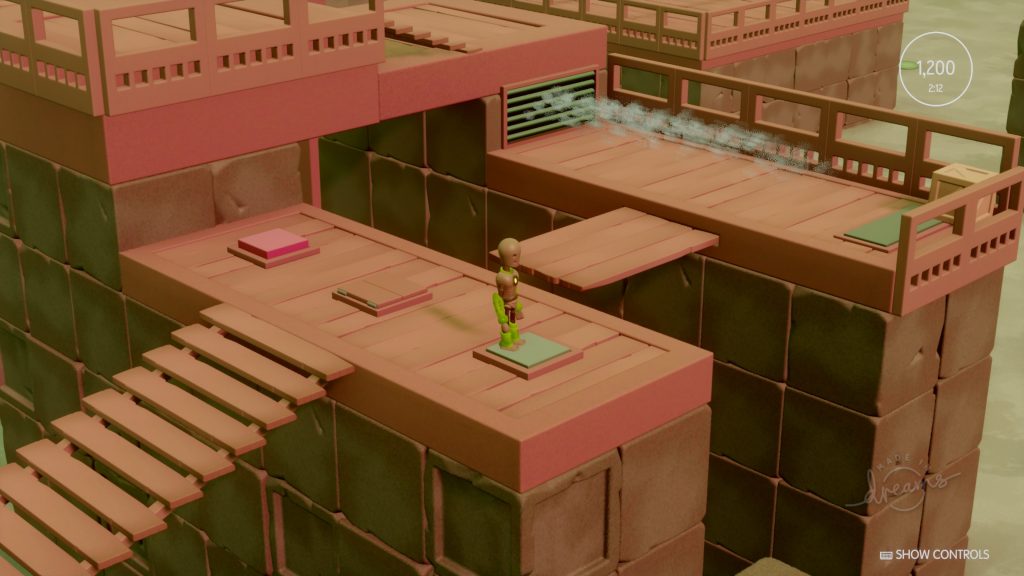
Porto 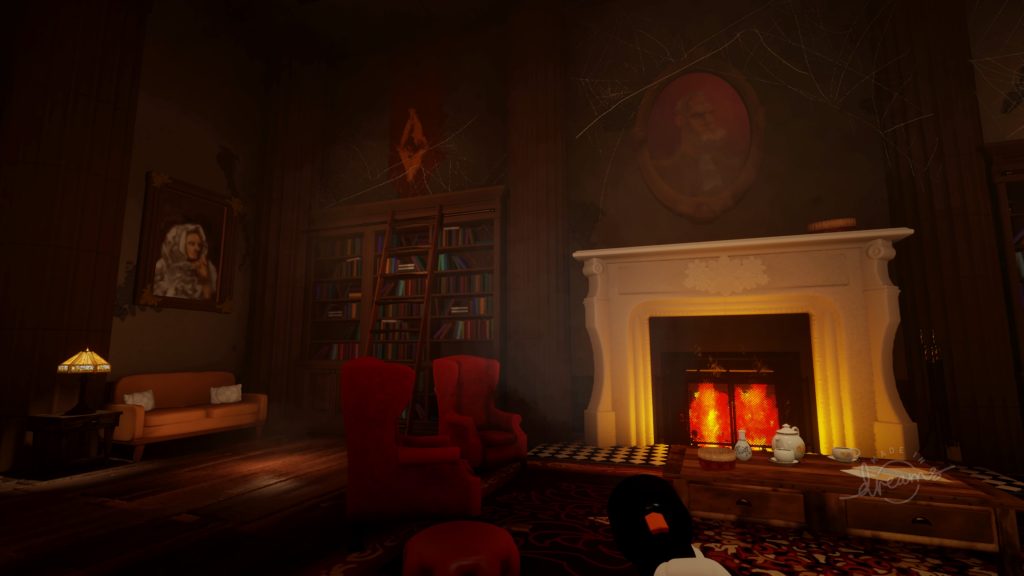
A Haunted Mansion 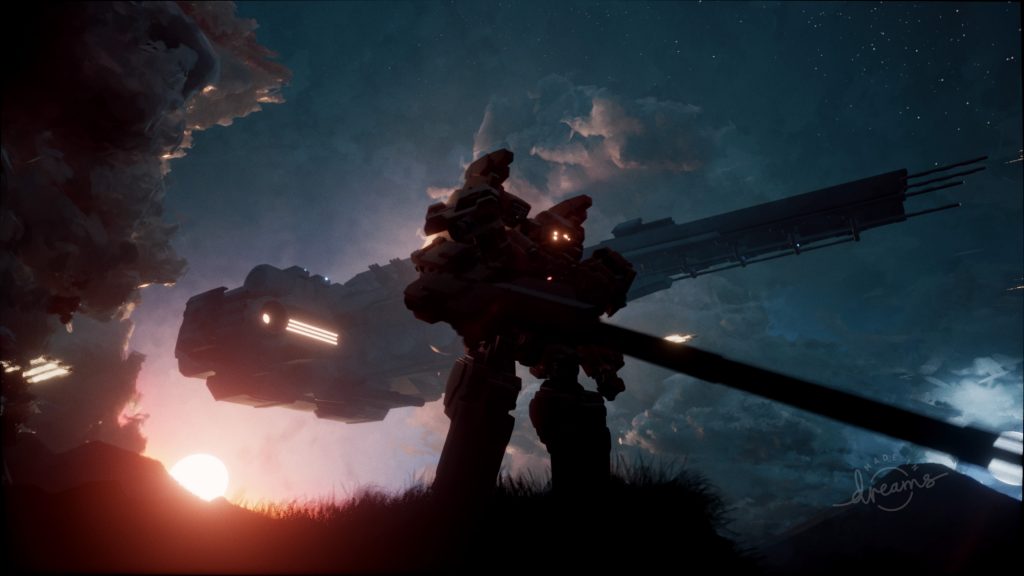
Vanguard
#1: Need help? There’s an entire community of Dreamers that will answer your questions. Join the Dreams PS4 Discord to link with the community and master this very-complicated creation engine.
#2: Everything in Dreams is online, so if you want to play multiplayer games with couch-coop, you’ll need both accounts to log-in to PSN. It’s annoying, but that’s how it works.
#3: Some Imp Quest requirements include creating (and publishing) your own stuff. If you don’t think your creations are worth sharing, simply mark the project as Unlisted when you upload it. That way, other players won’t see it and you’ll still earn completion points.
#4: When sculpting in Dreams, you can accidentally make your objects way, way too detailed — to fix that, select ‘Sculpture Details’ in Tools, and hold [R2] to reduce details on the red zones. Lower your Thermo and make loading much faster!
#5: Save useful creations as Elements! That way, you can share your Elements with others online — elements are just aspects of creation, like walls, doors, chairs, or greebles. Anything you might want to reuse again and again that you’ve sculpted? Make that an Element!
#6: The Live Clone tool is insanely useful for Enemies. If you’re plopping down a bunch of enemies, use the Live Clone tool. Instead of simply cloning the enemy, it makes it so every clone is linked — change one Live Clone, and you’ll change them all! That way you won’t have to painstakingly alter each one.
#7: Double-tap [Cross] / [X] on your PS4 controller to select everything in a scene, or to select an entire group. Grouping is incredibly important to keep track of your creations, and the Double-Tap X command is pretty unknown. It’s never covered in the many, many tutorials.
#8: Audio is more important than you think. Tiny cues that let players know they’ve found something important, entered a new area, or that they’re close to death. It doesn’t have to be music — and lots of audio cues are built-in. Don’t forget to pepper them around your games!
#9: When sculpting, use clever shortcuts to save on work and on Thermo. If you sculpt a wall, trying making a unique texture for both sides — you’ll save Thermo, and you can clone the same wall twice as much. Just flip it around for different settings!
#10: There’s always an easier way. If you’re struggling with tool limitations or logic in your game, try jumping online and checking out YouTube Tutorials from experienced Dreamers, or ask a question on the Discord — linked above! Rethink your problem, and there just might be a simple solution.
This is just the start of our Dreams adventures. There’s so much to know, and so much to learn, and so very little time. What did you wish you knew before starting Dreams? For me, the list is basically endless. I’m still trying to wrap my head around everything Dreams is capable of.



