
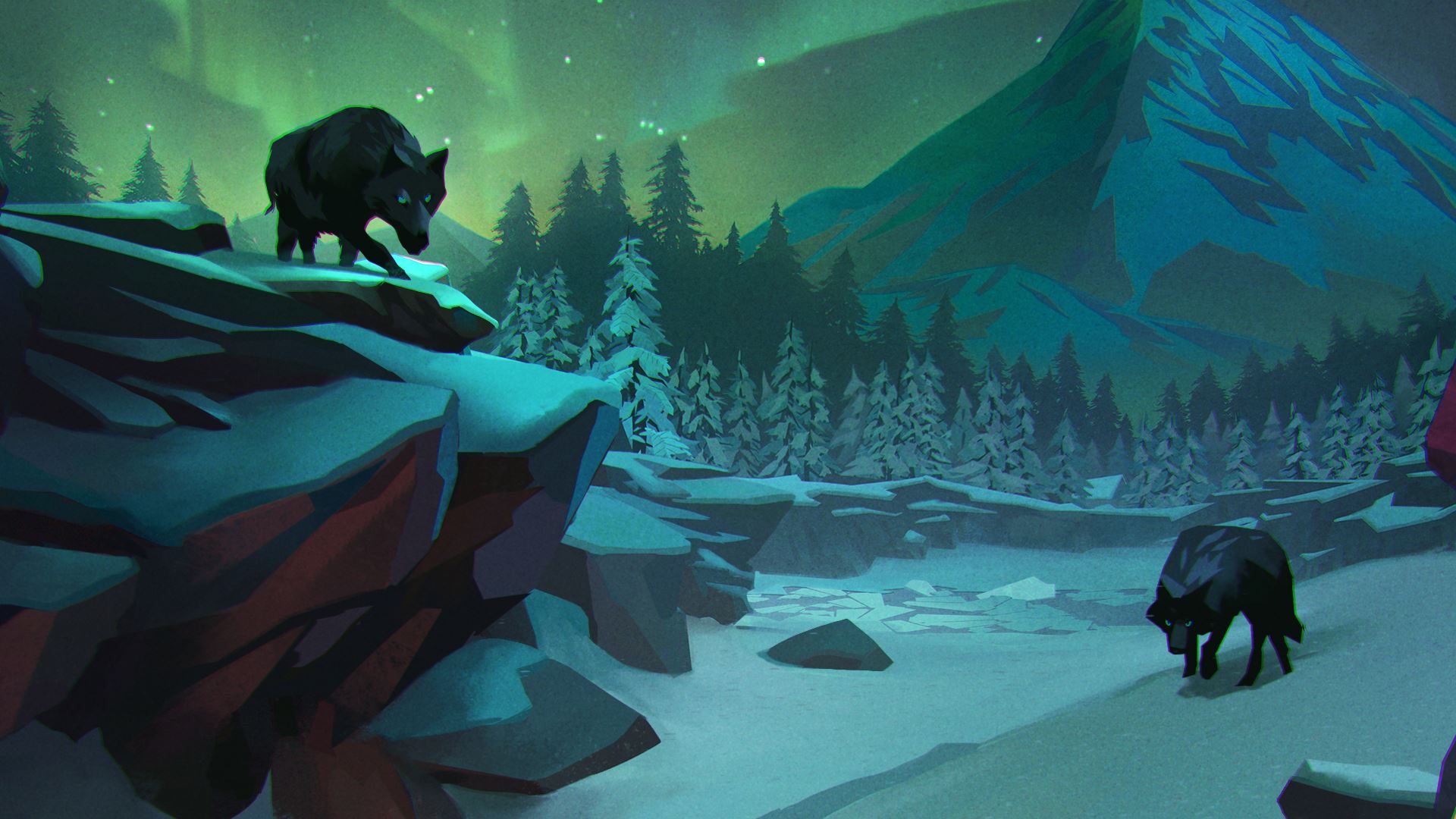
Want to survive the first few harrowing minutes of The Long Dark story mode? You’ll need to patch up your wounds and fire to keep warm. The Long Dark is all about survival, and you won’t last long out in the wilderness. If you want to make your first trip into the frigid wasteland a fruitful one, here’s a few tips to get you started.
In The Long Dark, you must manage your health in a frozen wilderness, with nothing but abandoned cabins to help keep you alive. During the day, you’ll have to use precious sunlight to hunt for animals before the freezing cold of the night returns. Guns (and ammo!) are incredibly rare, so you’ll have to cobble together bows and arrows to bring in big game like deer or fend off hungry wolves. The Long Dark is a hardcore survival simulation. Weather is your greatest foe, and survival isn’t simple.
How To Get Healing Items & Warmth | Survival Guide
The story mode in The Long Dark — freshly added — is called Wintermute, and places your lone crash survivor in the center of a deadly winter environment. When you wake up, you’re stuck in a ravine at night. Time to fix yourself and find warmth.
- How To Triage:
- At the start, go to the burning tree and search the First Aid Kit in the snow. You’ll get x2 Bandages and x1 Antibiotic.
- Apply the bandage to your head to stop bleeding from the crash.
- Open your Status menu to apply bandages or antibiotic. Antibiotic will help fight infections. Bandages will stop bleeding but restrict your movement speed when applied.
- In an emergency, you can craft new bandages from your clothing. Open the equipment screen and select your equipped clothing — select “Harvest” -> then select the Clothe and select “Harvest” again to gain bandages.
- At the start, go to the burning tree and search the First Aid Kit in the snow. You’ll get x2 Bandages and x1 Antibiotic.
- How To Start A Fire:
- To start a fire, you need Tinder and Fuel.
- To get Tinder, collect a cardboard box in the snow. Break it down to collect x2 Tinder Plugs.
- Pick up loose branches to harvest x3 Sticks. You now have everything you need for a fire.
- Press [D-Pad: Left] to make a ghostly image of the fire appear. Place in the ravine cave with [RT / R2].
- To start a fire, you’ll need: x1 Stick, x1 Tinder Plug, and x1 Wood Match.
- To start a fire, you need Tinder and Fuel.
Start the campfire, and you’ll finally be somewhat safe in The Long Dark. You can use this cave to begin your story mode journey without freezing to death or bleeding out in your first five minutes.
Source: [1]







