
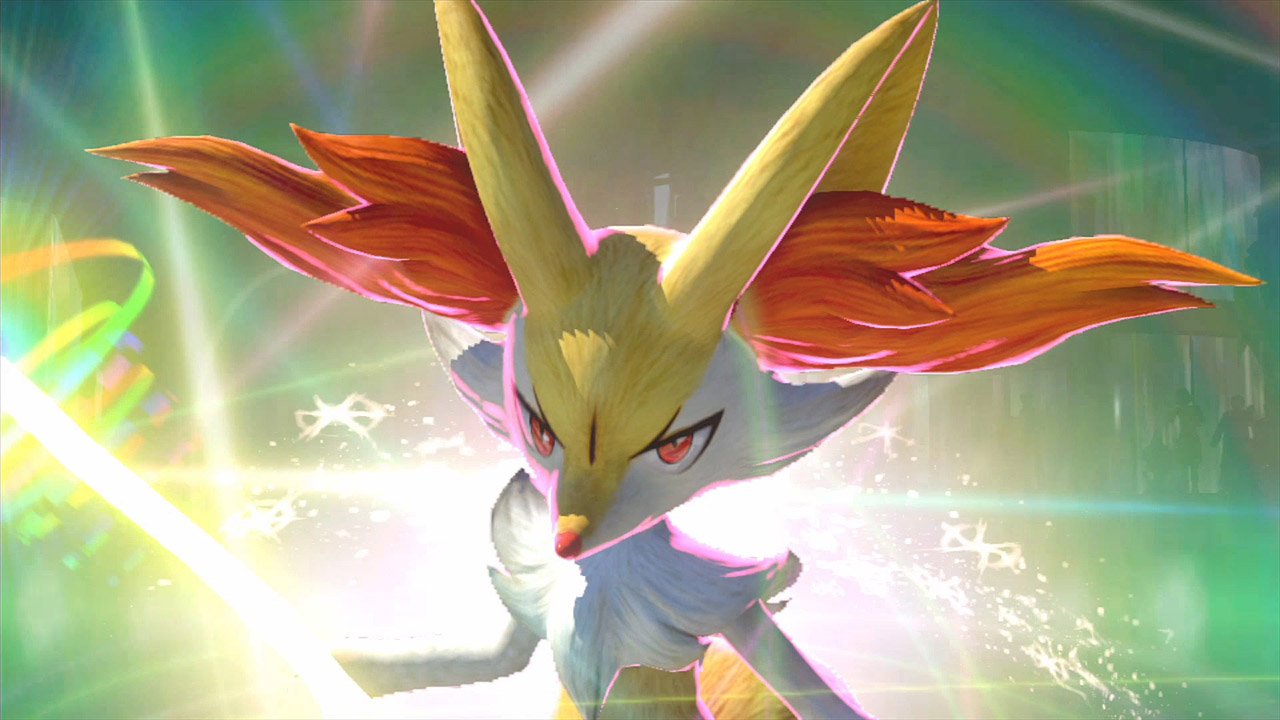
It turns out Bandai Namco was hiding a curious secret for Pokkén Tournament‘s LAN Battle Mode. If you activate this mode, you automatically unlock all the playable Pokémon.
This has yet to be confirmed by Bandai Namco, Nintendo, or The Pokémon Company, but it was verified by a fan. Skyfireblaze activated LAN Battle Mode on their Wii U console, and confirmed that as long as you stay in LAN Battle Mode, all unlockables are automatically unlocked. This does not just include all fighting Pokémon, but also all support Pokémon.
As fans speculate, LAN Battle Mode seems to have been set up for competitive play. It certainly has all the features that TOs and players would want for tournaments, including allowing players to bypass Wii U GamePads for the official Pokkén Tournament controller, and playing the game on two screens at a full 60 FPS.
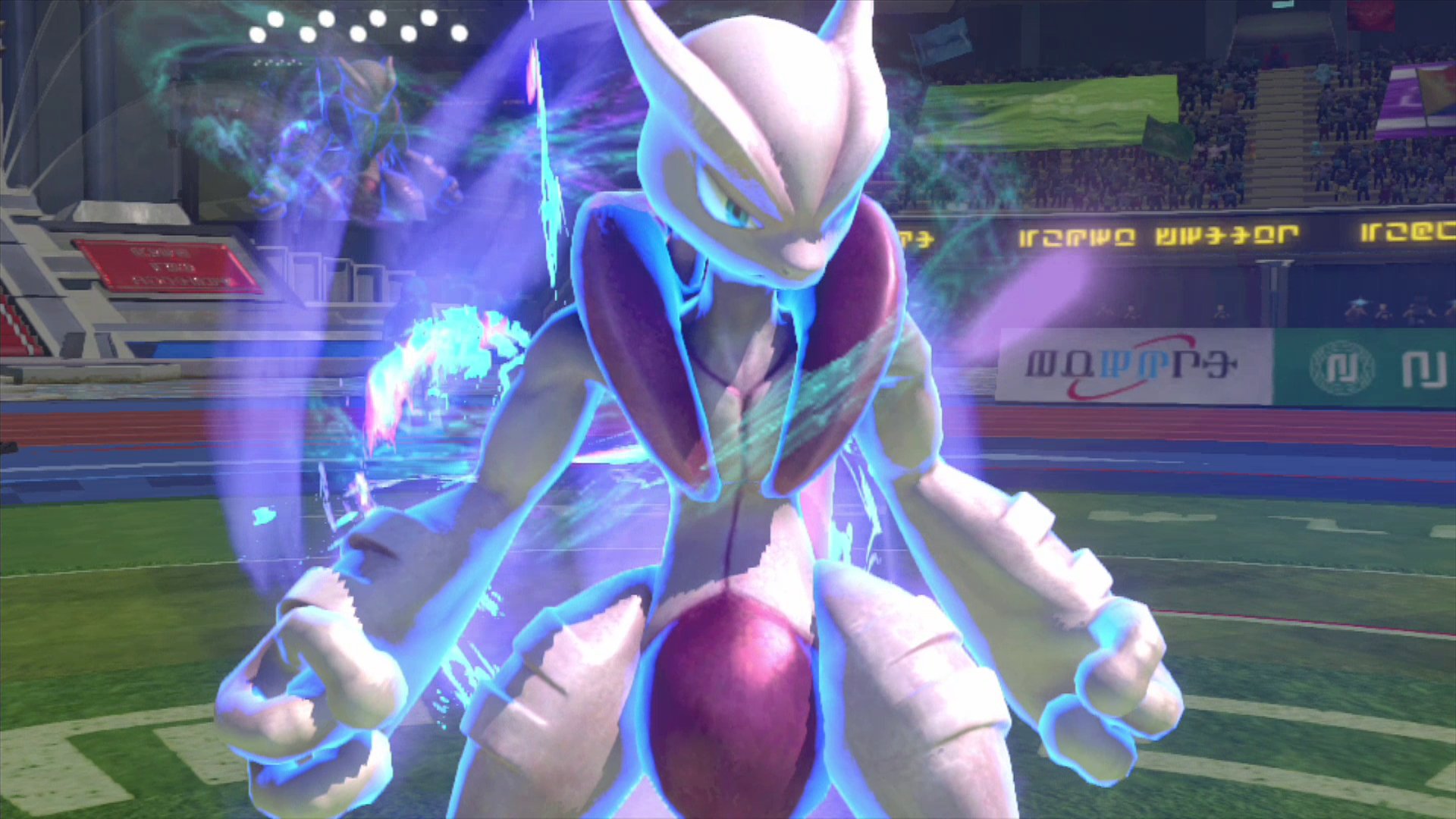
If you are interested in setting up Pokkén Tournament‘s LAN Battle Mode for competition, you will want to connect two Wii U consoles directly. This requires a bit of legwork, since it not only requires two Wii Us, two monitors, two Ethernet cables and two LAN adapters, but a crossover cable, to bypass using a router completely. This option will provide the minimum amount of latency and packet loss, so it is the ideal setup for tournaments. You can read full instructions on how to connect two Wii Us directly for LAN Battle Mode below:
- On both Wii U Consoles, go to System Settings > Internet > Connect to the Internet
- Press Y and select Wired Connection. Connect the LAN Adapter to the Wii U Consoles and press OK.
- A communication test will begin and fail. Press OK to see the error results.
- Press X to load up the Internet Connection Setup and go into the details of the connection
- Tab right and select IP Address. Select Do not auto-obtain and enter the following values
- IP Address: 192.168.000.001 / 192.168.000.002 depending on the console
- Subnet Mask: 255.255.255.000
- Gateway: 192.168.000.050
- The Wii U will ask you to set up DNS servers. Select Do not auto-obtain and enter the following value
- Primary DNS: 001.000.000.000
- Press B and save the settings. Do not run a connection test
- Load up the game and activate LAN Battle
Pokkén Tournament will be releasing on March 18 worldwide exclusively on the Wii U. You can read more about LAN Battle Mode here and here.