
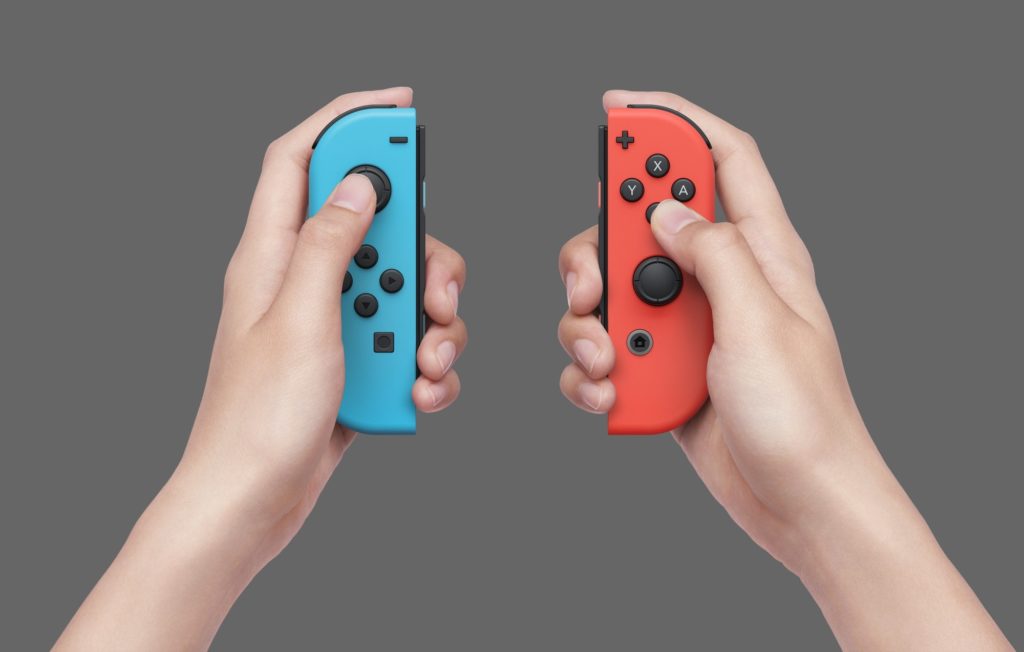
Good news for Nintendo lovers: Steam now supports both the Nintendo Online classic controllers and the Nintendo Switch Joy-Con controllers. The latest Steam client update “added support for Nintendo Joy-Con controllers, both individually as a mini-gamepad and combined into pairs.”
This update entered beta on August 4, 2022, with an additional fix the next day. Not only does it include the Joy-Con to the list of controllers available on Steam, but it also improves the support for Nintendo Online classic controllers.
You can now use the Joy-Con on Steam, either individually or as a pair. Clicking them together into a gamepad is similar to other kinds of controllers already available on Steam. The real innovation is the ability to use them separately in each hand, or as separate controllers. The Joy-Con work vertically and horizontally, just like they do on the Nintendo Switch.
How to use the Joy-Con controllers on Steam
If you want to try the Joy-Con on your favorite game right away, you will have to opt into the Steam beta. To do so, navigate to Steam’s Settings menu. On the first tab, Account, click on the Change button under the Beta Participation heading. It will open a new window asking you which beta program you wish to join. There are only two options: don’t join the beta, or opt for the Steam Beta Update. Chose the latter, confirm your decision, and that’s it, you’re in! Steam shared a useful GIF to guide you through this process if you need additional help.
To use the Nintendo Joy-Con controllers on Steam, you will need either a Bluetooth adapter or a motherboard with Bluetooth connectivity. The Joy-Con don’t have a USB port for you to plug into your PC, so you need to link them via Bluetooth. But once this is done, you can rediscover your entire Steam library with the Nintendo Switch’s default controllers.








