
• Skip to main content
  • Skip to header right navigation
  • Skip to site footer
Gameranx

Gameranx

Video Game News, Lists & Guides

  • News
  • Features
  • Platforms
    • Xbox Series X
    • PS5
    • Nintendo
  • Videos
  • Upcoming Games
  • Guides

Don’t play your Steam Deck in hot areas, warns Valve

July 19, 2022 by A.K Rahming

“It’s gettin’ hot in here!”

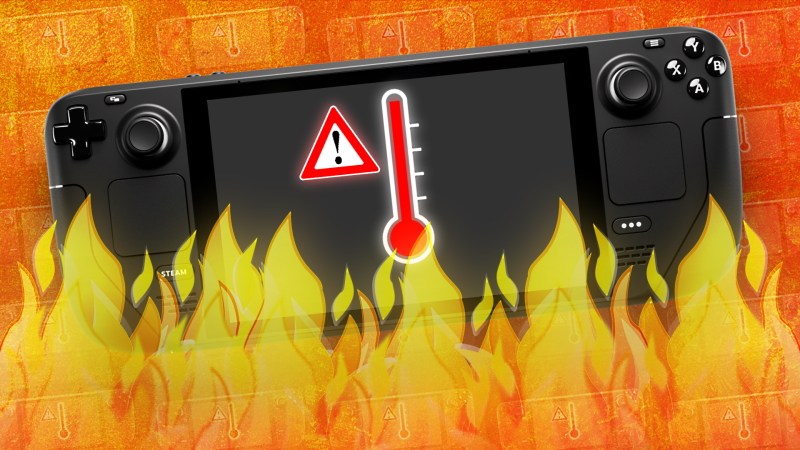
The heat is on for many folks in the northern hemisphere this summer. Rising temperatures across parts of Europe, North America and the Caribbean have prompted much discussion about the weather. But, heat doesn’t just affect man and nature, it affects machines, too. Such is the case with a recent tweet from the official Steam Deck Twitter account warning users to be mindful of the ambient temperature when using the system.

According to Valve, the Steam Deck doesn’t mind functioning in any temperature between 0-35 Celsius (0-95F). Anything beyond that, however, and that’s where problems will begin to start.

In the case of exceeding the 35°C/95°F heat cap, the Steam Deck will begin to throttle its performance in order to “protect itself”, warns Valve. This, of course, will result in lower framerates and other possible signs of performance degradation while playing. But, there’s a bit of wiggle room. In a separate tweet, more technical info is provided about the Steam Deck’s chipset handles workloads when hot.

100°C/212°F is where the Deck’s APU will max out at before it begins to throttle performance. At 105°C/221°F is where the system will completely shut itself off as one last safety precaution to ensure it doesn’t burn out any of its components. Keep in mind that these temperatures refer to the Deck’s internal readings, not the temperature around its user.

For our friends in the midst of a heatwave, a quick note about Steam Deck in high temperatures. Steam Deck performs at its best in ambient temperatures between 0° and 35° C. If the temperature gets higher than this, Steam Deck may start to throttle performance to protect itself.

— Steam Deck (@OnDeck) July 19, 2022

In short, the higher the temperature of the room/area you’re in, the quicker your Steam Deck’s internal temperature will rise, thus leading to dropped performance and ultimately a system shutdown.

If you are in a particularly warm environment, then there are some ways to mitigate these effects. First, you can try playing while sitting directly in front of a fan. Another option is to simply play the Steam Deck in shorter sessions; perhaps 30 minutes to an hour, before giving it a short rest.

This warning from Valve follows a similar one from Nintendo which recently had to also provide guidance for using the Nintendo Switch in warm environments.

Share this post:

FacebookTwitterLinkedInPinterest

Recent Videos

10 WEIRD Gaming Stories of June 2026

10 WEIRD Gaming Stories of June 2026

10 Highest Rated Games You HAVEN'T Played

10 Highest Rated Games You HAVEN'T Played

Meccha Chameleon - Before You Buy

Meccha Chameleon - Before You Buy

10 Games We Don't REGRET Playing 100%

10 Games We Don't REGRET Playing 100%

20 Emotional Story Games You Can GET LOST IN

20 Emotional Story Games You Can GET LOST IN

GTA 6: NEW Gameplay Details We FOUND

GTA 6: NEW Gameplay Details We FOUND

XBOX RAISES CONSOLE PRICES, STEAM MACHINE IS CRAZY EXPENSIVE & MORE

XBOX RAISES CONSOLE PRICES, STEAM MACHINE IS CRAZY EXPENSIVE & MORE

10 Things Game Companies NEED TO STOP DOING

10 Things Game Companies NEED TO STOP DOING

Top 10 NEW Games of July 2026

Top 10 NEW Games of July 2026

Category: UpdatesTag: Steam Deck, Valve

Sidebar

Recent Posts

  • PlayStation 3 And Vita Stores Are Shutting Down, For Real This Time
  • PlayStation Is No Longer Making Physical Discs For Games, After 32 Years
  • Nintendo Has Apparently Not Been Sending Switch 2 Dev Kits To China – And No One’s Sure Why
  • GTA 6 Developer Rockstar Ready To Talk On Recognizing A New UK Union
  • Rumor: Microsoft Planning Layoffs Across The Company – Will XBOX’s Asha Sharma Stay On The Level?

Copyright © 2026 · Gameranx · All Rights Reserved · Powered by Mai Theme

