
• Skip to main content
  • Skip to header right navigation
  • Skip to site footer
Gameranx

Gameranx

Video Game News, Lists & Guides

  • News
  • Features
  • Platforms
    • Xbox Series X
    • PS5
    • Nintendo
  • Videos
  • Upcoming Games
  • Guides

PC Players Can Now Update Their DualSense Controller Without Connecting To PS5

April 20, 2022 by Alexandra Nicholson

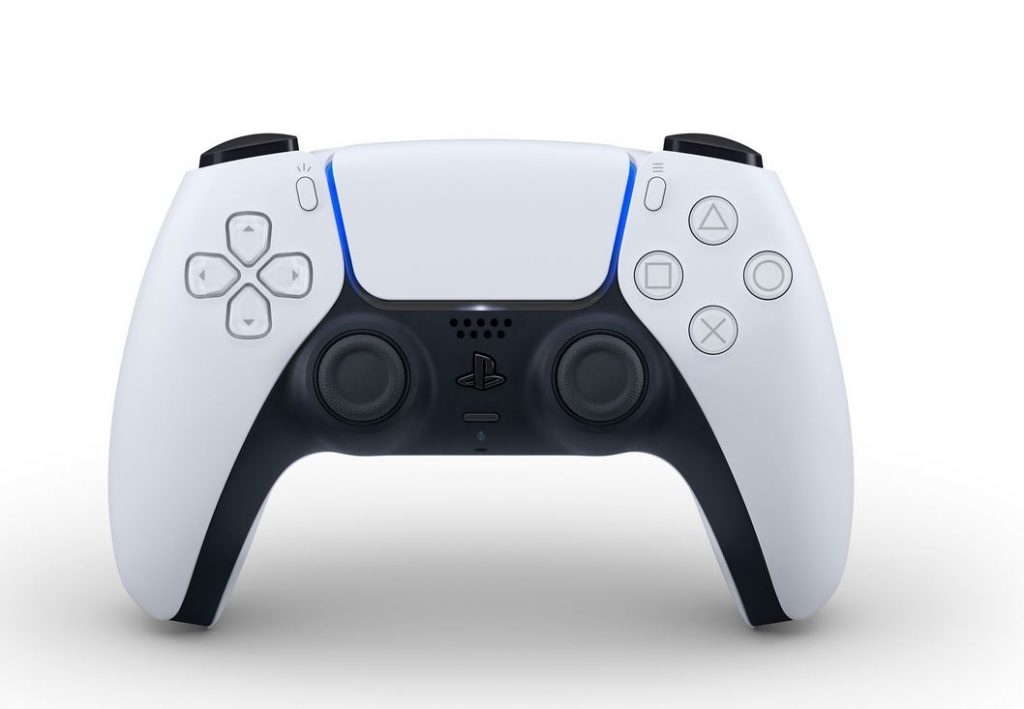
Good news for players who use their PS5 controllers on the go (but especially on their PCs). Gamers who use their PlayStation 5 DualSense wireless controller can now update it without having to be connected to a PS5. In a tweet shared earlier today, PlayStation has confirmed that for those who use their DualSense controller to play games on PC, the device’s firmware can be updated directly as of now.

https://twitter.com/PlayStation/status/1516657222188781568

In order to enhance the performance of the Dualsense controller, it is recommended that players keep the device firmware up to date as consistently as possible. It seems this will now be made much more straightforward for PC players. Previously the controller could only be updated through a wired connection to the PS5.

It’s important to check that your PC meets the system requirements to run the update first. At a minimum, players will need to have a Windows PC that operates on Windows 10 (64 bit) or Windows 11, and has 10 MB or more in storage space, with a display resolution of 1024 × 768 or higher. In addition, you’ll need to have USB connectivity to link the DualSense controller to your PC for the upgrade.

In order to update the device’s firmware, PC players must first have the Firmware updater for DualSense wireless controller app installed on their PC. After downloading and installing that, it’s a pretty simple case of connecting the controller to your PC via USB cable and then completing the on-screen instructions to update the device’s firmware. So basically, a nice and straightforward process to have your controller up to speed in no time, without needing to be hooked up to the PS5.

You can find the full instructions for how to download and update your PlayStation DualSense wireless controller via your Windows PC over at this website, as well as the link to download the updater app directly.


Source

Share this post:

FacebookTwitterLinkedInPinterest

Recent Videos

20 Games Where You REGRET Doing The RIGHT THING

20 Games Where You REGRET Doing The RIGHT THING

Why a SUPERMAN Video Game Is So Hard To Make

Why a SUPERMAN Video Game Is So Hard To Make

20 Games That Are WAY Better on Higher Difficulty

20 Games That Are WAY Better on Higher Difficulty

GTA 6: 10 Features IT SHOULD STEAL

GTA 6: 10 Features IT SHOULD STEAL

Windrose - Before You Buy

Windrose - Before You Buy

10 BRAND NEW GAMES, STARFIELD PS5 BACKLASH & MORE

10 BRAND NEW GAMES, STARFIELD PS5 BACKLASH & MORE

10 Secret Game Endings That BLEW OUR MIND

10 Secret Game Endings That BLEW OUR MIND

Mouse: P.I. For Hire - Before You Buy

Mouse: P.I. For Hire - Before You Buy

REPLACED - Before You Buy

REPLACED - Before You Buy

Category: UpdatesTag: DualSense, PC, PlayStation, PS5

Sidebar

Recent Posts

  • Epic CEO Tim Sweeney Claims Xbox Is Trying To Bring Xbox Mobile To Google, After Asha Sharma Confirms It Isn’t Dead Yet
  • Callina Liang Reveals She Really Grew Her Thighs To Become The Street Fighter Movie’s Chun Li
  • IO Interactive Explains How 007 First Light Builds On Hitman’s Gameplay Systems
  • Did Spanish Streamer El Xokas Really Try To Pass Off A Fake GTA 6 Screenshot As Real?
  • Nintendo Being Sued For Tariff Refunds – Before The Refunds Have Been Issued

Copyright © 2026 · Gameranx · All Rights Reserved · Powered by Mai Theme

