
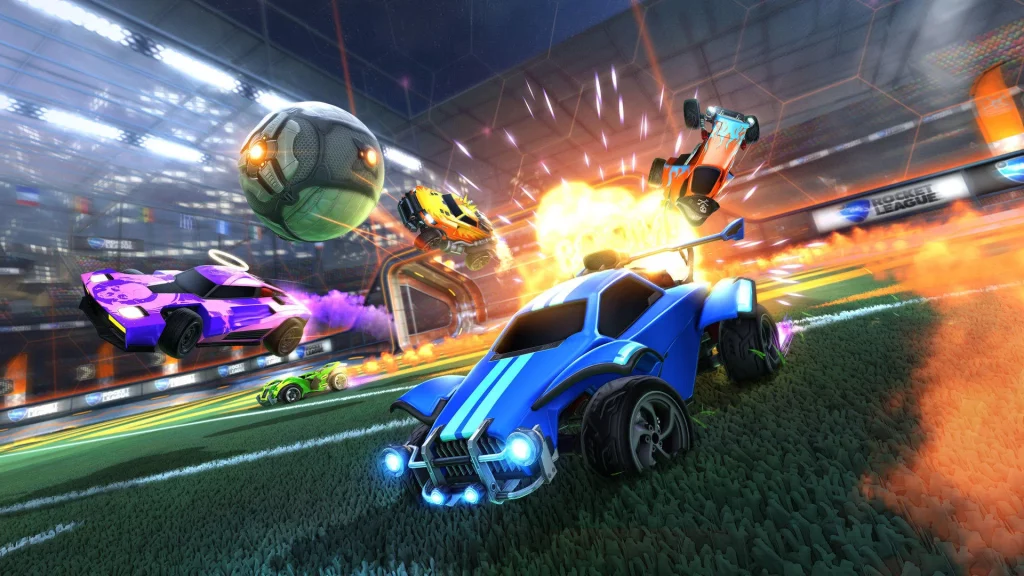
The vehicular soccer game, Rocket League has gotten a new update with version 2.13. The update has gone live on the following platforms: Epic Games Store, PlayStation 4, PlayStation 5, Steam, Switch, Xbox One, Xbox Series X|S. The changes mainly concern bug fixes such as UI errors and more notably, a fix that improves Xbox console boot times and general stability.
Rocket League was originally released in 2015 and was described by developers as “soccer, but with rocket-powered cars.” It is incredibly fun, especially with friends. In fact, the game has been so successful, Hugecalf Studios was recently inspired to launch a similar title called Turbo Golf Racing. It takes the premise of Rocket League but replaces soccer with golf. Rocket League fans should definitely check it out.
Find the full patch notes for update 2.13 below.
Rocket League Update 2.13 Patch Notes
Scheduled Release: 3/29/2022, 4 p.m. PDT / 11 p.m. UTC
BUG FIXES
- Fixed appearance of ‘Startrack’ Rocket Boost and Trail when previewing from a Blueprint
- When backing out of a Playlist, fixed UI focus so you return to the previously selected Playlist card instead of defaulting to Casual
- Fixed a UI error taking focus off of the Change Playlist/Training menu if selected by a player after a match
- [Xbox] Improved boot times and general stability
- Moved placement of Neo Tokyo (Comic) on the Arena list
KNOWN ISSUES
- Before v2.13, in a small percentage of Casual matches, a spectator would sometimes join a team, creating uneven teams
- We believe this issue may be unique to v2.12
- If this bug persists, we have added additional error logging to the game client with this update so we can better identify and resolve the issue
- The “Allow All” in-game text chat option does not appear in the gameplay settings
- While viewing a Replay, the “Change Game Mode” menu cannot be navigated when using a controller
- Some Wheels (Apex, Bionic, Patriarch, and ARMR) can not be equipped on some licensed cars like the Nissan Skyline



