
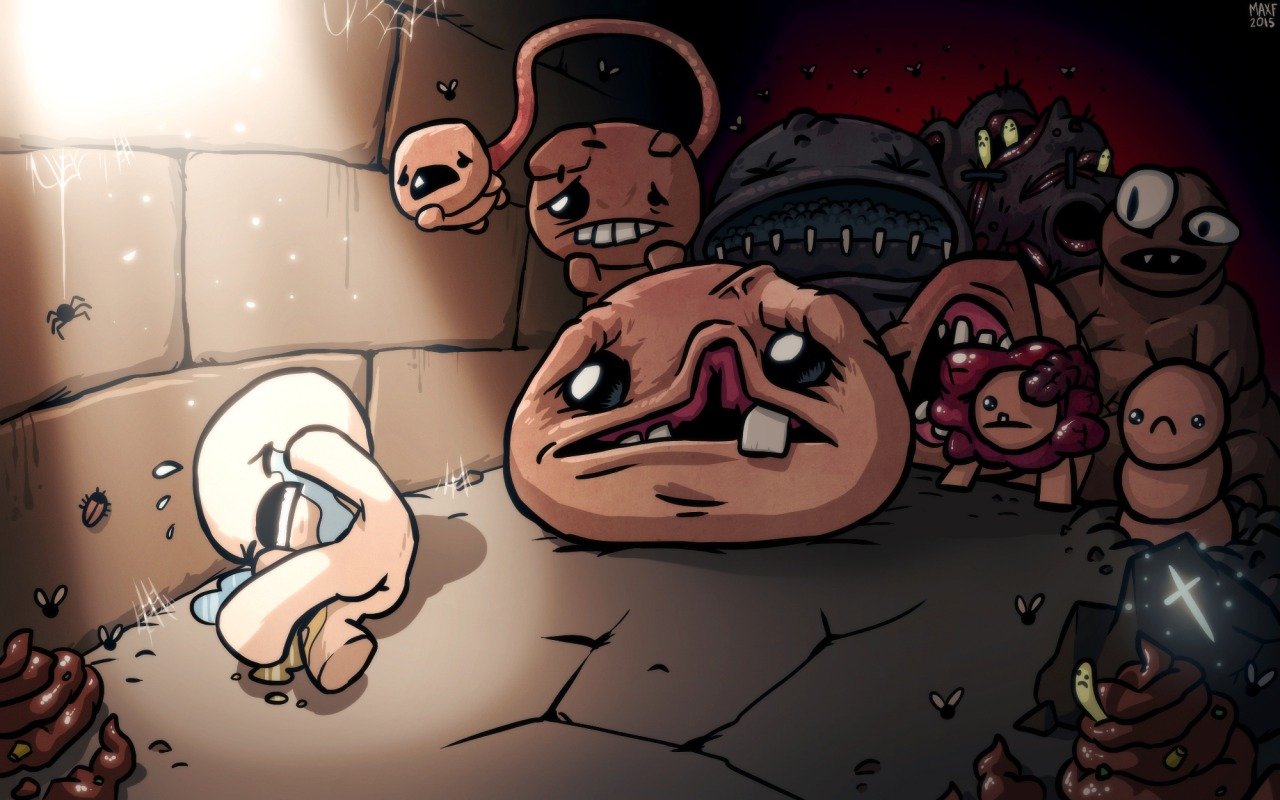
The Binding of Isaac: Rebirth just received another DLC upgrade that, surprise-surprise, makes a difficult game even harder.
Instead of slogging through the main game and hoping the RNG rewards you with great loot, many players opt to use Steam Workshop mods to make things easier. There’s a big drawback to using mods though — enabling a mod will turn-off achievements and unlocks in-game. All your progress won’t mean anything, basically, and new characters can’t be earned.
That’s a huge pain. Steam User Sorario Prosperity had the same problem, and figured out a way to circumvent the annoying limitations that are built into Steam. Yes, you can install life-saving mods that make Binding of Isaac much easier and still unlock stuff, you’ll just need to install mods manually. Let us explain.
How to Manually Install Mods
[UPDATE: Added a new, more reliable method for manually installing mods.]
Note: This guide is for Windows-based systems, and assumes you’re using the default installation path for The Binding of Isaac.
Manually installing mods for Steam can be a simple process. To start, you’ll need to extract resources from The Binding of Isaac. To do this, find the ResourseExtractor.exe in The Binding of Isaac installation folder. Find it here:
C:\Program Files (x86)\Steam\steamapps\common\The Binding of Isaac Rebirth\tools\
Using the ResourceExtractor.exe will unpack files onto your HD, adding about 1 GB to the installation folder. Next, find the folder called “packed” — is is located here:
C:\Program Files (x86)\Steam\steamapps\common\The Binding of Isaac Rebirth\resources
Rename the “packed” folder to literally anything else. For example: packed+, packed2, packed (new)
Next, let’s learn how to locate mods, and how to install them manually. Let’s start simple — subscribe to the mod Items in Spawn — once it is downloaded, you’ll find the mod located in the folder here:
C:\Users\[YourUsername]\Documents\My Games\Binding of Isaac Afterbirth+ Mods\
The Items in Spawn folder is called items in spawn_834252318. All workshop mods have a code in the URL (Item in Spawn’s URL is http://steamcommunity.com/sharedfiles/filedetails/?id=834252318) — use the URL to identify the mod folder.
- Now that we know where to find mod installation content, it’s time to manually install.
- Copy & paste mod folders (For items in spawn, copy and paste the folder called rooms) into the Resources folder in the Binding of Isaac registry. Find the Resources folder here:
- C:\Program Files (x86)\Steam\steamapps\common\The Binding of Isaac Rebirth\resources
For example, for the Items in Spawn mod, copy / paste the rooms folder into the Binding of Isaac Rebirth\resources folder.
[Note: To keep achievements / unlocks, make sure all mods are set to disabled in the mod menu after manually installing.]
This will enable the mod and allow you to earn Steam achievements and other upgrades in The Binding of Isaac: Rebirth. Note that this installation method does not work with ll .LUA based mods, and to uninstall a mod, you’ll have to manually delete the mod from your resources folder.
Here’s a shortlist of more mods that will make things much less frustrating in Afterbirth Plus.
- Clear Item Descriptions
- Mimics Have A Tell
- No Scum Rooms
- Items in Greed and Greedier Treasure Rooms
- Afterbirth+ Portals Have 1HP
- Gentle Stoneys
Stoneys, Portals, and Scum rooms are some of the most common frustrations current players have with Afterbirth+, and these mods should help alleviate the annoyances without forcing you to uninstall Afterbirth+ outright.


