
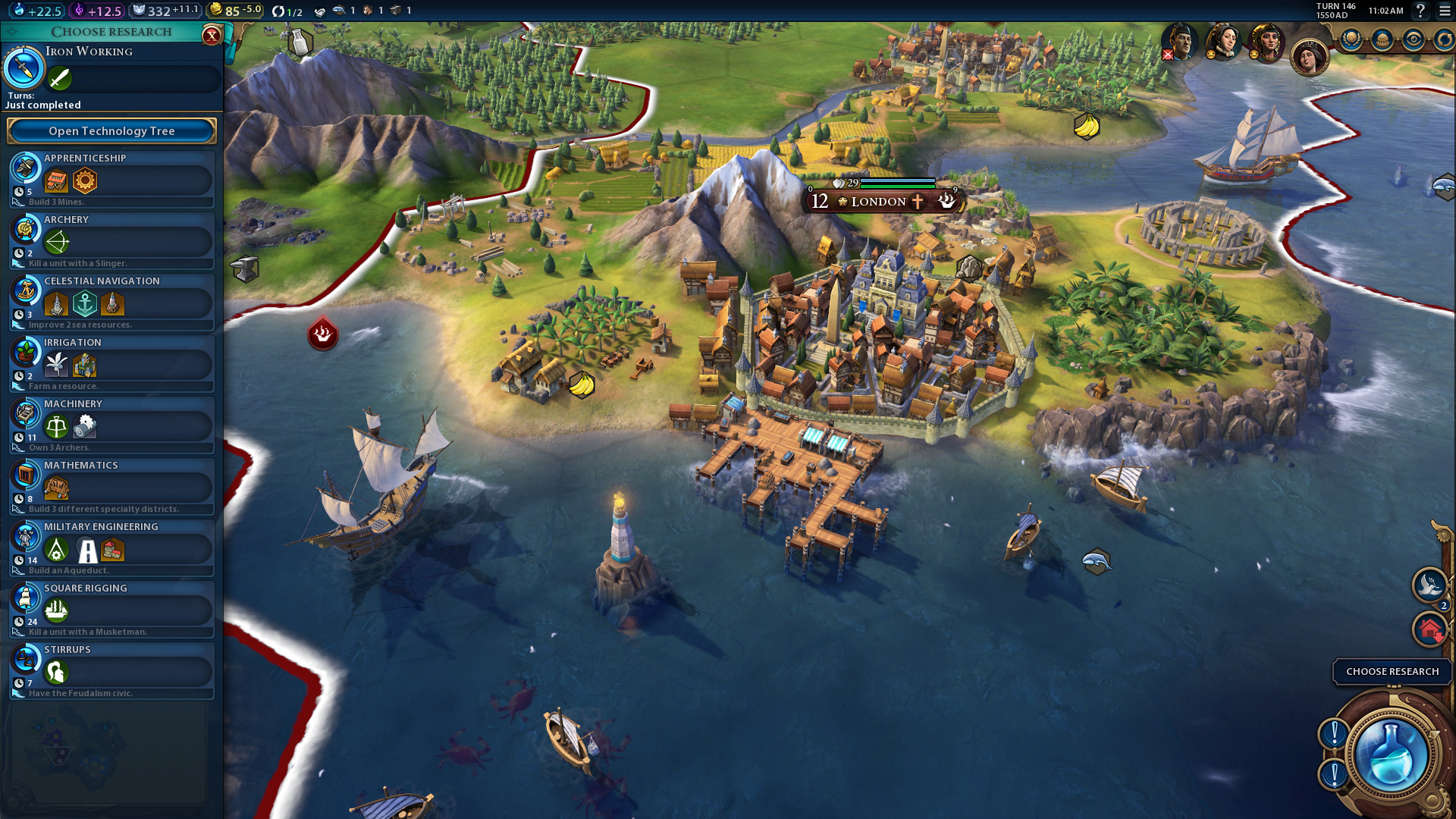
Building a vast empire in Civilization 6 takes lots of time, and if you want to check out the full breadth of the game’s many pre-planned or randomly generated maps, you’ll have to advance far up the technology trees. Or, you could just cheat and see where all your rivals are constructing cities and plan accordingly.
Don’t worry, this cheat can’t be used online, so there’s no way to ruin a competitive game. This is singleplayer only, and unless you’re worried about offending the AI, there’s no harm in using a simple cheat like this. There’s more than just a “Reveal All” map cheat here, too — the debug console can do plenty more.
This little cheat code is pretty easy to use, but you’ll have to access (and slightly alter) one particular .ini file in your installation folder. This goes without saying, but anytime you choose to later / change installation files, always create a backup if you don’t know what you’re doing. Changing numbers around willy-nilly could cause crashes or other errors. That really won’t be a problem here as long as you follow all the steps below.
Debug Console – Reveal All Map Cheat Code
[Warning: This cheat involves altering the config.ini file. Follow these instructions at your own risk.]
To activate the Debug Console in-game, follow these instructions:
- Find the “Sid Meier’s Civilization 6” install folder.
- Find it in your Steam Apps folder, or…
- Documents/My Games/Sid Meier’s Civilization 6/config.ini
- Find it in your Steam Apps folder, or…
- Open the file “Config.ini”
- Use Notepad or other text programs that do not auto-format.
- Find the line that reads “DebugPanel = o”
- Change this line to “DebugPanel = 1”
- Save and close the “Config.ini” file.
The Debug Console can now be activated in-game. To open the window, start Civilization 6 and follow these steps:
- Press [`] tilde in-game to open the Debug Window.
- Select “Reveal All”
The map is now revealed. See? It’s super easy. There’s more that can be done with the Debug Panel, but we’ll leave to to discover all those functions on your own.
Found more awesome Civilization 6 cheats, tips, or tricks? Let us know!








