
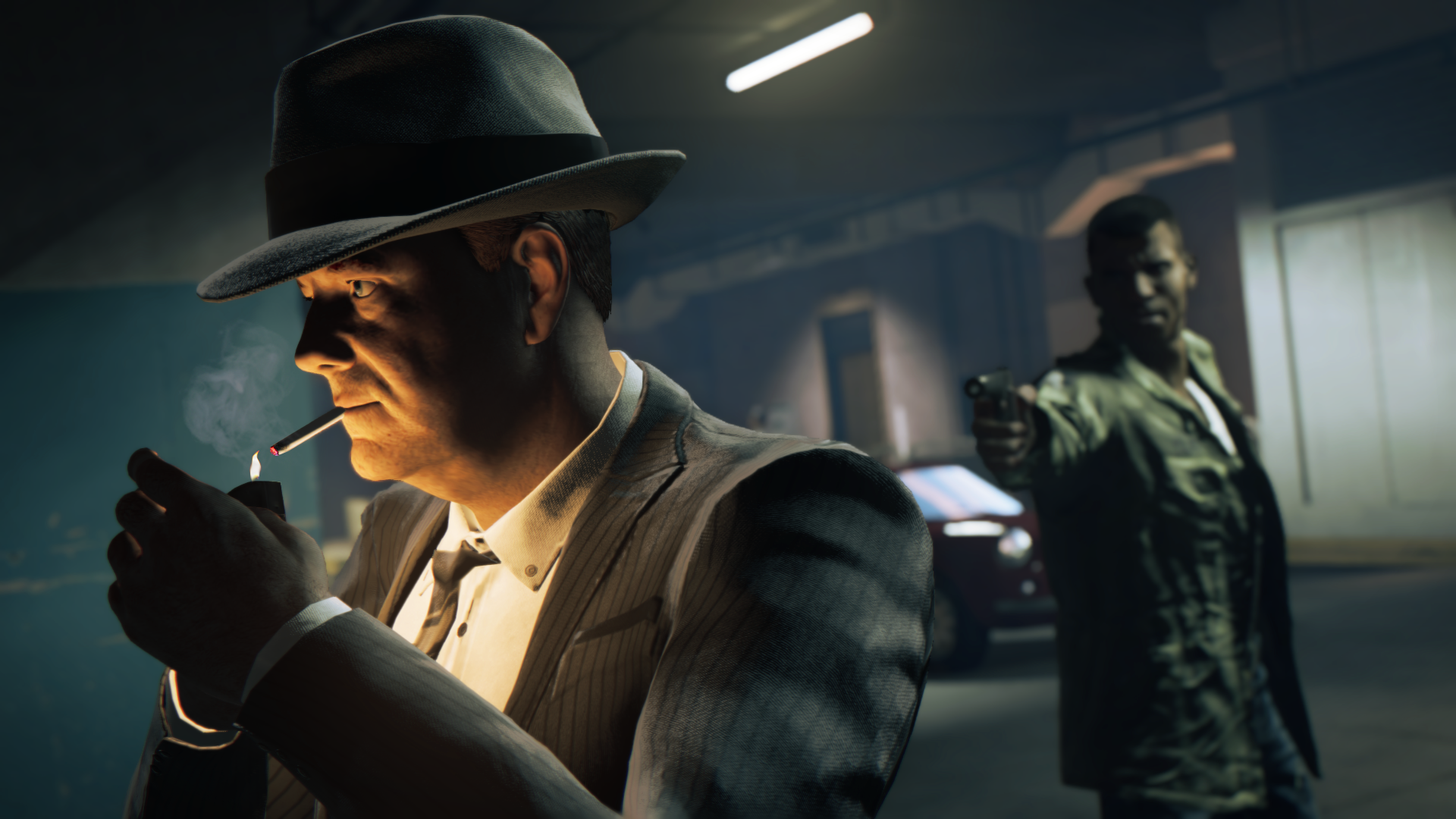
Mafia 3 is currently experiencing a rocky PC launch. Even as the developers promise a patch to unlock the 30 FPS cap, players are experiencing multiple problems that sometimes prevent them from even launching the game at all.
This particular problem seems most common for Windows 10 users — after starting the launcher, the game simply crashes to a black screen, or refuses to launch at all. If you’re running into this problem, there are a number of solutions that might help you.
How to Fix PC Black Screen, Cutscene Crashes & Launch Errors
This problem occurs on Windows 10 PCs, here’s what usually seems to happen:
- Starting the launcher kicks you back to desktop.
- OR
- The launcher opens up to a black screen. Doesn’t change — game won’t load.
There are multiple variations to this, but the basic problem is always the same: Mafia 3 won’t start. It is very likely that 2K and the developer will release a patch / updated version of the installer to fix these issues, but until that time, there are still methods to remedy the issue. Here are some of the fixes that have worked for other players.
#1: Install ‘Game Ready’ Mafia 3 Nvidia Drivers
If you have an Nvidia video card, try opening your card’s control center. Refresh to update the launcher so Mafia 3 appears on the drop-down menu, then choose to install special Nvidia drivers.
Whether you have an Nvidia control panel or not, always download the latest drivers for your card. Find driver updates and downloads right here.
#2: Install Visual C++ Redistributable for Visual Studio 2015 Update
This update for Windows 10 is required to run any C++ applications built using Visual Studio 2015. If this update has not installed correctly, you may experience problems on your Windows 10 system. There are multiple ways to fix this issue:
- If you haven’t already, download and install the update here.
- OR
- If you’ve already downloaded and installed the update, but Mafia 3 still won’t start, try this:
- Uninstall the Visual C++ Redistributable update packs.
- Open “Add or Remove Programs” and uninstall anything with “Microsoft Visual C++” in the title.
- Reboot the computer.
- Reinstall the update pack.
- Uninstall the Visual C++ Redistributable update packs.
There may be other updates required for your Windows 10 system.
#3: Install the Windows 10 Anniversary Update
This should appear automatically on your system, but if you’ve been ignoring updates or avoiding this (often problematic) auto-installation, it might be time to take the plunge. Microsoft Windows updates are notoriously unstable, and an incomplete installation can easily ruin your computer.
- Make sure to back-up and set a system restore point before attempting to update.
To update Windows 10 manually, go to:
- Settings -> Update & Security -> Windows Update -> Left-click “Check for updates”
#4: Restart Windows Explorer
Open Task Manager and restart the Windows Explorer process with these steps:
- Hold [CTRL+ALT+DEL]
- Select “Task Manager”
- Select the “Processes” tab.
- Right-click “Windows Explorer”
- Select “Restart” in the tab.
This may help fix any issues and allow you to play Mafia 3.
#5: Verify Integrity of Game Cache
This is a common Steam problem. If there was a hiccup during download or installation, this is how you can fix the problem.
- Go to your Game Library
- Right-click Mafia 3
- Select “Properties”
- Select the “Local Files” tab.
- Left-click “Verify Integrity of Game Cache”
Steam will scan Mafia 3 and re-download any missing or incomplete files.
Know any other solutions? Still experiencing problems? Sound off in the comments!








