
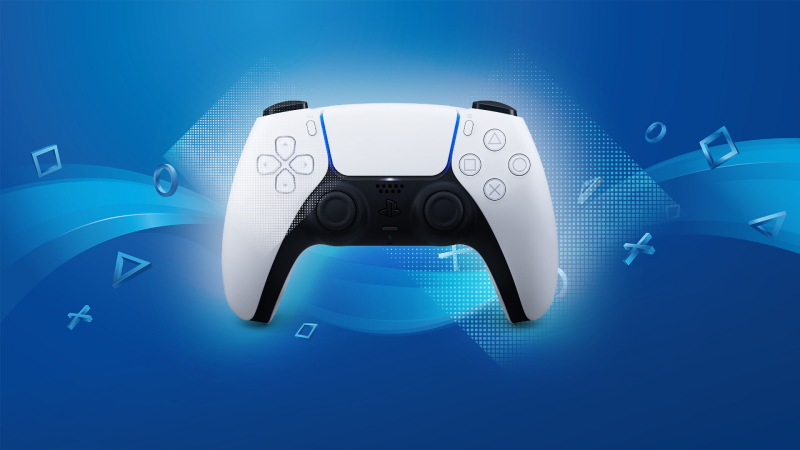
Drift is a problem I experienced very, very early after purchasing a Playstation 5 — and it can be fixed with methods that don’t require cracking open the controller or sending it back to the factory for repair. Before contacting Sony Support, you will absolutely want to try these early steps. They might help you avoid a time-consuming and costly repair job. They’ve worked for me twice so far. We can’t guarantee it’ll work for you, but they’re definitely worth a shot.
For major issues, check your PS5 Dualsense warranty to see if you can get a replacement, or go to the PS5 Repair site and setup a repair job. To access the repair request, select DualSense and only select the available options. Don’t select “I have another issue” — the site will try to redirect you. If you want to get an official Sony Repair, you have to select that the “analogue stick is stuck” option.
Before doing that, you’ll want to try these fixes that aren’t listed on Sony Support.
How To Repair Analogue Stick Drift
Analogue Stick drift is a major problem for DualSense (PS5) controllers that seemingly happens at random. “Drift” is when the analogue stick registers movement without any of your input — Ex. your character may move on their own, or the camera will shift without your input.
This is an incredibly annoying issue that makes some games unplayable. Here’s what you need to try first.
- Use Compressed Air or a Keyboard Brush to clean the base of your Analogue Stick.
- This may remove debris that is interfering with the Analogue Stick. Sony Support suggests using cloth, but I find Compressed Air / Keyboard Brush works much better at getting into the crevasses and cleaning your controller properly. You may also want to use a clothe with Cleaning Alcohol to dry and remove any dampness on the Analogue Stick base.
- After cleaning, lift the Analogue Stick gently to “pop” it out of its seating. You’ll feel the stick raise gently and stop when lifting. After lifting, turn the Analogue Stick in circles around the edge of the casing several times.
- This may help “re-seat” the Analogue Stick in the proper position. After spinning, push down on the Analogue Stick until it clicks back into place.
- You may need to perform this action 2-3 times. If you notice improvement / less drift, repeat until gone completely.
NOTE: Lifting the Analogue Stick is how I was able to fix my PS5 Controller twice. I highly recommend giving this simple method a try.
- Reset the Dualsense Controller. Look on the back of the controller for a pin-sized hole. Use a bent paperclip to press the recessed button for 10 seconds to turn off your PS5 Controller.
- Reconnect to the PS5 after. Resetting the PS5 Controller helps in my experience. You may want to perform this reset twice.
Some suggest opening your PS5 Controller and cleaning out dust / debris, but I don’t recommend this. Always try these simple fixes first — if your controller is still experiencing drift, you may need a repair / replacement.
Other guides I’ve read also suggest increasing the Analogue Stick deadzone on your Controller — but this is an extremely limited solution that is only available in Call of Duty, Fortnite and a select few other games. You cannot increase the Analogue Stick deadzone in the PS5 settings, so don’t even try.
Here’s hoping one of these simple fixes works as well for you as it did for us.








